Buying a Wi-Fi 7 access point for a homelab is mostly a fight against marketing. Half the APs sold as “Wi-Fi 7” have no 6 GHz radio at all, so you pay for the badge and get a fast Wi-Fi 6-and-a-half box. The other decision, which controller ecosystem you commit to, is the one that actually shapes your next five years of network management, and it matters more than the numbers on the label.
This guide covers the Wi-Fi 7 access points worth buying for a home network or a homelab: TP-Link Omada, Ubiquiti UniFi, and Grandstream, which all let you self-host a controller for free, plus a Zyxel that runs fine with no controller at all. It also compares the brands side by side, explains what MLO, 320 MHz channels, and the 6 GHz band actually need from your switch, and puts Omada against Grandstream head to head. Every spec below comes from the manufacturer’s own datasheet, and the prices and stock were rechecked in October 2026. Prices move constantly, so treat the numbers as bands and check the live price before you buy.
The quick picks
- Best overall value: the TP-Link Omada EAP772. Real tri-band Wi-Fi 7, a 2.5GbE port, and a free self-hosted controller, first-party on Amazon.
- Best UniFi pick: the Ubiquiti UniFi U7 Pro XG, tri-band with a 10GbE uplink and the polished UniFi dashboard. The black version is the one in stock new on Amazon.
- Best no-cloud controller: the Grandstream GWN7672, with a free embedded controller and dual 5GbE ports.
- Best budget “Wi-Fi 7”: the TP-Link Omada EAP723, cheap and capable, but dual-band only. No 6 GHz.
- Best for a home with no controller: the Zyxel NWA110BE, a 2.5GbE AP whose second radio runs 5 GHz or 6 GHz, with a full local web UI, sold by Zyxel on Amazon.
The single spec that separates a real Wi-Fi 7 AP from a badge-only one is the 6 GHz radio. If an AP is dual-band (2.4 and 5 GHz only), it gets Wi-Fi 7 tricks like MLO and 4K-QAM but none of the clean, wide 6 GHz spectrum and 320 MHz channels that are the actual reason to move to Wi-Fi 7. Three of the five picks here are tri-band. The Zyxel has two radios, one of which you point at either 5 GHz or 6 GHz, and the budget pick has no 6 GHz radio at all. Both are labelled so you buy them on purpose, not by accident.
How we picked
Every spec here comes from the manufacturer’s published datasheet, cross-checked against the live product listing for the exact model, not from memory or a spec-scraper. We did not run a throughput bench across all five, and we will not pretend to. Real Wi-Fi speed depends far more on your client devices, the channel width you can actually use, and where the AP sits than on which brand’s logo is on the disc. What a homelab guide can do honestly is compare the things that are fixed and knowable: radios, uplink ports, PoE draw, controller model, and how painful the hardware is to buy. Those are the decisions you cannot change after the box arrives.
The picks are limited to APs you can run without paying anyone: either through a controller you self-host for free, or fully standalone from the AP’s own web UI. That rules out EnGenius Wi-Fi 7, which is excellent hardware but cloud-managed only, with no free self-hosted controller for its Wi-Fi 7 line. If you are still deciding between the two big ecosystems, the Omada vs UniFi comparison goes deeper on how the two controllers differ.
Wi-Fi 7 access points at a glance
| Access point | Bands | Uplink | Max PoE draw | Free management | Price band |
|---|---|---|---|---|---|
| Omada EAP772 | Tri-band (6 GHz), BE11000 | 2.5GbE | 25.4 W (PoE+) | Omada Software Controller or standalone | ~$160 to $170 |
| UniFi U7 Pro XG | Tri-band (6 GHz) | 10GbE | 22 W (PoE+) | UniFi Network | ~$200 to $220 direct, ~$245 to $260 on Amazon |
| Grandstream GWN7672 | Tri-band (6 GHz), BE11000 | 2x 5GbE | 25 W (PoE+) | Embedded controller, GWN Manager, GDMS | ~$155 to $165 |
| Omada EAP723 | Dual-band (no 6 GHz), BE5000 | 2.5GbE | PoE+ | Omada Software Controller or standalone | ~$85 to $90 |
| Zyxel NWA110BE | Dual-radio: 2.4 GHz plus 5 or 6 GHz, BE6500 | 2.5GbE | 21.5 W (PoE+) | Standalone web UI or Nebula cloud | ~$140 |
1. TP-Link Omada EAP772: best overall value
This is the AP most homelabs should buy. It is a true tri-band BE11000 Wi-Fi 7 unit with a full 6 GHz radio and 320 MHz channels, a 2.5GbE uplink that matches the multi-gig ports on current homelab switches, and PoE+ so a single cable powers it. The reason it wins on value is boring and important: TP-Link sells it first-party on Amazon, so you search the model, the listing is the real product at a sane price, and it ships.
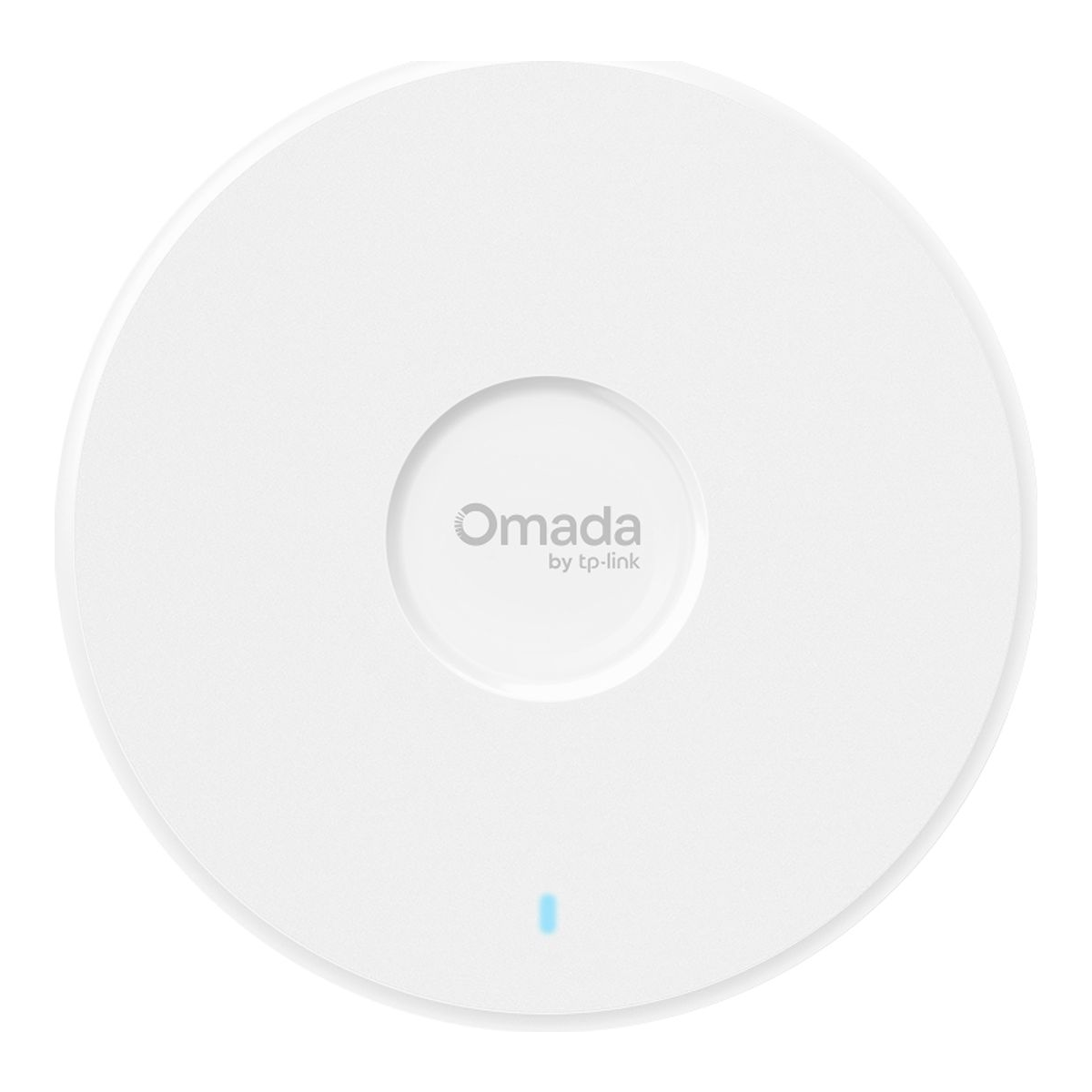
The free Omada Software Controller runs happily in a container, and the EAP works standalone through its own web UI if you have not set one up yet. TP-Link’s datasheet is clear about what the controller adds: Omada Mesh, seamless roaming, and the captive portal all need it, so a single-AP home can skip it and a multi-AP homelab should not. Who it is for: anyone building or refreshing a homelab who wants 6 GHz Wi-Fi 7 without overthinking the purchase. Skip it if you already run 10G switching and want the uplink to match, in which case the EAP773 sibling or the U7 Pro XG below is the better spend. The adapter is not in the box, which is a non-issue on a PoE switch. Expect roughly $160 to $170, and check the current price before buying, since the BE11000 Omada line sits in a competitive band.
2. Ubiquiti UniFi U7 Pro XG: best for the UniFi ecosystem
If you want the UniFi experience, the topology map, the client insights, one clean pane for the whole network, the U7 Pro XG is the access point to buy. It is tri-band Wi-Fi 7 with 6 GHz and 320 MHz, PoE+ at a 22 W maximum draw, and a 10GbE uplink that also negotiates 5, 2.5, and 1GbE, so it works on the 2.5G switch you own today. It drops into a self-hosted UniFi Network controller that costs nothing to run. It took this slot from the plain U7 Pro, which has no new stock on Amazon US: the XG keeps the same tri-band layout, swaps the 2.5GbE port for 10GbE, and Ubiquiti lists it only $10 higher.
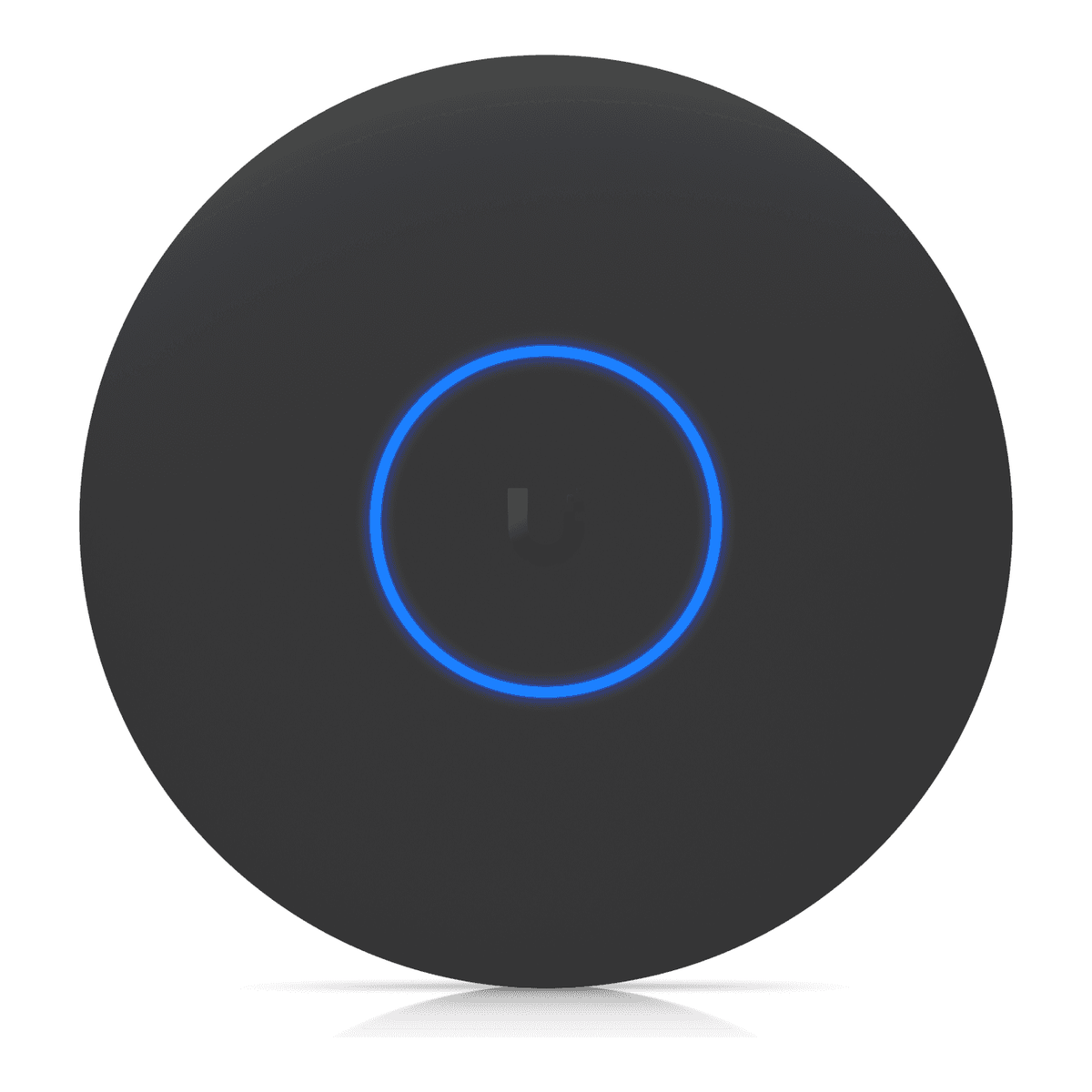
One buying note that saves money: Ubiquiti lists it at $199 on store.ui.com, and the current US surcharge brings checkout to about $219. On Amazon the black version sells new at roughly $245 to $260 with thin stock, and UniFi listings there are a mix of first-party, third-party, and renewed sellers, so check the seller and the “new vs renewed” label before you add to cart, or just buy direct. The 10G port only pays off if the switch on the other end has a 10G or multi-gig port to give it, and a Wi-Fi 7 AP will rarely saturate 10G over the air anyway. A multi-gig managed switch is the natural partner. If you are in Omada rather than UniFi, the Omada EAP773 is the same idea, tri-band Wi-Fi 7 with a 10GbE port, at around $190, though it wants 802.3bt PoE for full 6 GHz power. Who it is for: anyone already in or leaning into UniFi. Skip it if you want your Wi-Fi to keep working the same way with the controller permanently powered off, because UniFi is built controller-first. Once an AP is adopted it does keep broadcasting if the controller reboots, but standalone-first operation is a limited mobile-app mode, not a full local UI.
3. Grandstream GWN7672: best free, no-cloud controller
Grandstream is the quiet answer to the homelabber who does not want a cloud account or a separate controller box at all. The GWN7672 is a tri-band BE11000 Wi-Fi 7 AP that runs a free controller embedded in the AP itself, where one unit can manage up to 50 GWN APs, and it also self-hosts the free GWN Manager if you outgrow that. Grandstream’s GDMS cloud is free too, if you ever want remote access. No license, no per-device fee on any of the three.
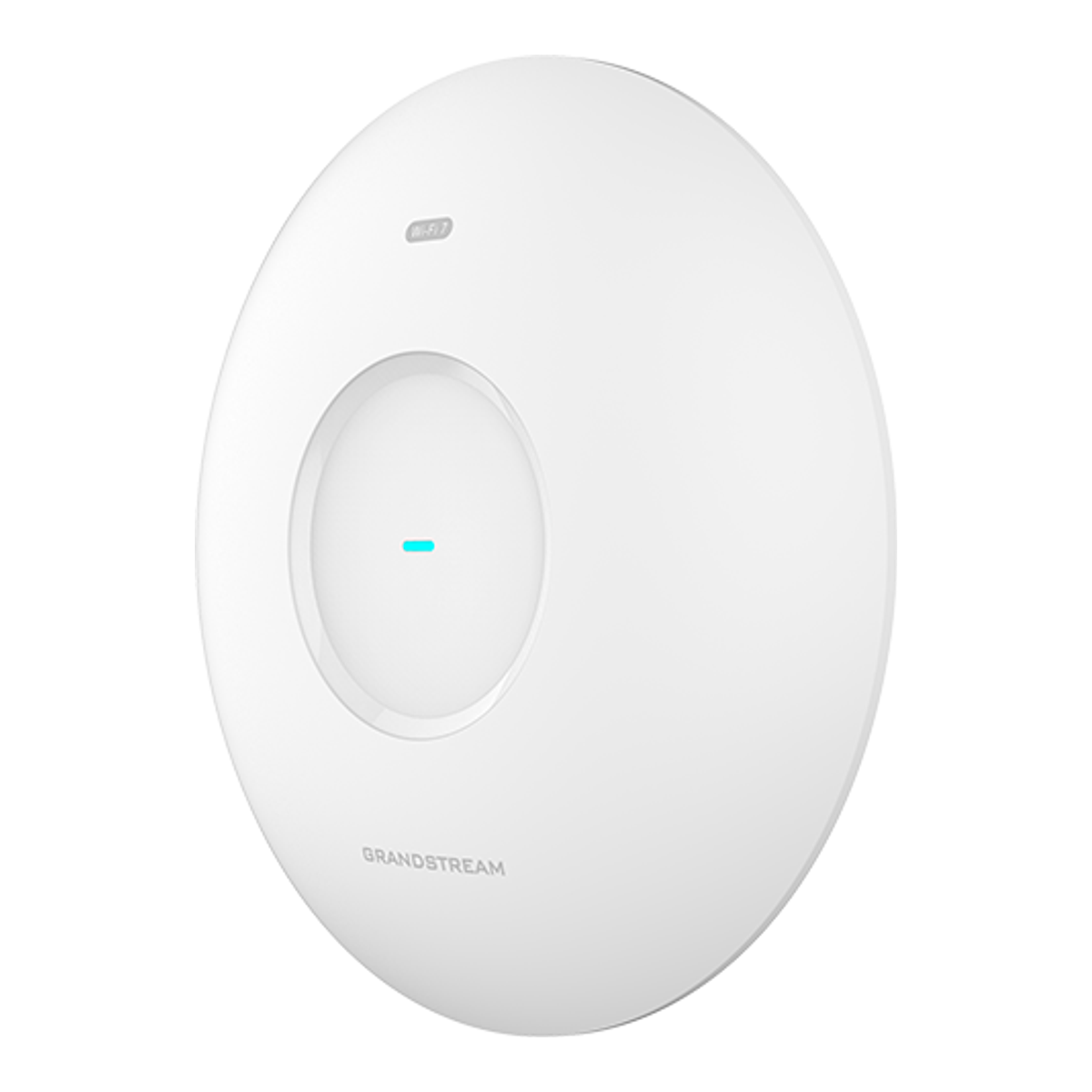
The other standout is the pair of 5GbE ports, which is unusual at this price and useful for a wired backhaul or a link-aggregated uplink. Who it is for: the self-hosting purist who wants real Wi-Fi 7 and refuses to depend on anyone’s cloud. Skip it if you are already invested in Omada or UniFi switches and want one vendor for the whole stack, since mixing brands means running a second controller. On Amazon it ships from third-party sellers rather than Grandstream itself, at roughly $155 to $165, and in October 2026 the listing takes orders for later delivery rather than shipping from stock, so confirm the seller, the price, and the delivery date before you order.
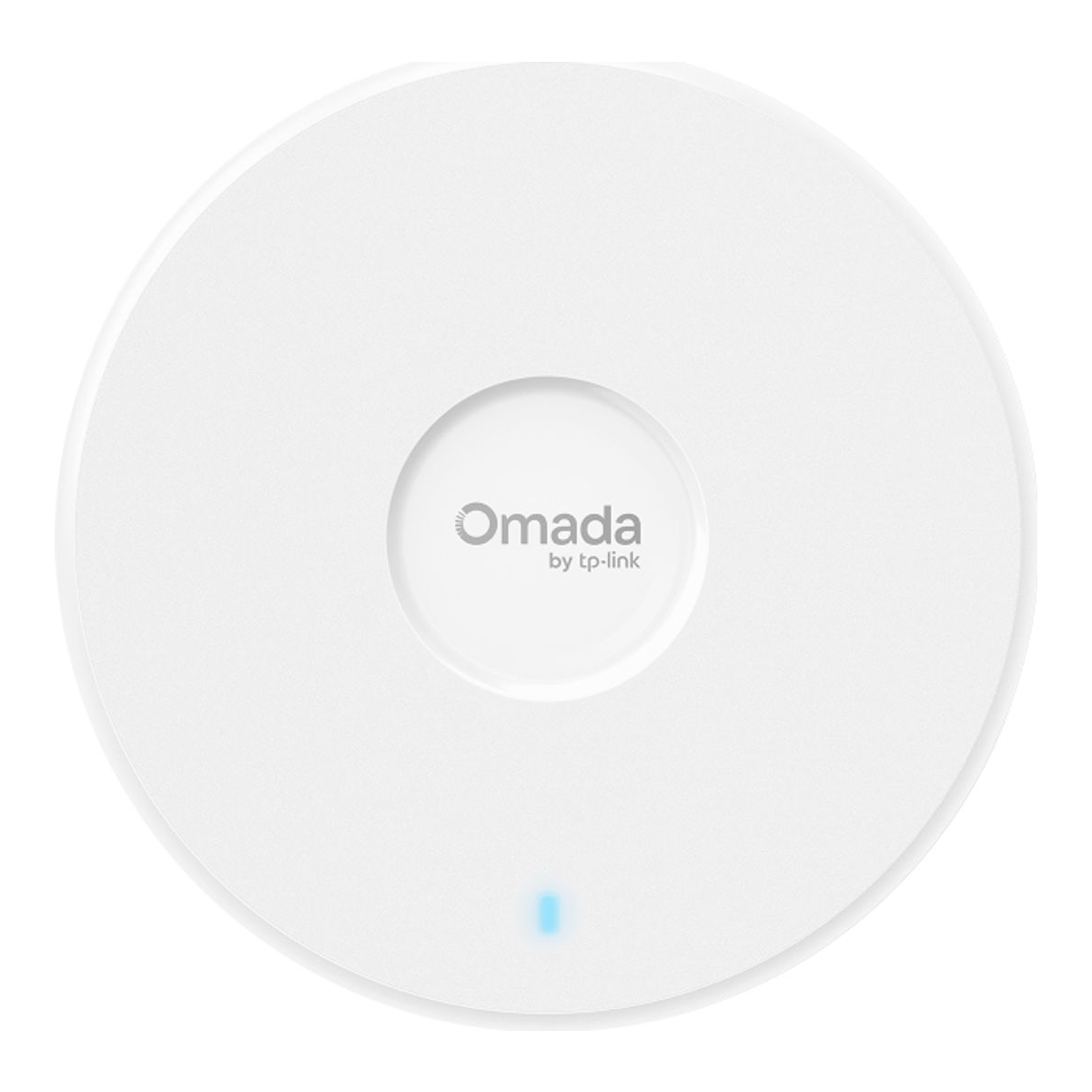
4. TP-Link Omada EAP723: best budget Wi-Fi 7 (with a catch)
Here is the honest budget pick, and the catch is the whole point. The EAP723 is a BE5000 “Wi-Fi 7” AP that is dual-band only. It has 2.4 and 5 GHz radios and no 6 GHz radio at all. You still get Wi-Fi 7 features like MLO and 4K-QAM across the two bands, a 2.5GbE port, and PoE+, at roughly half the price of the tri-band models. It is a genuinely good cheap AP and a genuinely bad way to “get Wi-Fi 7” if 6 GHz is what you were after.
Who it is for: covering a garage, a second floor, or an outbuilding where 6 GHz range would be wasted anyway, or filling out a large space on a budget while spending the money on one good tri-band AP where the fast clients live. Skip it if you specifically want 6 GHz and 320 MHz channels, because this box does not have the radio for them. At around $90, and bought knowing exactly what it is, it is a bargain. The Amazon listing currently ships on a later delivery date rather than from stock, so check that before you count on it this week.
5. Zyxel NWA110BE: best for a home with no controller
Not every network needs a controller. If you are putting one Wi-Fi 7 AP in a house, or you want an AP that never asks you to adopt it, the NWA110BE is the cleanest fit here. It is a BE6500 unit with a 2.4 GHz radio and a second radio you set to either 5 GHz or 6 GHz, with 320 MHz channels when that radio runs on 6 GHz. It is built around Zyxel’s NebulaFlex idea: run it standalone from its own full local web UI and CLI, or flip it to Zyxel’s Nebula cloud later with no controller hardware or software to buy.

It took this slot from the tri-band NWA130BE, which is out of stock from Zyxel on Amazon US; the only listing left is an import at more than twice the old price. The trade is the radio layout. The NWA110BE runs 5 GHz or 6 GHz, not both at once, so a one-AP home sets it to whichever band its clients use best. The rest is simple: one 2.5GbE port, PoE+ with a 21.5 W draw on 802.3at, and a USB-C power input if there is no PoE switch in the house. Zyxel sells it directly on Amazon at about $140, which makes it the cheapest AP in this guide that can reach 6 GHz. Who it is for: a home or a small lab that wants Wi-Fi 7 from one or two APs managed like appliances. Skip it if you want a self-hosted controller for a fleet of APs, because Zyxel’s multi-AP management is the Nebula cloud, and every AP in standalone mode is configured on its own.
Wi-Fi 7 access point brands compared
The brand you pick matters more than the individual AP, because you will add APs from the same line for years. Here is how the Wi-Fi 7 access point makers that sell into homes and small labs compare on the thing that decides the fit, which is how you manage them and whether that costs money.
| Brand | How you manage it | Free self-hosted controller | Pick in this guide | Rough price |
|---|---|---|---|---|
| TP-Link Omada | Software controller, OC hardware controller, cloud, or standalone web UI | Yes | EAP772 (2.5GbE) | ~$160 to $170 |
| Ubiquiti UniFi | UniFi Network app, self-hosted or on a UniFi gateway | Yes | U7 Pro XG (10GbE) | ~$200 to $260 |
| Grandstream | Controller embedded in the AP, GWN Manager on-premise, GDMS cloud | Yes, and it can live in the AP | GWN7672 (2x 5GbE) | ~$155 to $165 |
| Zyxel | NebulaFlex: standalone web UI or Nebula cloud | No, standalone or cloud | NWA110BE (2.5GbE, 5 or 6 GHz radio) | ~$140 |
| Netgear | Insight cloud plus local management, one year of the Insight subscription included | No | WBE710 (2.5GbE) | ~$340 |
Netgear’s WBE710 is the outlier worth explaining. It is a capable tri-band AP, but its 5 GHz radio tops out at 2,882 Mbps where the BE11000 units reach about 4,300 Mbps, it costs roughly twice as much, and its fleet management is built around Netgear’s Insight cloud, with one year of the Insight subscription in the box. That is a good trade for a small business that wants vendor support, and a poor one for a homelab. Omada, UniFi, and Grandstream remain the three to choose between if you want one controller for many APs, and Zyxel is the pick when you want none.
Omada vs Grandstream: EAP772 vs GWN7672
These two land at nearly the same price with the same BE11000 radio class, so the comparison comes down to wiring, controllers, and where you buy. The specs below are from each maker’s datasheet.
| Omada EAP772 | Grandstream GWN7672 | |
|---|---|---|
| Radio rates | 5765 (6 GHz) + 4324 (5 GHz) + 688 (2.4 GHz) Mbps | 5765 (6 GHz) + 4320 (5 GHz) + 688 (2.4 GHz) Mbps |
| Ethernet | 1x 2.5GbE | 2x 5GbE |
| Power | 802.3at, 25.4 W max | 802.3at, 25 W max |
| Rated clients | 380+ | 384 |
| SSIDs | 24 (8 per band) | 48 (16 per radio) |
| Free management | Omada Software Controller, standalone web UI | Embedded controller (up to 50 APs), GWN Manager, GDMS cloud |
| Controller needed for | Mesh, seamless roaming, captive portal | Nothing extra, the controller runs in the AP |
| Amazon seller | Amazon.com (first-party) | Third-party sellers |
Pick the Omada if you want a single vendor for the whole stack, since Omada switches and gateways sit in the same controller, and if buying from Amazon itself matters to you. Pick the Grandstream if you want multi-AP management without running any server at all, or if the two 5GbE ports fit a wired backhaul or a link aggregation plan. On raw Wi-Fi the two are effectively a tie, and neither will be the bottleneck for a homelab.
What to look for in a Wi-Fi 7 access point
Tri-band or dual-band?
This is the whole game. A tri-band Wi-Fi 7 AP has a 6 GHz radio and can use 320 MHz channels, which is the clean, wide spectrum that makes Wi-Fi 7 worth buying. A dual-band “Wi-Fi 7” AP has only 2.4 and 5 GHz, caps at narrower channels, and gives you the protocol features without the spectrum. Both Omada and UniFi sell dual-band models under the Wi-Fi 7 name (the Omada BE5000 line and the UniFi U7 Lite), so read the radio list, not the badge. If the datasheet does not list a 6 GHz radio, it is not the Wi-Fi 7 you are picturing.
320 MHz channels only exist on 6 GHz, and your country sets how many
The Wi-Fi Alliance puts 320 MHz channels in the 6 GHz band only, and TP-Link’s EAP772 datasheet says the same. How many of those channels you get depends on where you live. In the US the whole 5925 to 7125 MHz range is open, which fits three non-overlapping 320 MHz channels, though some APs skip part of the band and get fewer (check the datasheet). Europe opens only the lower 5925 to 6425 MHz slice, about 480 MHz, which holds exactly one. For a single AP in a house, one channel is fine. For three or four APs in the same space, it means you will run 160 MHz on 6 GHz anyway to stop them trampling each other, so do not pay extra for a 320 MHz headline you cannot use.
MLO needs support on both ends
Multi-Link Operation lets a client hold links on more than one band at once, spreading traffic across them for throughput and switching between them when one gets noisy. It is the Wi-Fi 7 feature that helps latency most, and it works on dual-band APs too. The fine print on every datasheet here is the same: MLO, 320 MHz, and 4K-QAM require the client to support them as well. A laptop with a Wi-Fi 6E card gets none of it, so check your phones and laptops before you plan around MLO, and check the AP’s release notes for its current MLO status.
How much uplink do you need?
The 6 GHz radio alone on a BE11000 AP has a 5765 Mbps link rate, and real throughput lands well below the link rate, but still far above a gigabit. So 2.5GbE is the sensible floor and matches the multi-gig ports on current homelab switches. A 10GbE uplink is worth paying for only if the switch has a 10G or multi-gig port to connect it to. On a 2.5G switch, the 10G port on an AP is wasted money.
Check the PoE budget, not just the PoE class
PoE+ (802.3at) delivers up to 30 W at the switch port and 25.5 W at the device, according to TP-Link’s own PoE reference. Every pick here runs on PoE+, but look at the datasheet draw in the table above: the tri-band picks pull 22 W to 25.4 W. A tri-band Wi-Fi 7 AP uses nearly a full PoE+ port, so four of them need roughly 100 W of PoE budget before you add a camera. That is where cheap PoE switches with a 60 W total budget fall over. The bigger dual-10G Wi-Fi 7 flagships need PoE++ (802.3bt), so if you ever move up to those, confirm your switch supports bt before you buy. The PoE switch guide for cameras and access points covers switches by total budget, and the PoE explainer covers the classes in depth.
Home or homelab changes the answer
For a home with one AP, the best Wi-Fi 7 access point is the one you set up once and forget: the Zyxel NWA110BE or an Omada EAP in standalone mode, or a Grandstream that manages itself. Two or more APs is where a controller starts to pay off, because roaming, mesh, and consistent SSIDs are the controller’s job. In a homelab, where you want VLAN-tagged SSIDs per network segment and one place to see every client, a controller is the point, so pick the ecosystem first.
The controller is the real decision
The AP is a five-year purchase, and the controller is what you touch every week, so choose the ecosystem first. TP-Link Omada, Ubiquiti UniFi, and Grandstream all self-host a controller for free, and each has its own feel. Omada and UniFi both run cleanly in a container: the walkthroughs for the Omada controller in Docker and the UniFi controller in Docker show what running each actually involves, and a small mini PC or Proxmox host is plenty to run either. Grandstream folds a free controller into the AP itself, which is the lowest-friction option if you never want a separate box. Pick the one you will enjoy managing, then buy that brand’s AP.
Which one should you buy?
For most homelabs, buy the Omada EAP772: real tri-band Wi-Fi 7, a 2.5GbE port that matches a modern switch, and first-party availability that makes the purchase painless. If you want the UniFi dashboard, buy the U7 Pro XG, whose 10G port is ready for the day your switch catches up. If you refuse to depend on anyone’s cloud, the Grandstream GWN7672 gives you a free embedded controller and dual 5GbE ports. For a house that needs one good AP and no controller, the Zyxel NWA110BE is the cheapest way to reach 6 GHz. And if the budget is tight, the EAP723 is a fine cheap AP as long as you buy it knowing it is dual-band and skips the 6 GHz radio entirely. Decide the controller you want to live with first, confirm the AP is genuinely tri-band unless you meant to save money, and match both the uplink and the PoE budget to the switch you actually own.