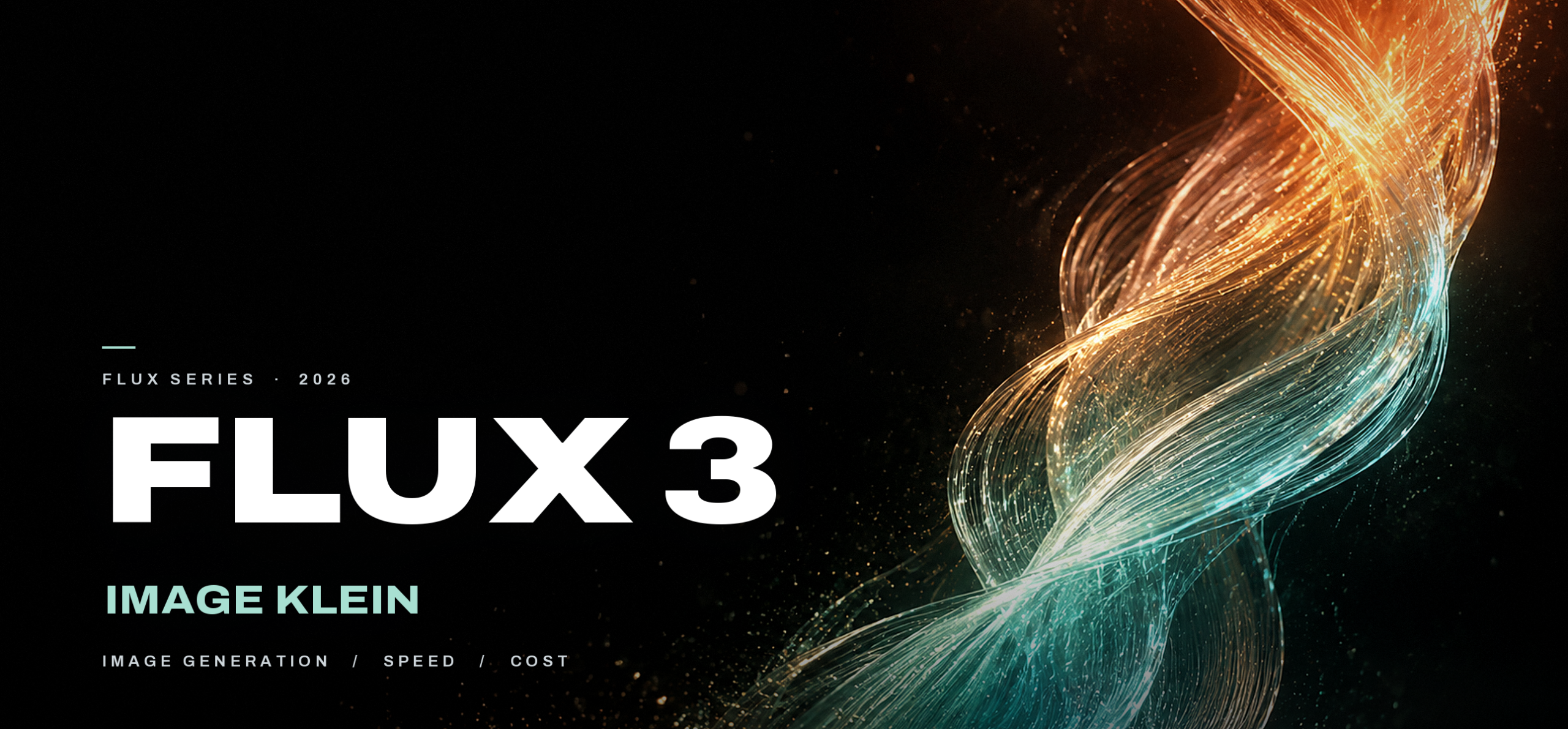
FLUX 3 Image Klein is Black Forest Labs’ 5.6B open-weights image model. It shipped on October 15, 2026, and it covers text-to-image, editing, and multi-reference work in one checkpoint. The distilled weights run on an 8GB RTX card through ComfyUI or Diffusers, output at up to 4K, and cost $0.009 per 1K image through the BFL API.
The launch coverage led with three numbers: 5.6B parameters, 8GB of VRAM, native 4K. All three hold up. Each comes with a condition, and those conditions decide whether the model fits your work. A fourth phrase from the release, “pixel-perfect editing,” deserves a closer look, because the model card describes something narrower.
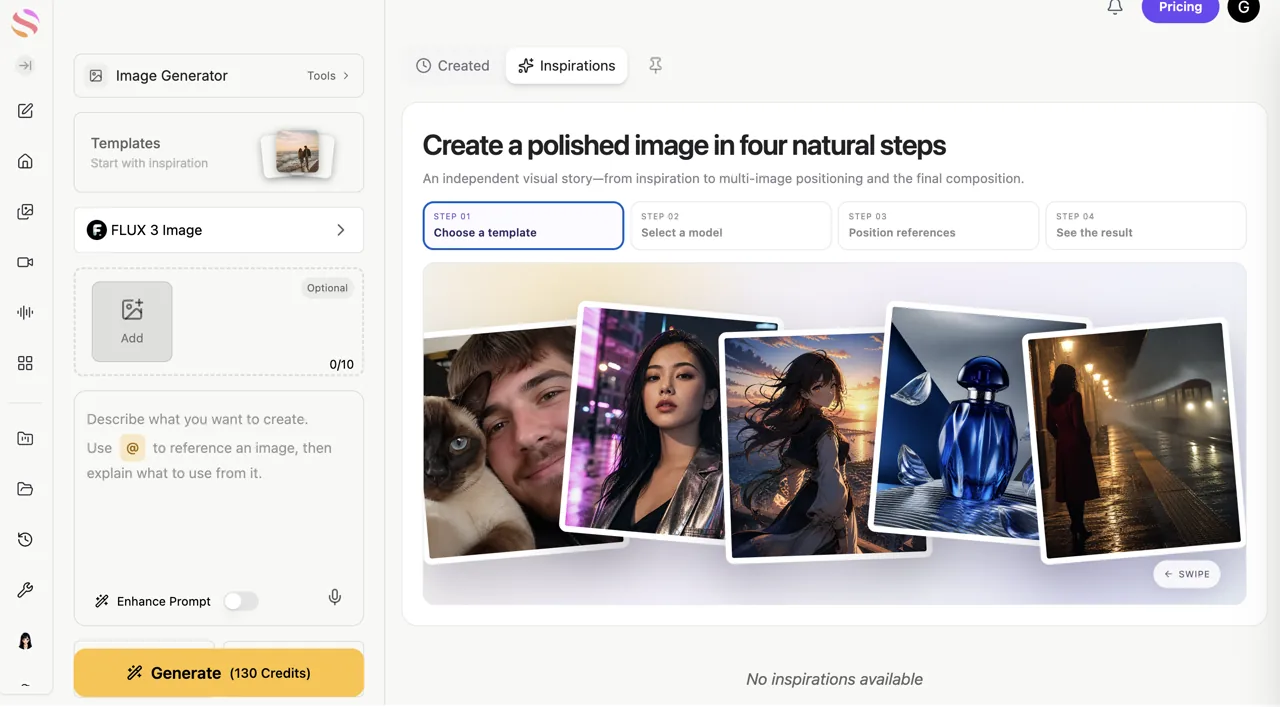
GlobalGPT puts FLUX 3 Image Klein next to GPT, Gemini, and 100+ other models on one subscription, with one prompt box and one bill. Try it in the image generator with your own references, or draft the prompt in GPT first.
How we checked. This review uses BFL’s release post, the Klein model card, the BFL API reference, the pricing page, the FLUX Kommunity License, six official demo pairs, Kingy’s third-party test, NVIDIA’s timing data, and early user reports.
Quick verdict
What is FLUX 3 Image Klein?
BFL ships two checkpoints. The distilled model runs 16 steps with no guidance, and it is the version behind the API. The base model keeps 50 steps and CFG 3.5 for fine-tuning, LoRA training, and research. Both use Qwen3-VL-4B-Instruct as the text encoder, which is licensed under Apache-2.0.
Klein means “small” in German. The name fits the parameter count, and the feature list reads like the flagship’s. Some posts shorten it to FLUX 3 Klein. Three similarly named models circulate in posts and comments, so start with the differences:
| Model | Status | 1K image |
|---|---|---|
| FLUX 3 Image | Closed flagship. API and Playground. | $0.048 |
| FLUX 3 Image Klein | Open weights, plus API access. | $0.009 |
| FLUX.2 [klein] 9B | Previous generation, open weights. | Platform-dependent |
Why 5.6B keeps up
Klein inherits the FLUX 3 training stack, which mixed image, video, and audio data. Images teach spatial detail, video teaches motion and physics, audio teaches events and interactions. A model trained on richer signals needs fewer parameters to hold the same knowledge. BFL’s internal tests place it ahead of 7B Qwen-Image 2.1 and 12.9B Krea 2, with two closed models behind it in the same chart.
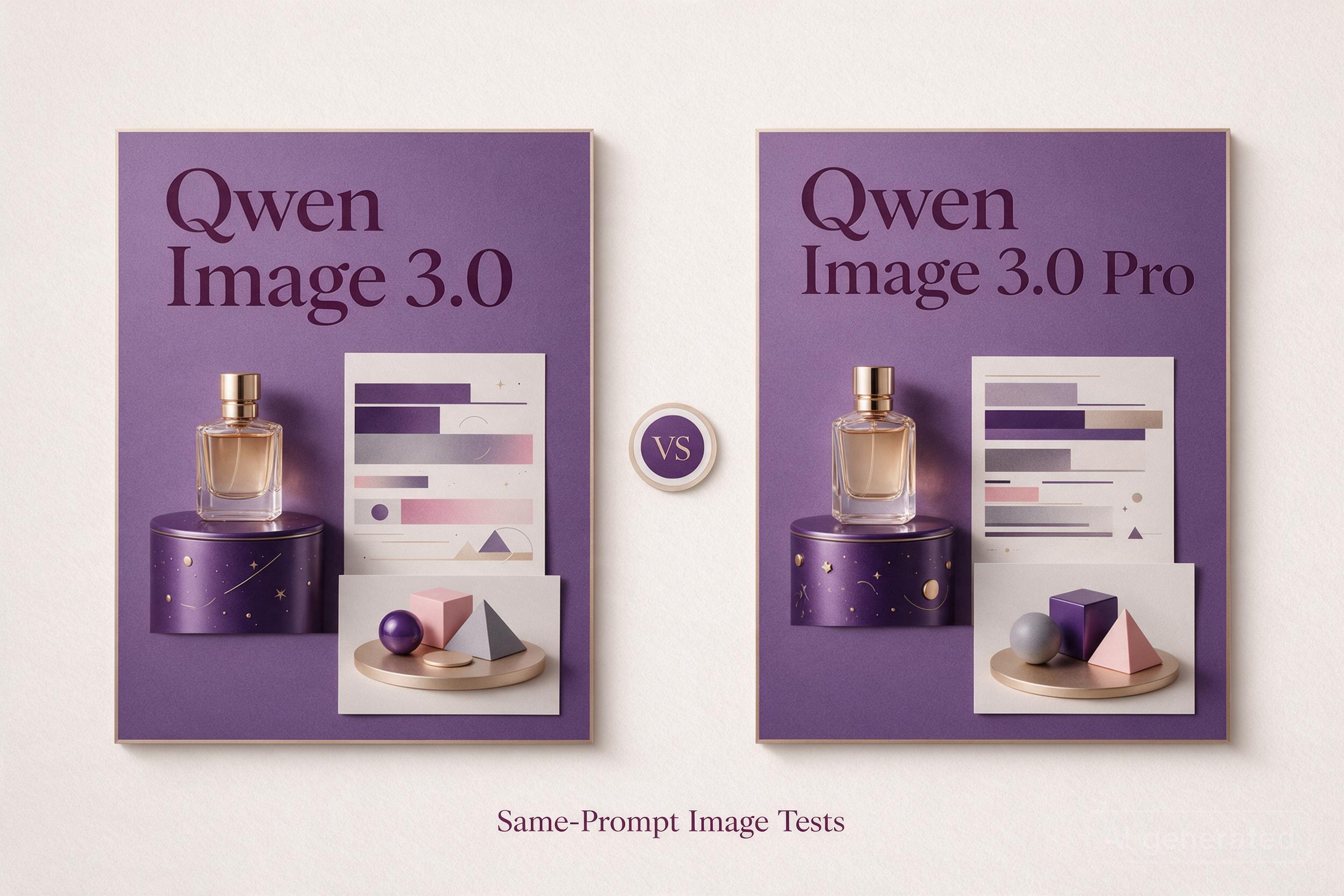
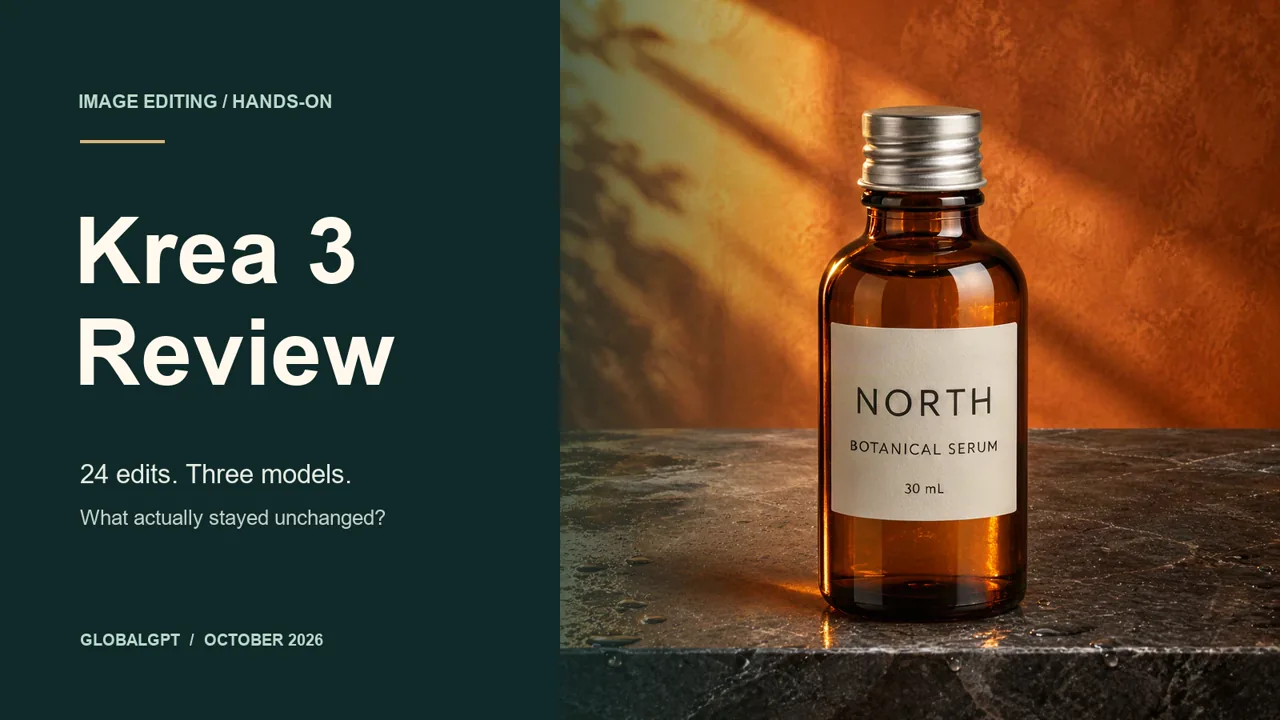
Both rivals have shipped since. Our Qwen Image 3.0 vs Pro comparison and Krea 3 review cover what changed, and where the open-weights gap still sits.

Spec sheet
| Spec | Detail |
|---|---|
| Image transformer | 5.6B, flow-matching architecture |
| Text encoder | Qwen3-VL-4B-Instruct, about 4B extra parameters |
| Prompt upsampler | Separate 9B model, 18.8GB download, on by default in the reference code |
| Checkpoints | Base: 50 steps, CFG 3.5. Distilled: 16 steps, no guidance |
| Weights | BF16 11.2GB, FP8 5.6GB, NVFP4 build available |
| Inputs | Text plus up to 10 reference images |
| Output | 768sq to 4K, 15 aspect ratios, 16.8 MP cap |
| License | FLUX Kommunity License v1.0 |
What it can do
One checkpoint covers text-to-image, editing, and multi-reference work, and it outputs up to 4K on its own. Two years ago that stack meant three tools in ComfyUI: a base model, an inpainting model, and an upscaler.
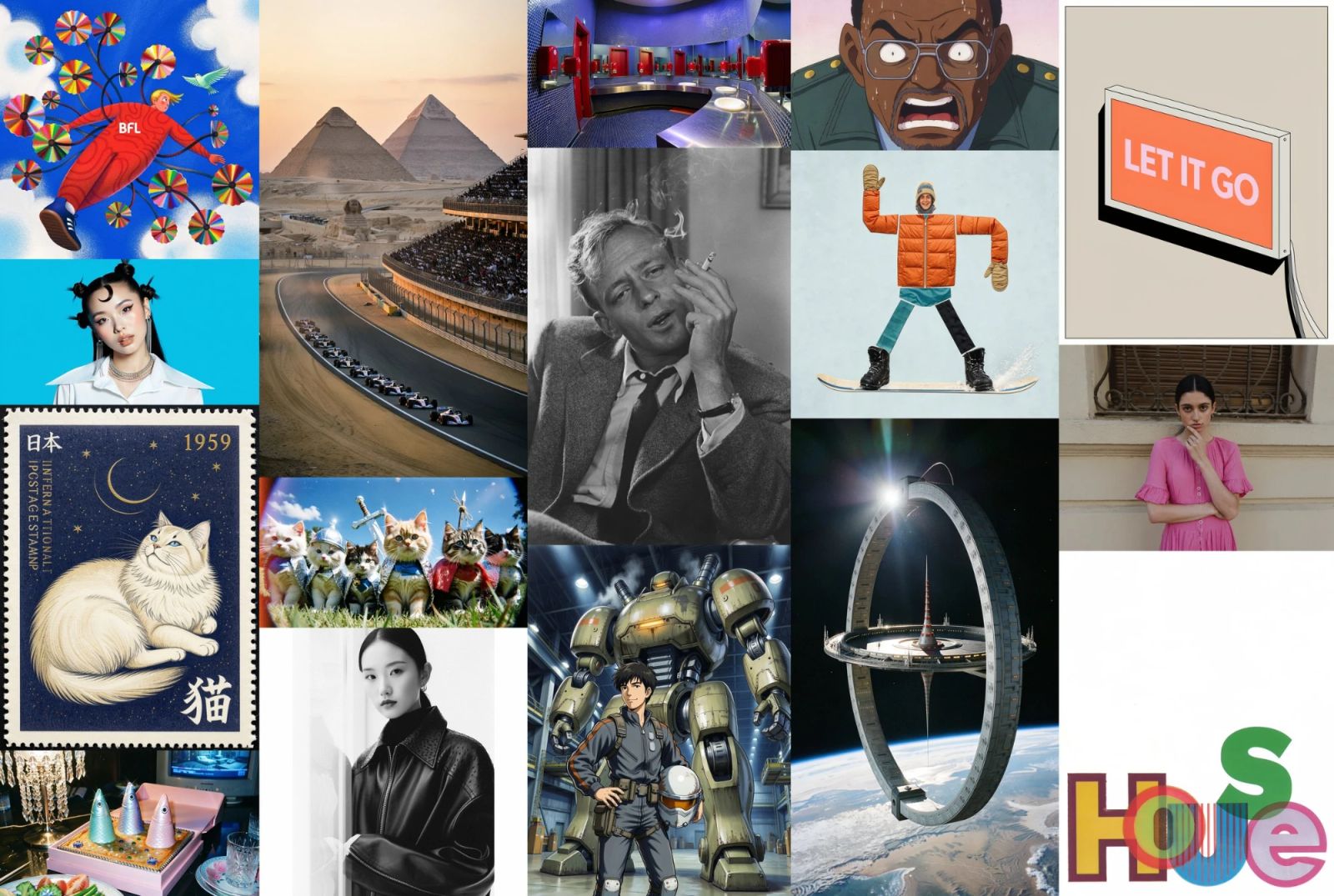
A full scene caption becomes a finished frame. Good for ad concepts with clean copy space.
One instruction, surroundings preserved within limits. Recolor a label and keep the bottle.
Up to 10 images, each with a defined job. Product from image 1, set from image 2.
Placement and scale on a 0–1000 grid. Reserve the right third for a headline.
Short strings inside the image. Packaging names, poster titles.
Native 4K up to 16.8 MP. A hero image no longer needs a second upscaler.
How to run it
Open the BFL Playground or the Hugging Face Space. Nothing to install, which makes it the fastest way to judge the model on your own subjects.
ComfyUI 0.41.1 or newer, or Diffusers. Weights are gated on Hugging Face. Use the INT8 build for an 8GB card and the distilled checkpoint for speed.
Same distilled checkpoint, billed per image. The right route for batches, scheduled jobs, and teams that do not want to manage GPUs.
- ComfyUI 0.41.1 or newer, or the Diffusers pipeline. Both also need the Qwen3-VL text encoder and the FLUX.2 VAE.
- The weights are gated on Hugging Face. Sign in and accept the license before the first download.
- Use the INT8 build on an 8GB card. Reach for FP8 or BF16 once you have 16GB or more.
A request takes a prompt, optional reference images, an aspect ratio, and a resolution tier. The body is short:
{
  "prompt": "Matte cobalt bottle on a stone shelf, soft side light, empty right third",
  "aspect_ratio": "3:2",
  "resolution": "1k",
  "steps": 16,
  "output_format": "png"
}
Field names and the current endpoint live in BFL’s API reference. Resolution accepts 768sq, 1k, 1.5k, 2k, and 4k; steps cap at 16 on the distilled model. Prefer a browser? The GlobalGPT image-editing guide covers the hosted route.
“Do not use the model without a prompt upsampler.”
Klein expects a full scene caption: framing, subject, light, style. Send a one-liner without the upsampler and the result looks flat. BFL’s upsampler is a separate 9B model, an 18.8GB download that the reference code loads by default, and it rewrites short prompts into full captions. You can also run any LLM with BFL’s system prompt and paste the caption in.
What the official demos show
BFL published six edit pairs. Each one demonstrates a different edit type. Read them as a coverage list, and note the failure mode each pair leaves untested.
| Original → edit | What it demonstrates | What it leaves untested |
|---|---|---|
| Summer street → snow | Global relight and material change; snow reads as surface, not overlay | Whether the product in frame stayed identical |
| Waterfall → ice columns | Physics and transparency on a large moving subject | Fine spray detail after a 4K export |
| Dog → red bandana | Small object added with a believable attachment point | Consistency at a new angle or on a second dog |
| Tree-lined lot → desert road | Full scene replacement with matching perspective | Paint, wheels, and trim on a real vehicle |
| Dune → camels added | Subject insertion with contact shadows | Exact count and placement on request |
| White sail → red stripes | Color and pattern that follow a curved surface | An exact hex match for brand colors |
The pattern is consistent. Klein handles whole-scene recalculations and single additions well. Exact preservation is the part to verify on your own files.
Three prompts that test the claims
Run each at 1K, then inspect the result at 200%. These checks separate a good demo from an output you can invoice. Our guide to improving AI image generation accuracy goes deeper on the same failure modes.
“Studio product photo, 3:2. A matte cobalt glass bottle on a pale stone shelf, soft light from the left, the right third of the frame empty. The label reads NORTH in small caps. No props, no hands, no watermark.”
Check: letter spacing in NORTH, the geometry of the cap, and whether the empty third stayed empty.
“Minimal poster on warm paper. Headline FIELD NOTES <title_1>, subline OPEN 10.31 <sub_1>, a stack of books and an enamel cup <goods_1>, empty space for a QR code <qr_1>. Soft side light, fine paper texture, no other text.”
Check: each element sits in its box, glyphs are complete, and the reserved area stays clean.
“Use image 1. Change only the sign background to deep green (#1F3A32). Keep the lettering, font, spacing, and position. Keep the building, sky, people, camera angle, light, and framing unchanged. Return the same size and ratio.”
Check: the edges of the sign, the strokes of each letter, and the wall texture just outside the sign.
Benchmarks and early results
BFL’s release numbers are strong. Each one comes from a specific test setup, and the setup changes how much weight it carries.
| Claim | Source | What to keep in mind |
|---|---|---|
| +91 Elo text-to-image, +70 Elo editing over FLUX.2 [klein] 9B, with 38% fewer parameters | BFL internal evaluation | Vendor run; the baseline is the previous model, not a rival |
| 24 of 32 outputs passed four checks | Kingy test on Fal | Prompt expansion off, automatic scoring; not a general success rate |
| 4.54s text-to-image, 7.18s editing at 1MP | BFL API | End-to-end on their servers, including queueing |
| About 4s on an RTX 5090, under 9s on an RTX 4070 | NVIDIA | 1MP, INT8, distilled, 16 steps |
Early user reports point in two directions. Distilled builds finish a local image in roughly 13 seconds on one setup, though the report did not list the card, resolution, or settings. Some users posted missing fingers and broken limbs; a reply traced at least one case to an early ComfyUI workflow bug that BFL was fixing.
A community blind test covering 200 editing tasks put Klein at 6.93 against 7.20 for a closed competitor, with a cost per image about one-fifth as high. Separate comparisons keep landing on the same split: Krea 2 and Qwen-Image 2.1 hold up better on faces and skin, and Klein follows layout instructions more closely.
One timing detail matters here: “beats Qwen-Image 2.1” was true on October 15. Qwen has since moved to Image 3.0, which is available as a hosted API with no verified open weights. Klein won against the previous generation.
Pricing
BFL charges by output size. Text-to-image and editing share the same rate, and reference images add nothing.
| Tier | Pixels | Per image | 100 images |
|---|---|---|---|
| 768 × 768 | 0.6 MP | $0.008 | $0.80 |
| 1K | 1 MP | $0.009 | $0.90 |
| 1.5K | 2 MP | $0.011 | $1.10 |
| 2K | 4 MP | $0.014 | $1.40 |
| 4K | 16 MP | $0.036 | $3.60 |
Cost per 100 images
At 4K, 100 images cost $3.60. The closed flagship charges $60.70 for the same batch. That gap moves 4K from a hero-image budget to a batch budget.
Two billing details matter for planning. BFL does not charge for rejected requests, failed generations, or outputs blocked by moderation. Price per usable image matters more than price per image: at a 3:1 draft ratio, a 1K keeper costs about $0.027.
Local GPU reality
The 8GB claim is real, with three qualifiers: the INT8 build, ComfyUI or Diffusers, and a 1MP image. The 8GB figure covers inference on a 1MP image. It does not cover 4K output, the upsampler, or training. Plan for 31GB for the reference pipeline at full precision, and closer to 60GB if the upsampler runs alongside it.

License
The FLUX Kommunity License allows free commercial use of outputs for individuals and companies with less than $5M in annual revenue, including affiliates. The exception applies to generated images.
| Use | Status | Detail |
|---|---|---|
| Commercial output under $5M revenue | Allowed | Subject to the license terms |
| Research and non-commercial use | Allowed | Standard terms apply |
| Commercial fine-tuning | Needs license | Separate agreement with BFL |
| Distributing the weights | Needs license | Separate agreement with BFL |
| Hosting a paid API on the weights | Needs license | Separate agreement with BFL |
| Military, surveillance, biometric use | Prohibited | Section 4 of the license |
Above the revenue line, BFL sells open-weights licenses with fine-tuning and LoRA rights. The pricing page lists Builder, Platform, Professional, and Enterprise tiers, each with an image allowance and a domain limit. Compare those terms with the API bill before you pick a route.
Strengths and limits
- ✓Layout control through the 0–1000 grid
- ✓Scene replacement and global relighting
- ✓Cost per image at every tier
- ✓Local, offline operation on one consumer card
- ✓Prompt following on complex layouts
- ✓Fine-tuning on the base checkpoint
- !Faces and hands are the weakest area in community comparisons
- !Small text and dense type still need a proofread
- !Edits can drift outside the requested box
- !8GB covers 1MP inference, not 4K or training
- !Short prompts return generic images without the upsampler
- !Commercial fine-tuning needs its own license
Who should use it
Season changes, scene swaps, and SKU variations at $0.009 a draft. Review the product edges, then approve.
Poster and banner layouts with reserved copy space. The grid does the work that prompt wording used to do.
Unreleased products and client material can stay on your own GPU with an 11.2GB download.
Pick another model for portraits, digital doubles, or fashion campaigns. Krea 2 and Qwen-Image 2.1 hold up better on skin and anatomy in the comparisons we read. Transparent product assets point to Qwen-Image 2.1, which outputs RGBA. Campaign work that needs dense, exact typography still belongs with a closed flagship.
FAQ
How much does FLUX 3 Image Klein cost per image?
$0.009 for a 1K image through the BFL API, $0.036 at 4K, and $0.008 at 768 square. Reference images add no charge, and failed generations are not billed.
Can it really run on an 8GB GPU?
Yes, with the INT8 build through ComfyUI or Diffusers at a 1MP output size. The reference implementation at BF16 peaks near 31GB, and the prompt upsampler adds about 28GB on top.
Can I use the outputs commercially?
Yes, if your annual revenue including affiliates is under $5M. Commercial fine-tuning, weight distribution, and paid hosting need a separate license from BFL.
Does it output native 4K?
4K is an output tier with a 16.8MP cap, priced at $0.036 per image. Resolution does not fix a misspelled word or an extra hand, so check content before you export.
Why do my images look generic?
The model expects a full scene caption. A one-line prompt sent as typed produces flat results. Run BFL’s upsampler, or write a caption that covers framing, subject, light, and style.
How many reference images can I use?
Up to ten in one request. Give each image a job in the prompt, such as product, set, light, and style. References anchor content; they do not lock structure.
Which checkpoint should I fine-tune?
The base checkpoint, at 50 steps and CFG 3.5. The distilled model is built for generation speed and is the wrong starting point for training.
How does it compare with Qwen-Image 2.1?
Klein wins on layout control, edit cost, and commercial terms. Qwen-Image 2.1 wins on skin, anatomy, and transparent output. Qwen has also released Image 3.0 as a hosted API, so the generation gap has moved.
Verdict
FLUX 3 Image Klein makes control cheap. The 0–1000 grid turns layout into a number, ten references let you reuse approved assets, and 4K costs $0.036 a frame. For catalog work, poster systems, and batch drafts, that combination pays for itself in a week.
The limits are specific and easy to test. Faces and hands need a second look, small type needs a proofread, and the box is a guide rather than a mask. Budget time for review, and the model holds up.
Start in the Playground with one product prompt and one single-change edit. If both pass at 200%, download the weights or wire up the API. If the face is the product, pick a different model.