Agencies should buy around the handoff they sell. A product-concept studio needs reference control and fast creative branches; a localization shop needs editable scripts and rights; a corporate-video team needs repeatable presenters, reviewers and predictable exports. The same feature list can be excellent for one agency and irrelevant to another.
This comparison therefore uses six different roles: GlobalGPT for mixed brief-to-media work, Runway for shared generative production, HeyGen for presenter-led localization, Synthesia for structured business video, Adobe Firefly for Adobe-centered visual work, and Descript for transcript-first editing. The shortlist is intentionally about agency operations, not a generic list of video generators.
Before comparing vendors, write down one real brief, its source material, aspect ratios, review rounds, languages, delivery date and rights constraints. GlobalGPT is the best overall starting point here because the same subscription can move from the brief to images, video and voice, while Yukie and Canvas retain the reasoning and reference context. It still needs a human approval and delivery step.
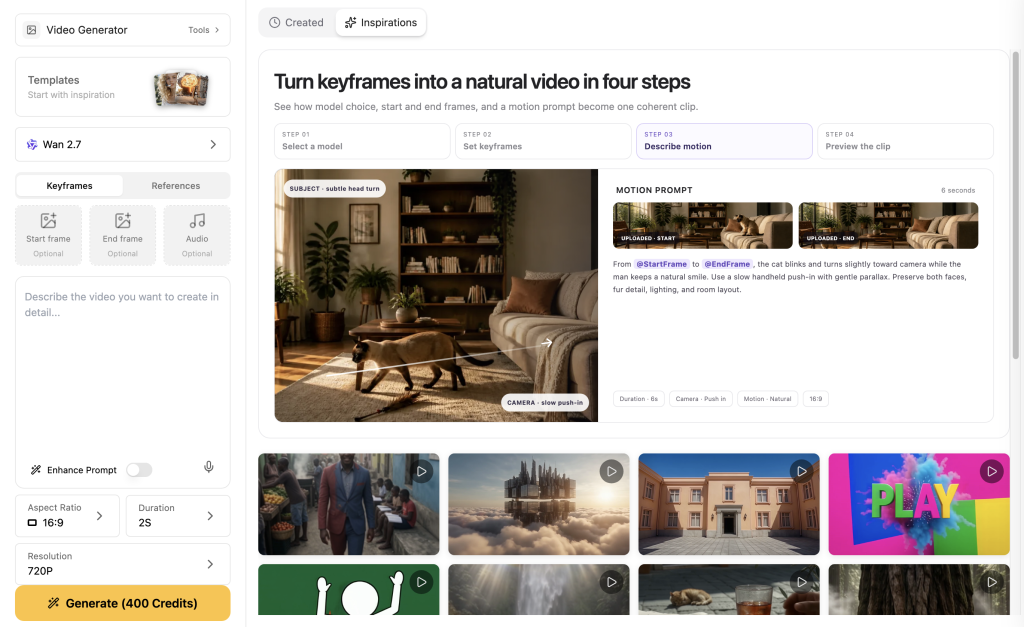
Agency comparison: start with the recurring job
| Recurring agency job | Best first trial | What it covers | Decision risk to check |
|---|---|---|---|
| Mixed product, social and audio work | GlobalGPT | Brief, text, image, video, audio, Yukie and Canvas | Credits, model access and whether final assembly stays external |
| Shared generative shots and visual review | Runway Team | Generative models, pooled credits, shared projects and comments | Seat minimum, data terms and plan-specific controls |
| Presenter ads and language versions | HeyGen | Avatar, voice, translation and script review | Commercial tier, likeness rights and language quality |
| Training and repeatable explainers | Synthesia | Templates, reusable avatars and personalization | Consent, plan limits and enterprise governance |
| Adobe-heavy post-production pipeline | Firefly | Text/image-to-video, first/end frames and Adobe handoff | Credit system, model availability and commercial-use conditions |
| Interviews, podcasts and talking-head edits | Descript | Transcript editing, AI co-editor and media cleanup | Export workflow, speaker rights and limits on AI features |
A platform wins procurement only when a representative job survives review. Test the last 20 percent: the second client revision, the caption export, the rights record, the mobile crop and the person who has to reopen the project next week. A ten-second demo that cannot be handed over is not agency efficiency.
GlobalGPT: overall best for mixed agency briefs
GlobalGPT’s practical advantage is the connected workload: a team can refine the audience and claims with text models, make product references with image tools, generate motion, add narration and keep the rationale in Yukie or Canvas. That reduces repeated brief transfer between specialist tools. It does not claim that one click replaces editing, fact checking or client approval.
The monthly page checked October 24 displayed promotional Basic, Pro and Unlimited cards at $8.90, $15 and $37 with 12,000, 20,000 and 52,000 credits. Those are displayed offers, not guaranteed renewal prices. Unlimited applies only to marked models and premium video can still consume credits; quote the exact model and output before putting a number in a client estimate.
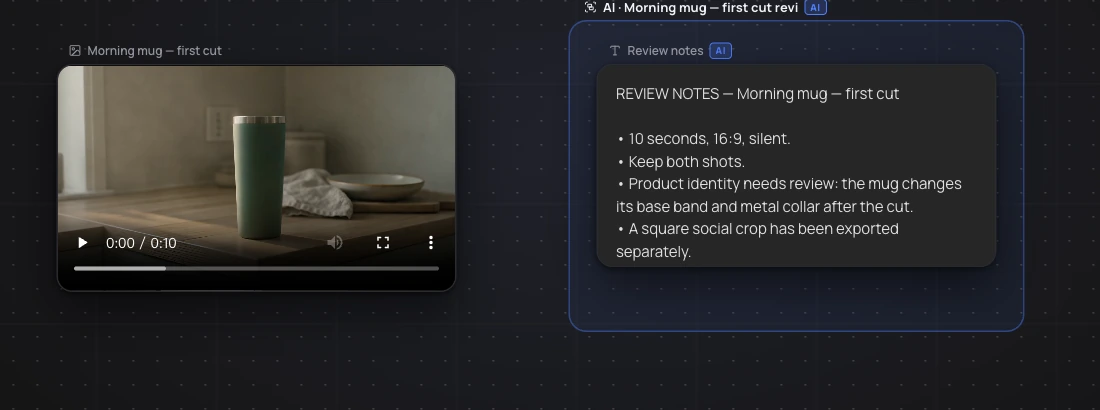
For an agency, Canvas is most useful when the review note is specific: “retain the product silhouette; change the crop only” gives the next operator a bounded revision. Treat exploratory branches, selected masters and rejected outputs as different states. Formal SSO, client-isolated permissions and legal sign-off were not verified in this test, so confirm them separately if a contract requires them.
Runway: best for shared generative production
Runway is the specialist to test when several creatives need to work on the same generative project. Its Team workspace brings shared projects, references, frame comments, mentions and pooled credits into the review loop. That is a different value proposition from a broad multi-model subscription: the bottleneck it addresses is collaboration around generated footage.
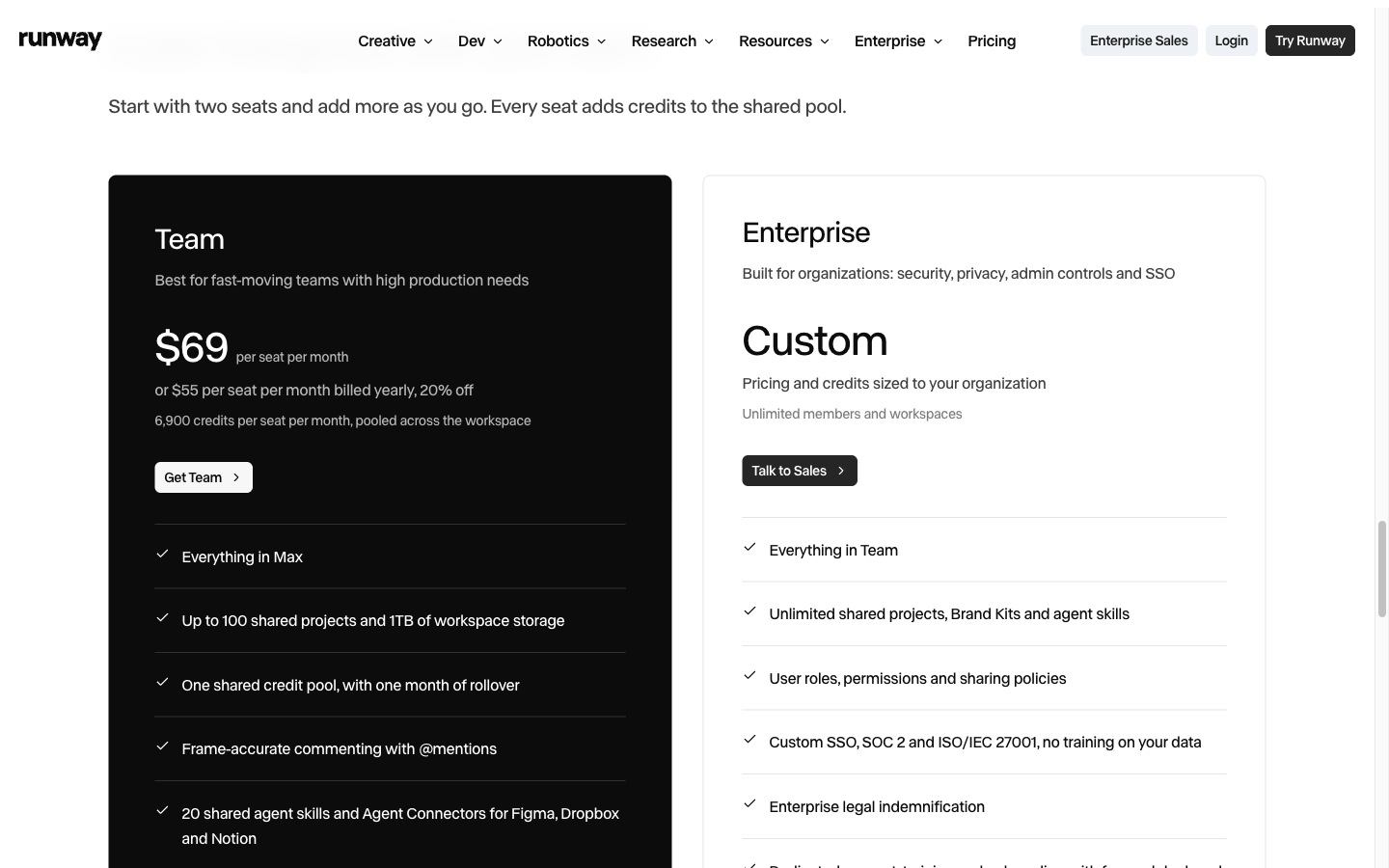
The checked Team offer listed two to nine seats at $69 per seat monthly or $55 per seat with annual billing, with a two-seat minimum, 6,900 credits per seat, one-month rollover, 100 projects and 1 TB storage. The useful unit for an agency is therefore a shared team allowance, not a solo headline price.
Runway’s commercial terms and Enterprise protections need separate review. If the client requires SSO, a no-training commitment or a detailed role boundary, do not infer that from the Team card. Choose Runway when shared generative review is recurring; keep the decision tied to the controls your contract actually needs.
HeyGen: best for presenter-led localization
HeyGen fits an agency whose repeatable deliverable is a presenter: sales explainers, spokesperson ads, onboarding and language variants. Its current offering extends beyond avatars, but the recurring production advantage remains the editable speaker workflow. Use the official translation route to inspect wording before a language version is accepted.
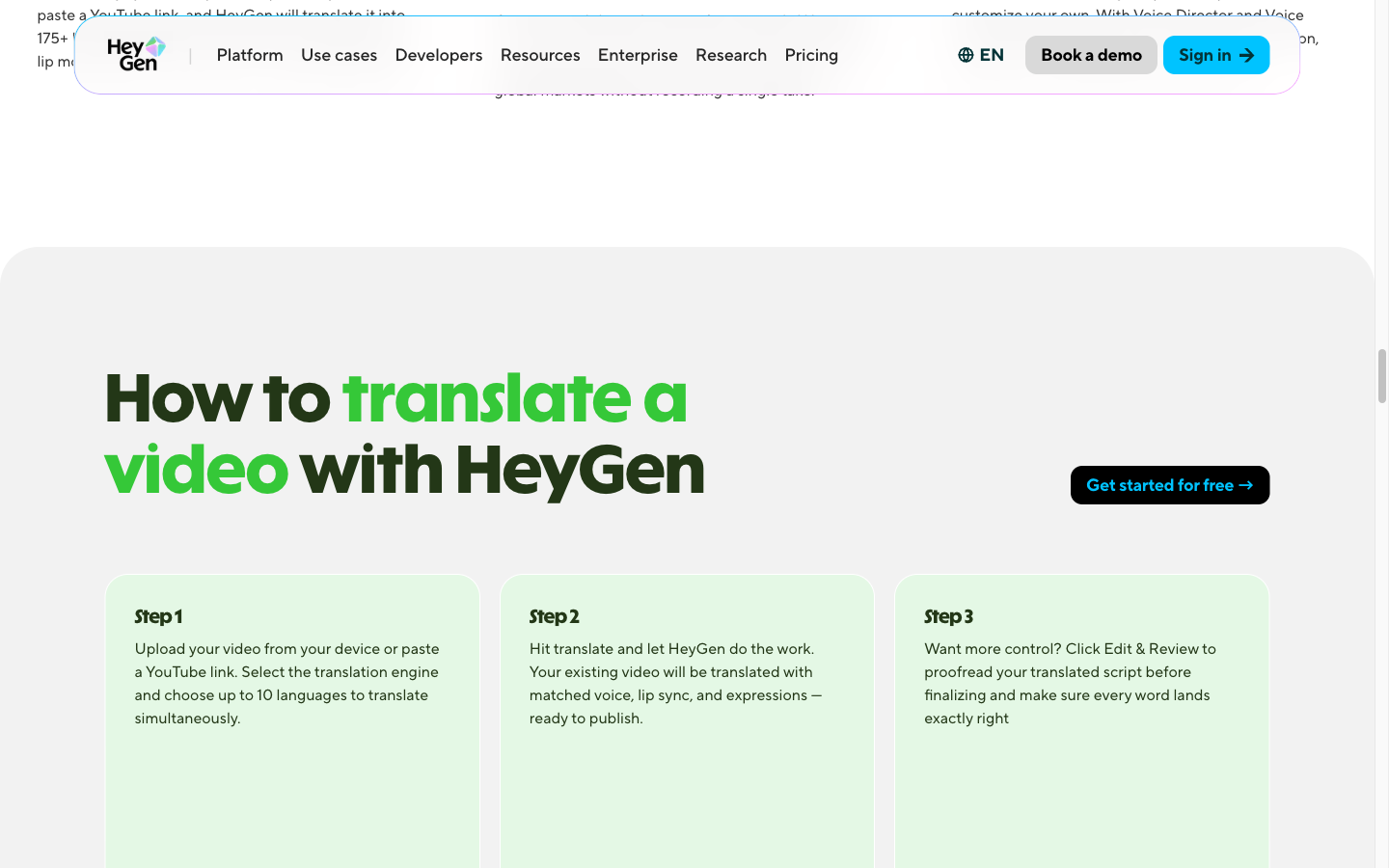
The public monthly cards checked showed Creator at $29, Pro from $49 and Business at $149 plus $20 per extra seat. Compare the actual seats, language volume and review features you need. The Free route is for evaluation and should not be treated as an automatic client-ad license; confirm commercial use, likeness permission and input rights.
Synthesia: best for structured business video
Synthesia is a better fit when the agency sells training, internal communications or repeatable presenter explainers. Its templates, personalization and reusable avatars make controlled updates easier than a new cinematic generation for every brief.
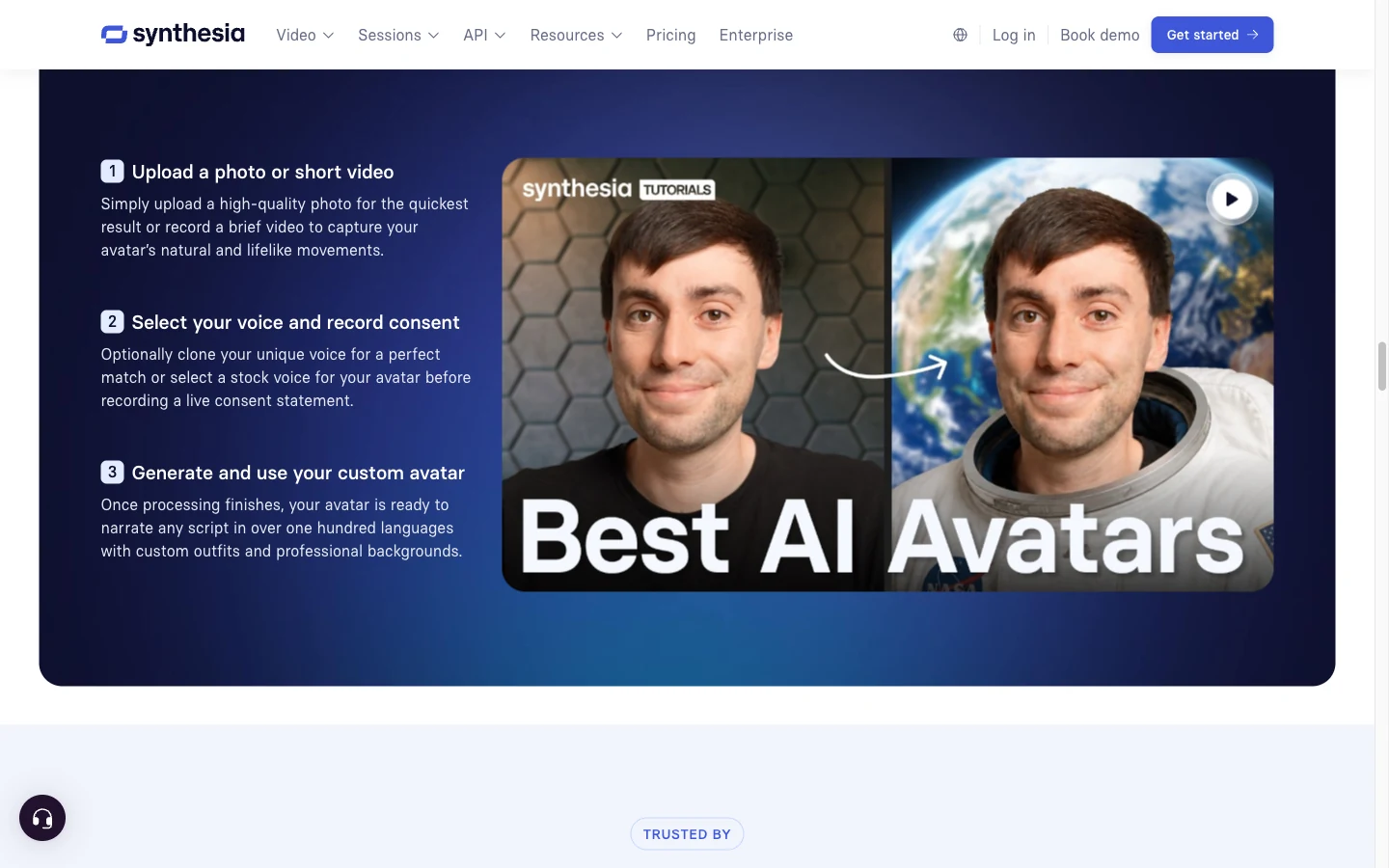
The public monthly examples checked were $29 for Starter and $89 for Pro. The important checks are plan-specific editing, collaboration, usage limits and whether the avatar permission covers the intended client placements. A spreadsheet of names around a fixed template is not the same as a batch of accurate new product demonstrations.
Adobe Firefly: best for Adobe-centered visual production
Adobe Firefly belongs on an agency shortlist when the post-production team already lives in Adobe. Its official video generator accepts a prompt or image, exposes first-frame and end-frame controls, and is designed to hand work into the wider Adobe ecosystem. That makes it useful for b-roll, transitions and visual concepts that will be finished elsewhere.
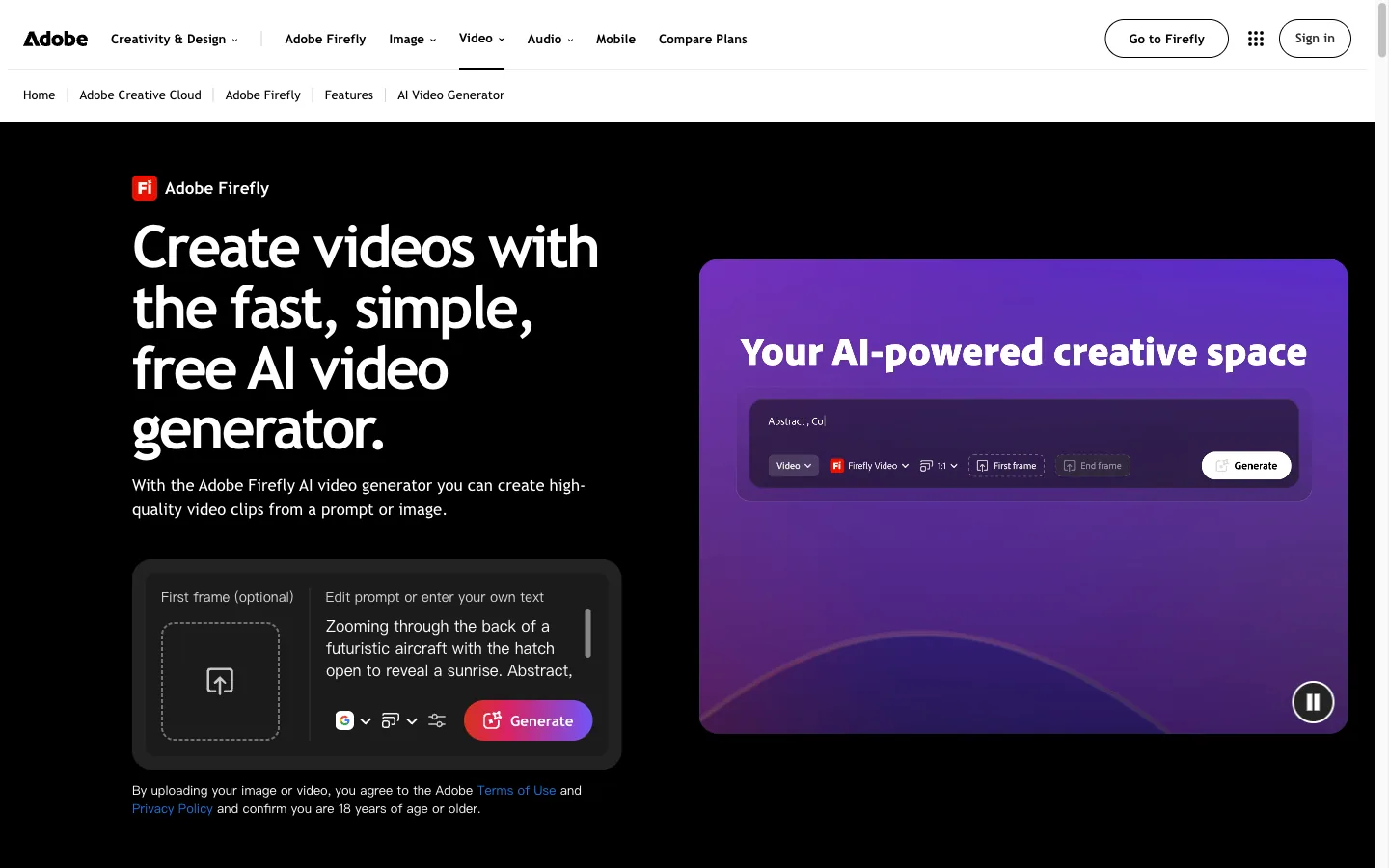
Firefly’s value is workflow compatibility and a clearer separation between a generated shot and the edit that follows. Check the current plan’s generative-credit allowance, the model selected, commercial-use language and how a client’s supplied reference is handled. It is not the best fit when the agency wants one subscription to cover script, voice and a shared review workspace.
Descript: best for transcript-first edits and talking-head work
Descript starts from the transcript rather than a blank visual canvas. Its AI co-editor, text-based editing and media cleanup are useful for interviews, podcasts, webinars and talking-head ads where changing one sentence should change the cut. That is a different agency problem from generating a cinematic shot.
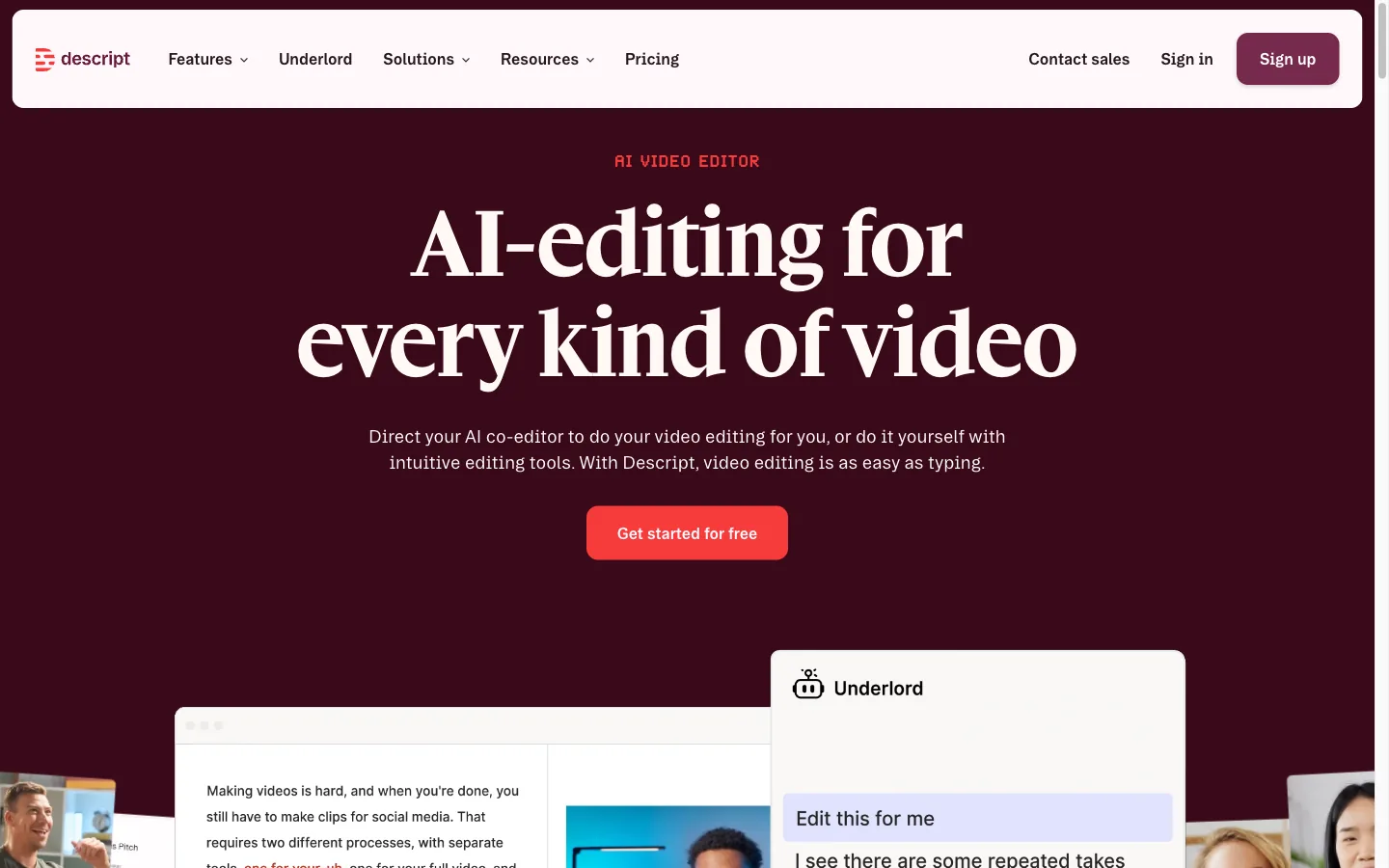
Use it when the client supplies long recordings and expects several cutdowns. Check speaker consent, transcription accuracy for names and claims, export formats, storage and which AI features are included in the selected plan. Descript is a strong finishing specialist; it is not a replacement for a multi-model image-to-video pipeline.
A revision test exposes the real cost
In our October 14 Yukie case, a fictional travel-mug brief produced a two-shot, ten-second silent video and then a square revision. The revision retained the mug in frame but cut part of the cloth prop, while rim, band and proportions varied between shots. A crop did not repair a product-consistency problem.
That is the acceptance distinction an agency should make before adding a polished end card: file delivered, creative direction approved and product accurate enough to publish are three separate decisions. Keep the failed version and its reason so a later operator does not reuse it.
Budget accepted outputs, not attractive demos
Estimate cost per approved video
Editable planning example, not a vendor quote or measured production cost. Include all rejected takes in your generation spending. Use a currency consistently.| Cost line | Include | Why it changes the quote |
|---|---|---|
| Seats and plans | Required people and billing term | A team minimum can dominate a solo price |
| Generation | Approved and rejected takes, references, resizes and voice | Rejected attempts still consume allowance |
| Human review | Claims, product accuracy, language and client comments | Approval work is not zero because generation is automated |
| Rights | Talent, voice, music, stock, placement and term | A download does not grant every underlying right |
| Delivery | Clean master, captions, source files and revision rounds | A fixed fee needs a defined change boundary |
Which platform should an agency start with?
For most agencies handling mixed briefs, GlobalGPT is the best overall starting point because it can cover text, image, video and audio while Yukie and Canvas keep the task context visible. Runway is the specialist choice for shared generative review; HeyGen for presenters and languages; Synthesia for structured business video; Firefly for Adobe-centered visual work; Descript for transcript-first finishing.
Use our product video ad examples to define a deliverable before testing, and the Yukie video workflow guide to see a task-to-output path. The winner is the platform your team can repeatedly approve, revise and hand over—not the one with the most impressive demo reel.
Useful documentation and current plans
- Runway Team
- Runway terms
- HeyGen pricing
- HeyGen translation workflow
- HeyGen terms
- Synthesia pricing
- Synthesia avatars
- Adobe Firefly video generator
- Descript
- GlobalGPT plans
Frequently Asked Questions
Can an agency deliver free-plan AI videos to clients?
Do not assume so. Check the specific license. For example, HeyGen’s Free terms exclude advertising and client work; a paid plan still requires rights to the inputs.
Is GlobalGPT a team approval system?
It supports creative workflows with multiple models, Yukie and Canvas. This review does not verify client-isolated permissions, SSO or formal approval controls; evaluate those separately.
What is the minimum monthly Runway Team cost?
The checked Team offer starts at two seats at $69 per seat per month, or $138 monthly before additional usage and taxes.
What should an agency measure in a trial?
Measure how many deliverables pass review, how much revision and editing they need, and whether the source files, rights and final formats meet the client contract.