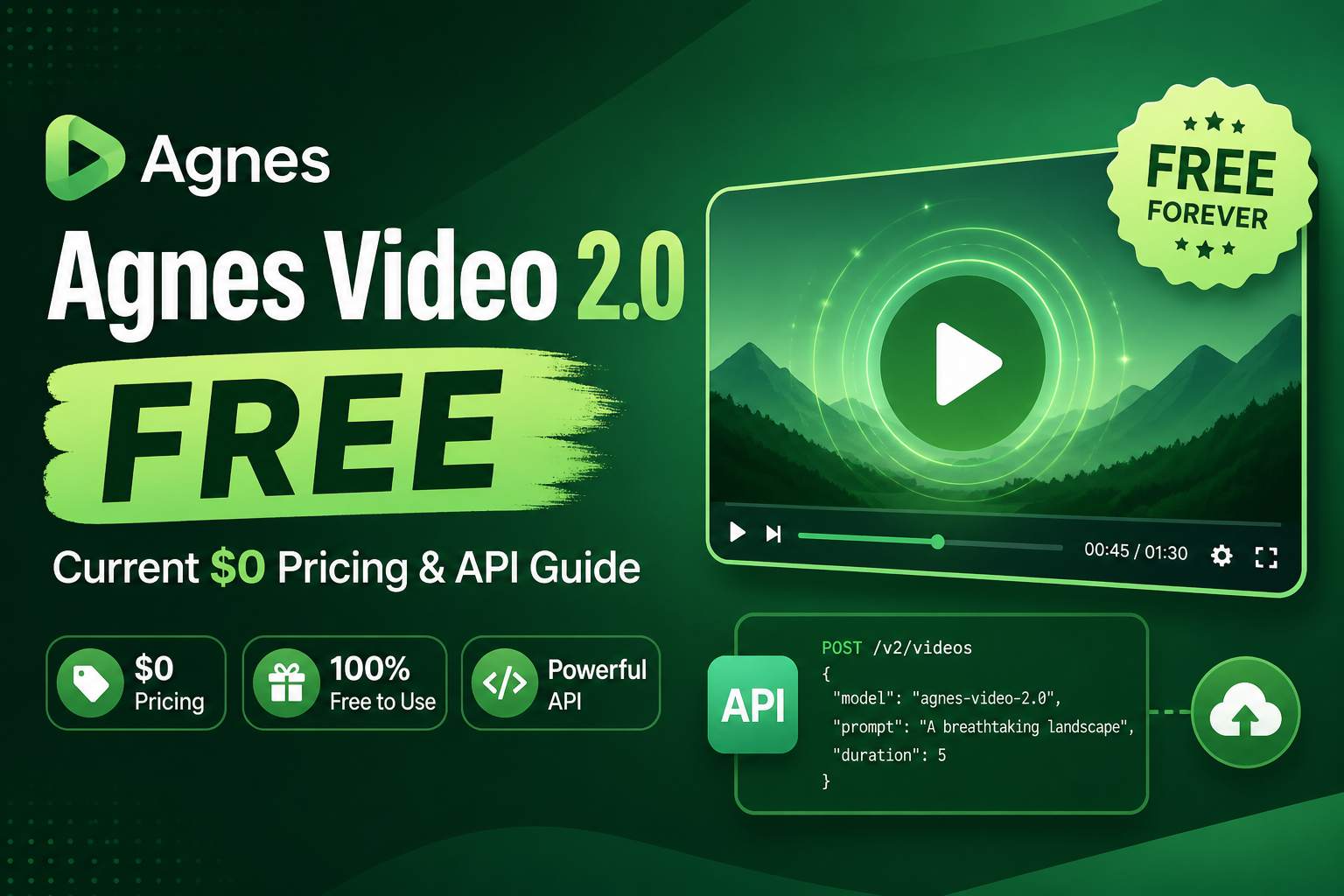
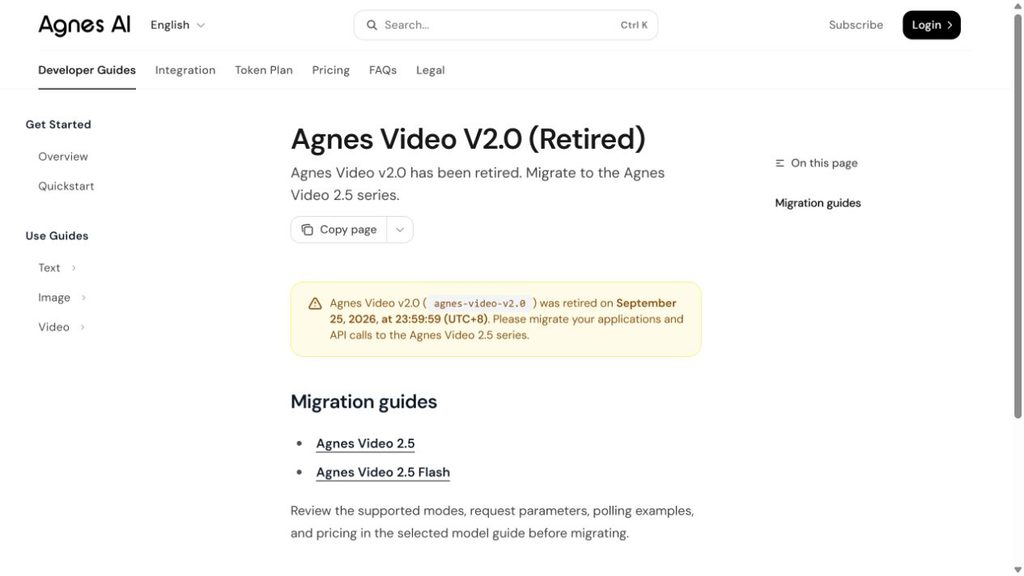
Agnes Video 2.0 is unavailable for new generation. Agnes directs users to Video 2.5 or Video 2.5 Flash. For your next project, choose an active model and its own billing plan; there is no active Video 2.0 free offer to claim.
For API integration, start with the Video 2.5 documentation. For a creative brief, keep the shot focused on one subject, one action and one camera move.
In this guide
- Is Agnes Video 2.0 Free to Use?
- Which AI Video Workflow Should You Choose?
- How to Start a New AI Video Project
- Write Better Prompts for Better AI Video
- Three AI Video Briefs: Product, Social and Room Transformation
- How to Budget AI Video Generation Attempts
- AI Video Generation: How to Reduce Failed Shots
- Agnes Video 2.0 Free FAQ
Choose an active workflow for your next clip
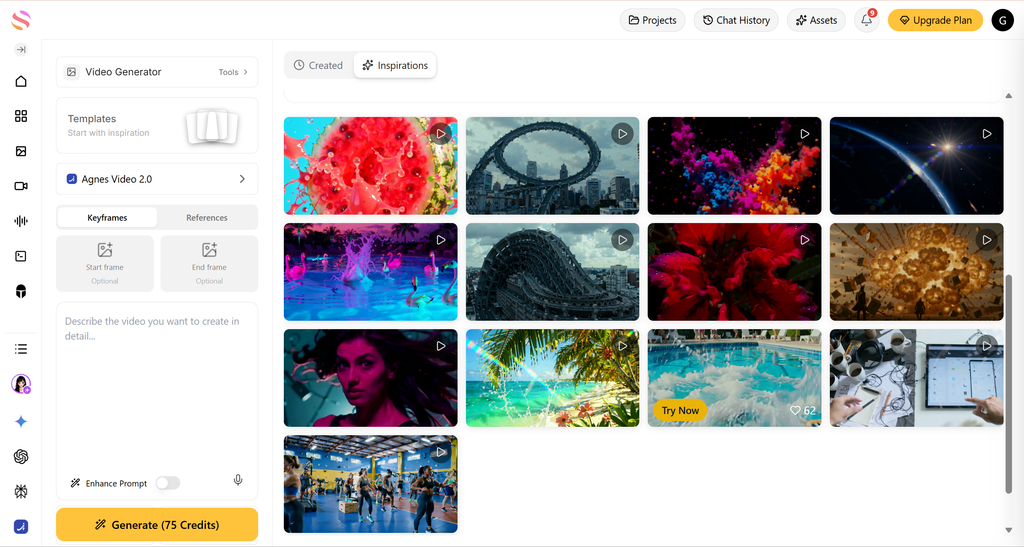
Developers can use Agnes Video 2.5 documentation to plan an integration. Creators who prefer a browser workflow can compare GlobalGPT’s video workspace.
Is Agnes Video 2.0 Free to Use?
Agnes Video 2.0 is unavailable. For API work, use the official Video 2.5 documentation for the model, billing and request format. For an overview, read the Agnes Video 2.5 review.
Which AI Video Workflow Should You Choose?
Choose a video workflow by your starting material: text for a new scene, an image for a subject you need to preserve, or supported start/end frames for a planned transition. Check which inputs your selected active model accepts.
Compare the Agnes Video 2.5 Flash overview when speed is part of your buying decision.
How to Start a New AI Video Project
- Select an active video model and review its billing.
- Write one shot: subject, action, camera and lighting.
- Add a reference image if supported.
- Choose the available duration and resolution, then generate a draft.
- Inspect subject consistency and motion before spending on variations.
For image-led production, follow the Kling image-to-video workflow.
Write Better Prompts for Better AI Video
A strong prompt describes more than a subject. The official guidance recommends combining the subject, action, scene, camera movement, lighting, and style. That structure gives the model concrete visual decisions instead of a vague theme.
The Seedance 2.0 prompt guide offers another model-specific way to assign the subject, references and camera instructions.
Text-to-video prompt example
A young astronaut walks across a red desert planet, dust blowing in the wind, slow cinematic tracking shot, dramatic sunset lighting, realistic sci-fi style.
For image-to-video, say what should move and what should stay stable. For example: “Animate subtle breathing, gently moving hair, and flickering background lights while keeping the face and outfit consistent.” For keyframe animation, describe the relationship between the first and final frames, along with the camera angle and motion you want preserved.
AI Video Duration and Format: Plan the Shot First
Choose a short duration for the first draft. Establish the shot, then use longer clips or editing to build the sequence.
Use landscape for website demos, vertical for mobile feeds and square framing for feed posts. Prepare the reference image with the image-workflow comparison before animation.
Three AI Video Briefs: Product, Social and Room Transformation
These creative briefs illustrate a product launch, a social-motion clip and a room transformation.
Example 1: Turn a Product Idea Into a Five-Second Launch Clip
The problem: You have a product concept but no studio shoot, motion designer, or finished packaging video. A short landscape clip can help a team decide whether the visual direction is worth producing.
Suggested setup: choose a supported short duration and the aspect ratio needed for your placement. Keep the subject, camera and motion instructions simple. Use reference images only in a mode that supports them.
Reproducible prompt
What to judge in the output: Is the mug’s silhouette stable? Does the camera move in one readable direction? Do reflections add polish without warping the product? If the object changes shape, shorten the prompt, remove secondary effects, and repeat with a fixed seed so you can compare revisions more cleanly.
A concept clip helps a marketing team judge lighting, camera angle and visual mood before budgeting a product shoot. Judge the usable result and the number of attempts it took, not just the cost of one generation.
Example 2: Animate an Existing Product Image for Social
The problem: a static product post needs motion for a social feed. Choose an image-to-video model so the source image defines the subject while your prompt defines movement.
Suggested setup: choose a supported short duration and the aspect ratio needed for your placement. Keep the subject, camera and motion instructions simple. Use reference images only in a mode that supports them.
Reproducible prompt
What to judge in the output: The key test is identity retention. The label should remain readable enough to recognize, the bottle should not grow a new cap or change color, and motion should support the image instead of overwhelming it. If the source is a real brand asset, compare the generated frame by frame with the original before publishing.
Where it fits: product teasers, ecommerce social posts, app-store previews, or a concept board for a campaign. This approach does not replace a final commercial shoot when exact branding is non-negotiable. It is a fast way to discover whether a still image has enough visual potential to deserve more production time.
Example 3: Build a Before-and-After Transition With Keyframes
The problem: A traditional edit can jump abruptly from an empty room to a finished interior, from a wireframe to a product screen, or from a daytime scene to a night scene. Keyframe animation gives the model a starting and ending visual state, then asks it to generate the motion between them.
Suggested setup: choose a supported short duration and the aspect ratio needed for your placement. Keep the subject, camera and motion instructions simple. Use reference images only in a mode that supports them.
Reproducible prompt
What to judge in the output: Look for a stable camera angle, continuous room geometry, and a transformation that reads as intentional rather than random. If the room layout drifts, simplify the images so they share the same perspective. If the transition is too busy, use fewer visual changes between the first and last keyframe.
Why this has commercial value: it gives architects, interior teams, product marketers, and presentation designers a way to communicate change in a single shot. The result is a concept visualization, not a construction record; the difference matters when clients or regulated claims are involved.
How to Budget AI Video Generation Attempts
Your generation budget depends on the active model, resolution, duration and number of attempts. For example, three concepts with four attempts each require 12 generations. Multiply the quoted price per generation by 12; include upscaling or other paid finishing steps separately.
AI Video Generation: How to Reduce Failed Shots
- Too many actions in one prompt: A character cooking, dancing, opening a door, and looking at the camera asks for too many changes in a short clip. Split it into separate shots.
- Brand detail: inspect logos, labels, faces and product geometry frame by frame before delivery.
- Unexpected output dimensions: Agnes can normalize width, height, and aspect ratio. Build your edit around the returned
sizeandmetadata.size_mapping, not the requested settings alone. - Longer duration requests: More seconds give a scene more room, but not necessarily more narrative coherence. Prove a single shot first, then assemble multiple reliable clips in an editor.
- Queue and API failures: The official task states include queued, in-progress, completed, and failed. Your integration should poll deliberately and surface an error state instead of assuming every request will immediately return a video.
Choose one shot, decide what must remain stable, state one motion, inspect the result, and only then add complexity. Fewer deliberate revisions make the budget easier to control.
For a client considering Kling instead, the Kling commercial-use guide separates output permission from generation access.
Which Agnes Video 2.0 Alternative Fits Your Project?
| Your task | Starting point | Buying decision |
|---|---|---|
| An application still calls agnes-video-v2.0 | Review Agnes 2.5 migration | Use the selected model’s ID, settings, task retrieval and billing. |
| You need a product teaser without coding | Compare a browser-based video workspace | Start with one image or short shot brief and inspect the output. |
| Your decision depends entirely on free generation | Check the active offer for the chosen product | Use the chosen product’s active offer and billing terms. |
| A client needs exact branding | Plan controlled review and editing | Review and finish the clip before client delivery. |
Build a Clear AI Video Brief
Describe one subject, one action and one camera move. Match the active model’s supported inputs and settings, then judge the resulting clip against your brief.
Agnes Video 2.0 Free FAQ
Is Agnes Video 2.0 free?
No. Agnes Video 2.0 is unavailable for new generation. Agnes directs users to Video 2.5 and Video 2.5 Flash, each with its own access and billing terms.
Does Agnes Video V2.0 support image-to-video?
For new image-to-video or keyframe work, choose an active model and confirm its supported inputs. Agnes Video 2.0 is unavailable.
How long can an Agnes Video V2.0 video be?
Use a duration supported by the active model you select. Choose the shortest clip that conveys the idea, then inspect motion and subject consistency before making longer versions.
Can I use Agnes Video V2.0 for a product or marketing concept?
Choose an active model for product and marketing clips. Review its commercial terms and check source-asset rights, branding and the finished output before client delivery.
What is the best first prompt for Agnes Video V2.0?
Start with one subject, one action, one setting, one camera move, and one lighting or style instruction. The official prompt pattern is subject plus action plus scene plus camera movement plus lighting plus style. Keep the first run simple, then iterate.
Should I use the 2.0 API request in a new integration?
No. Use Video 2.5 or Video 2.5 Flash documentation for the chosen model’s request format, settings, task handling and billing.
Agnes Video 2.0 Alternatives After Retirement
For a new project, choose Agnes Video 2.5, Video 2.5 Flash or a suitable browser-based video generator. Start with one short, specific shot and pay for more iterations only after the result fits your brief.
Explore Related AI Video Generators
Choose an API when you need programmatic generation and a browser workspace when you want to develop clips without building an integration.
Compare reference and motion workflows with the Seedance 2.0 vs Kling 3.0 comparison when choosing a different video model.