

Android is an open-source operating system and software platform developed by Google for a wide range of devices. It provides the platform, APIs, tools, and libraries required to build applications for different device types and screen sizes.
- Used across multiple device categories, including phones, tablets, watches, and TVs.
- Provides APIs and development tools for building applications.
- Provides a large ecosystem for developing, testing, and distributing applications.
Devices Runs on Android
Android powers a wide range of devices, including:
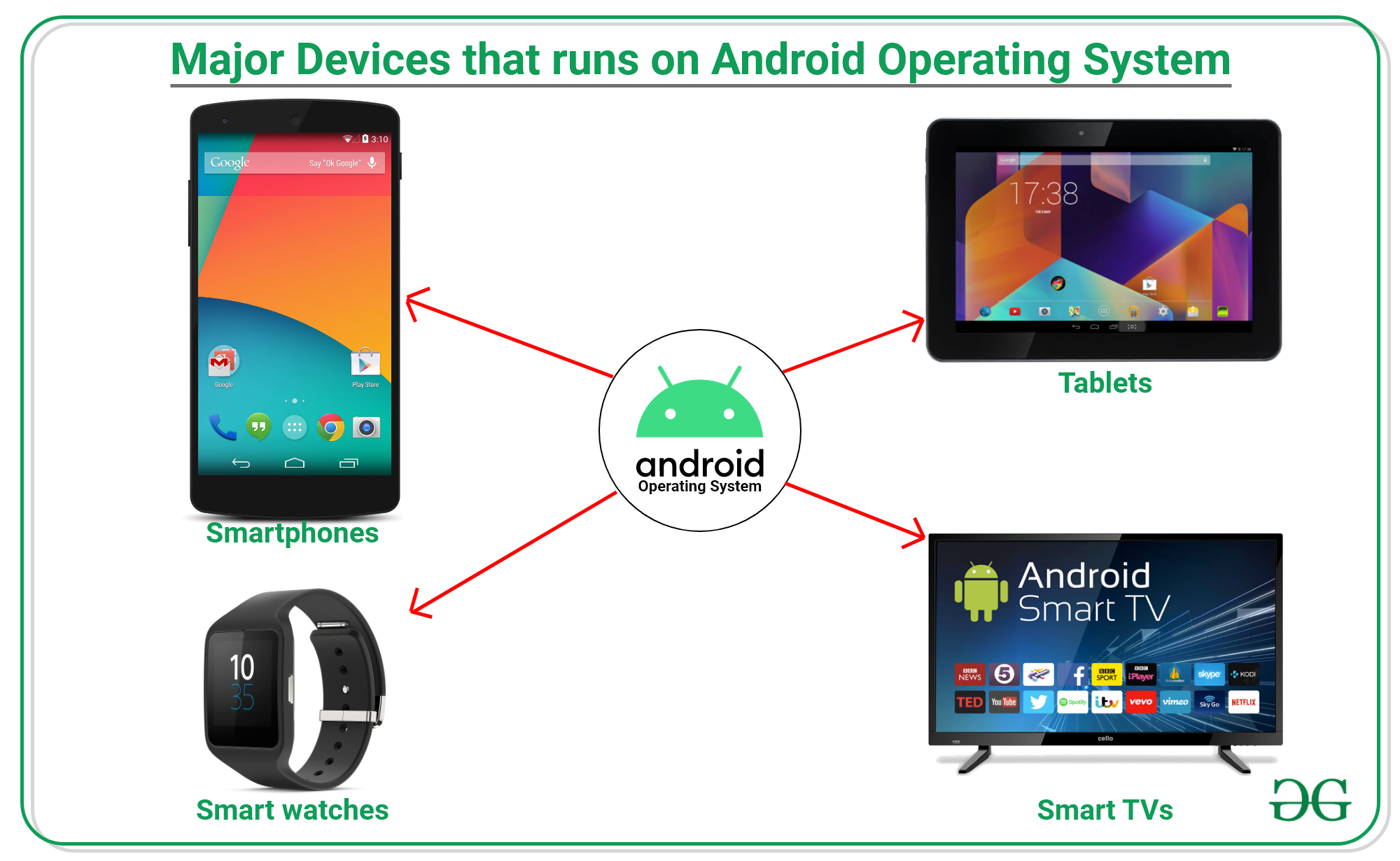
- Smartphones and tablets
- Smart TVs and streaming devices
- Wearables
- Cars through Android Automotive
- Foldable and large-screen devices
- ChromeOS and other supported form factors
Why Android Is Popular
Android is widely used because it provides flexibility for both users and developers.
- Supports a wide variety of devices and screen sizes.
- Provides an open-source foundation through AOSP.
- Supports modern technologies such as AI, machine learning, foldables, wearables, and large-screen devices.
- Provides development tools such as Android Studio.
- Provides Jetpack libraries that simplify common application-development tasks.
- Supports modern UI development with Jetpack Compose, Google's modern declarative UI toolkit for Android.
- Allows developers to build adaptive applications that respond to different screen sizes and device configurations.
Features of Android
Android provides several features that make it suitable for modern application development.
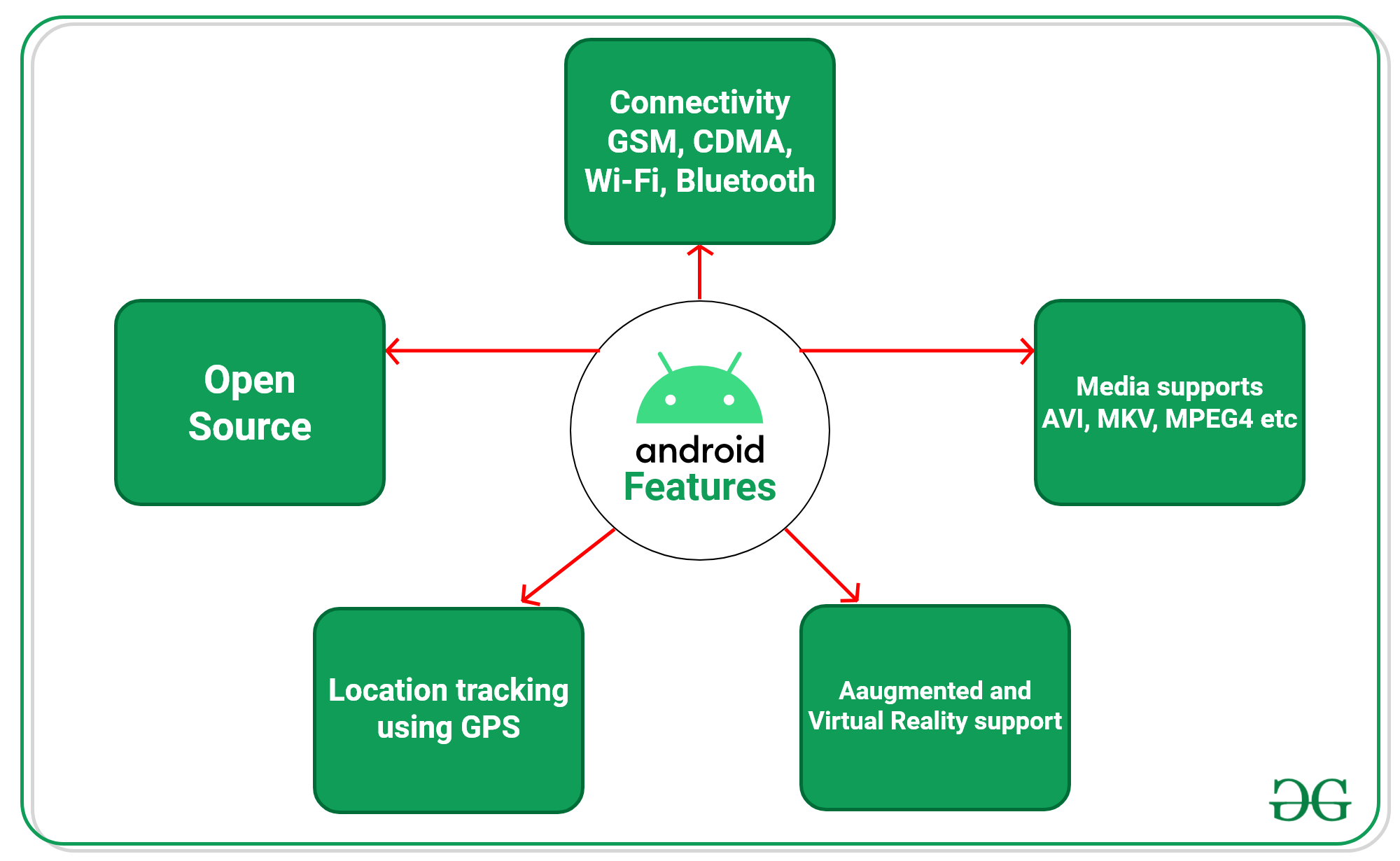
- Open-Source Platform: Based on the Android Open Source Project (AOSP), allowing device manufacturers and developers to work with the Android platform source.
- Multi-Device Support: Supports smartphones, tablets, foldables, TVs, watches, and cars.
- Connectivity: Supports technologies such as Wi-Fi, Bluetooth, cellular networks, NFC, and USB.
- Location Services: Provides APIs for location-based features using available location technologies.
- Multimedia Support: Supports audio, video, cameras, microphones, and other multimedia capabilities.
- Multitasking: Allows users to switch between applications and perform multiple tasks.
- Security and Privacy: Provides application sandboxing, permissions, encryption, and other platform security mechanisms.
- Graphics and UI: Supports hardware-accelerated graphics, animations, modern UI components, and responsive layouts.
- Adaptive UI: Applications can adapt their layouts and navigation to different window sizes, including phones, tablets, and foldables.
Android Versions
Android was publicly announced in 2007, and the first commercial Android device, the HTC Dream, was released in September 2008.
Earlier Android releases were commonly associated with dessert-themed code names. However, modern Android versions are primarily identified by version numbers for public use.
Major Android Version History
| Android Version | API Level | Release Year |
|---|---|---|
| Android 1.0 | 1 | 2008 |
| Android 1.1 | 2 | 2009 |
| Cupcake (Android 1.5) | 3 | 2009 |
| Donut (Android 1.6) | 4 | 2009 |
| Eclair (Android 2.0–2.1) | 5–7 | 2009 |
| Froyo (Android 2.2) | 8 | 2010 |
| Gingerbread (Android 2.3) | 9–10 | 2010 |
| Honeycomb (Android 3.x) | 11–13 | 2011 |
| Ice Cream Sandwich (Android 4.0) | 14–15 | 2011 |
| Jelly Bean (Android 4.1–4.3) | 16–18 | 2012 |
| KitKat (Android 4.4) | 19–20 | 2013 |
| Lollipop (Android 5.x) | 21–22 | 2014 |
| Marshmallow (Android 6) | 23 | 2015 |
| Nougat (Android 7.x) | 24–25 | 2016 |
| Oreo (Android 8.x) | 26–27 | 2017 |
| Pie (Android 9) | 28 | 2018 |
| Android 10 | 29 | 2019 |
| Android 11 | 30 | 2020 |
| Android 12 / 12L | 31–32 | 2021–2022 |
| Android 13 | 33 | 2022 |
| Android 14 | 34 | 2023 |
| Android 15 | 35 | 2024 |
| Android 16 | 36 | 2025 |
| Android 17 | Latest major version | 2026 |
Programming Languages Used for Android Development
Android applications can be developed using several technologies, but Kotlin is the primary language for modern Android development, while Java continues to be widely used, particularly in existing applications.
- Kotlin: The primary language for modern Android development. It provides concise syntax, null-safety features, coroutines, and strong integration with Android libraries and tools.
- Java: Continues to be supported and is widely used in existing Android applications and projects.
- C/C++: Can be used for specific performance-sensitive or native components through the Android NDK, rather than for typical application development.
Jetpack Compose is built around Kotlin, and current Compose project setup uses Kotlin for Compose application code.
Modern Android Development
Modern Android development involves more than simply creating applications using Java or Kotlin. Developers commonly use:
- Android Studio for application development.
- Kotlin as the preferred programming language.
- Jetpack Compose for modern UI development.
- Jetpack libraries for architecture and application components.
- Material Design principles for user interfaces.
- Firebase for backend services and analytics.
- Git and CI/CD tools for source control and automation.
Android's current development ecosystem also emphasizes adaptive applications that can work across multiple screen sizes and device types.
Advantages of Android Development
Android development offers flexibility, broad device support, and a large ecosystem of tools and resources, making it suitable for building applications for diverse users and devices.
- Supports a large and diverse ecosystem of devices.
- Provides an open-source foundation through AOSP for customization.
- Offers extensive community support and documentation.
- Supports phones, tablets, foldables, TVs, watches, and cars.
- Tools such as Android Studio and Jetpack improve development productivity.
- Google Play provides a major platform for distributing Android applications.
Limitations of Android Development
- Supports many different devices and screen sizes.
- Requires testing on different devices and Android versions.
- Changes in Android versions can cause compatibility issues.
- Manufacturer customizations may affect application behavior.
- Performance may vary depending on device hardware.
- Applications require regular maintenance and updates.
- Developers need to follow changing security and privacy requirements.
- Modern Android development requires learning multiple tools and technologies.
