Techdows

Windows how-to guides, fixes and software downloads

  • Home
  • Settings and hardware

    • Printers
    • Sound and microphone
    • Wi-Fi and network
    • Bluetooth
    • Display and monitors
    • Drivers
    • Keyboard shortcuts and symbols

    Using Windows

    • File Explorer
    • Storage and disk space
    • Taskbar, Start and desktop
    • Apps and default programs
    • Accounts and sign-in
    • Copilot in Windows
    • Command Prompt and PowerShell

    Updates and fixes

    • Windows Update
    • Windows 11 26H2
    • Error codes and BSOD
    • Boot, BIOS and recovery
    • Security and Defender
    • Task Manager and performance
    • DLL and runtime errors

    Popular fixes

    • Get help in Windows 11
    • Connect a wireless printer
    • Re-pair Bluetooth earbuds for stereo sound
    • Cancel a stuck print job
    • Change default programs

    All Windows guides →

  • Browse by type

    • Web browsers
    • Office and productivity apps
    • PC games and launchers
    • Phone and media apps
    • Developer tools
    • Creative apps
    • CAD software
    • System utilities and drivers

    Popular downloads

    • GTA V for PC
    • YouTube app for PC
    • Google Meet for PC
    • Cisco Packet Tracer
    • TikTok for PC

    Windows tools

    • PC Health Check app
    • HEVC Video Extension
    • DirectX 12
    • Cinebench R23

    All download guides →

  • Browser guides

    • Microsoft Edge
    • Google Chrome
    • Firefox
    • Web browsers for PC

    Microsoft Edge

    • Fix WebView2 using too much memory
    • Internet Explorer mode in Edge
    • Manage Edge favorites
    • Set or remove Edge as default

    Chrome and Firefox

    • Make Chrome the default browser
    • Restore closed tabs
    • Change the default web browser

    All browser guides →

  • Office guides

    • Outlook
    • Excel
    • Word and PowerPoint
    • OneDrive
    • Install Microsoft 365

    Meetings and other tools

    • Teams, Zoom and Google Meet
    • Google Docs and Sheets
    • PDF tools

    Office apps

    • Office product key
    • Office Deployment Tool
    • What is OneDrive?
    • Turn off OneDrive in Windows 11

    Outlook and Teams

    • Outlook inbox view changed
    • Schedule an email in Outlook
    • Outlook dark mode
    • Teams breakout rooms

    All Office and productivity guides →

  • PHP security

    • PHP2Shell patch download
    • PHP critical RCE security update
    • CVE-2026-109618 fix
    • CVE-2026-109619 explained
    • Mitigations if you can't update

    Update PHP

    • Update PHP to the latest version
    • Check your PHP version
    • Update PHP on Ubuntu and Debian
    • Restart PHP-FPM

    Hosting and local servers

    • Update PHP in XAMPP
    • Change PHP version in cPanel
    • Update PHP in Laragon and WampServer
    • Update PHP Docker images
    • WordPress PHP version check

    PHP downloads

    • PHP 8.5.12 download
    • PHP 8.4.27 download
    • PHP 8.3.36 and 8.2.35 download
    • Download PHP for Windows

    PHP2Shell by platform

    • PHP 8.3 fix on Ubuntu 24.04
    • PHP 8.1 fix on Ubuntu 22.04
    • PHP 8.2 and 8.4 fix on Debian
    • Update PHP on IIS
    • Cloudflare PHP2Shell WAF rule

    All PHP guides →

  • Sections

    • Gaming
    • Apple
    • Android
    • Apps and services
    • Developer and IT

    Apple

    • iPhone tips and fixes
    • Reset and restore iPhone
    • iPad
    • Mac and macOS
    • Apple Account and iCloud
    • Apple devices on Windows

    Apps, Android and gaming

    • Gmail and Google account
    • YouTube
    • Social media accounts
    • Streaming TV
    • Android and Samsung Galaxy
    • PC gaming and Xbox
    • Roblox and Minecraft on PC

    Developer and IT

    • WSL and developer setup
    • Virtual machines
    • Group Policy and Intune
    • Windows Server
    • Website error codes
  • News
Home›Microsoft Edge

Microsoft Edge

439 articles

Microsoft Edge coverage from Techdows: feature guides, settings and flags, tips for Collections, vertical tabs and more, plus fixes for common Edge problems. Updated for the latest Edge versions on Windows 11, Windows 10, and Mac.

Apple
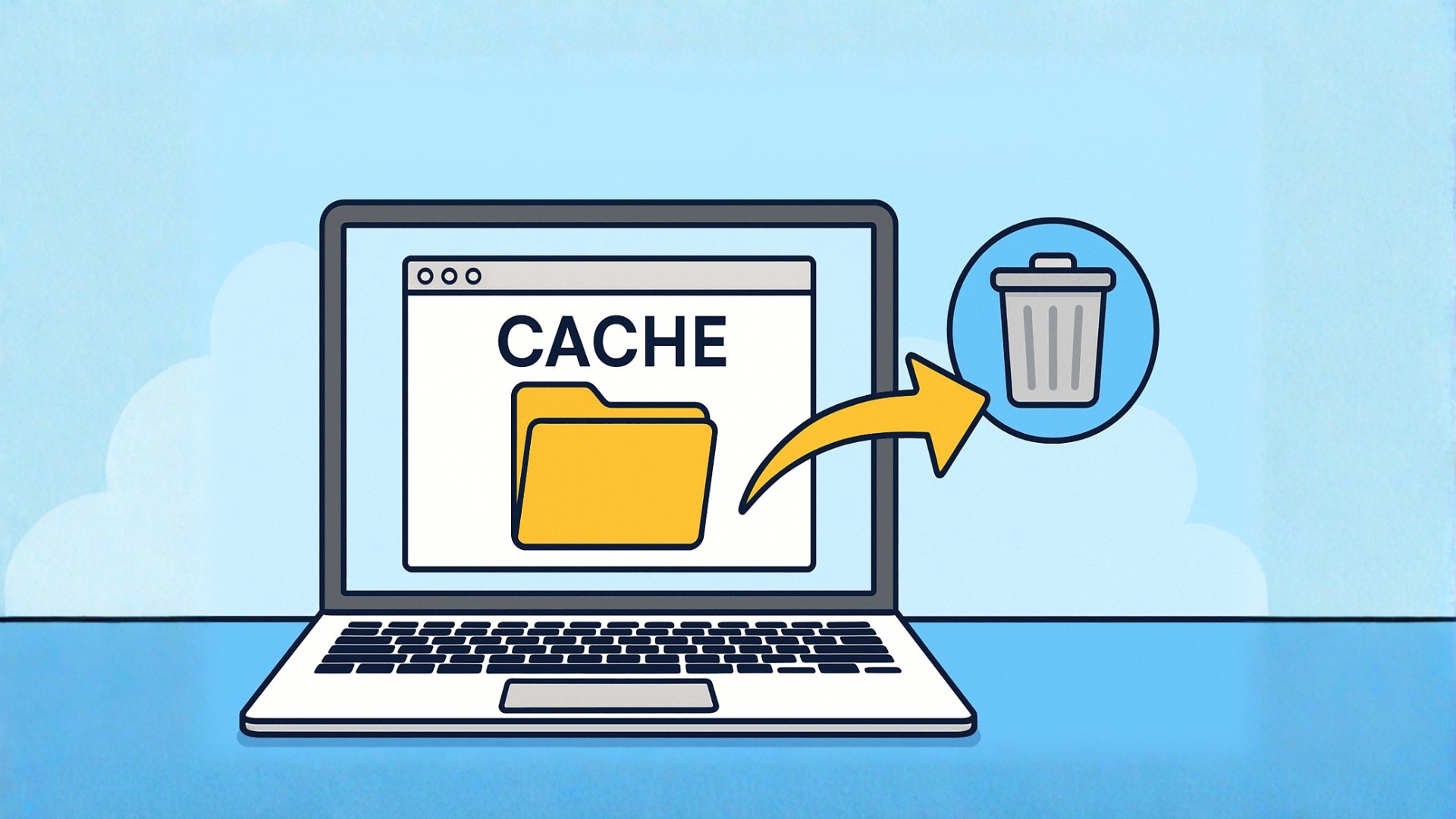
How to Clear Cache on Mac and Free up Storage

How to Clear Cache on Mac and Free Up Storage
August 10, 2026 by Philip Celasco Leave a Comment
How to Clear Cache on Mac and Free up Storage

To clear cache on a Mac, remove cached website data from your browser and, when necessary, delete temporary files created by individual apps. You … [Read more…]


Posted in: Apple, Firefox, Google Chrome, How to, Microsoft Edge, Tips and Tricks
Browsers
How to Restore Collections in Microsoft Edge 149 and Later Versions

How to Restore Collections in Microsoft Edge 149 and Later Versions

July 20, 2026 by Philip Celasco 3 Comments
How to Restore Collections in Microsoft Edge 149 and Later Versions

Microsoft removed the classic Collections interface from Edge 149, but some builds still contain the underlying feature code. You can temporarily restore Collections by … [Read more…]

Posted in: Browsers, How to, Microsoft Edge
How to
Edge gets EPUB support again

How to enable ‘EPUB Support’ in Microsoft Edge

July 20, 2023 by Venkat Eswarlu 1 Comment
Edge gets EPUB support again

Microsoft Edge Chromium is getting EPUB support back after removed from Legacy Edge.
Posted in: How to, Microsoft Edge, News, Tips and Tricks
Microsoft Edge
Enable gaming loadout in Edge

Microsoft to Overhaul Edge gaming features w/ ‘Project Corefield’

July 18, 2023 by Venkat Eswarlu Leave a Comment
Enable gaming loadout in Edge

Microsoft to optimize Edge browser for gamers with gaming features such as gaming homepage, sidebar apps, dark mode, efficiency mode, gaming themes & more.

Posted in: Microsoft Edge, News
Microsoft Edge

You can now Control Microsoft Edge browser via Bing Chat Pane

July 14, 2023 by Venkat Eswarlu Leave a Comment

You can now ask “Bing Chat” AI to change Micorsoft Edge settings. It can close tabs,open clear browsing data dialog, switches Edge to dark mode, Try actions.

Posted in: Microsoft Edge, News
Microsoft Edge
Microsoft turned Edge browser large context menus into small

Microsoft tests ‘Compact’ Context Menus in Edge browser

July 6, 2023 by Venkat Eswarlu Leave a Comment
Microsoft turned Edge browser large context menus into small

Hate or dislike the Edge browser’ large Context menus? Microsoft has reduced the size of context menus in the Edge browser to a compact size in Canary.

Posted in: Microsoft Edge, News
How to
Edge workspaces lock tabs

How to ‘lock’ and ‘unlock’ Tabs in Microsoft Edge ‘Workspaces’

June 30, 2023 by Venkat Eswarlu Leave a Comment
Edge workspaces lock tabs

Using Workspaces in Microsoft Edge browser? You can now lock tabs in Workspaces.

Posted in: How to, Microsoft Edge, News, Tips and Tricks
Microsoft Edge
Bing Chat pane in Edge Sidebar with word PDF and Text Export options

Bing Chat in Microsoft Edge Sidebar gets “Export” Options

June 28, 2023 by Venkat Eswarlu Leave a Comment
Bing Chat pane in Edge Sidebar with word PDF and Text Export options

Microsoft Edge provides Export options for Bing Chat answers in its Sidebar. The options include PDF, Word, and Text.

Posted in: Microsoft Edge, News
How to
Microsoft Edge Photo Viewer screenshot

Microsoft Edge to get built-in ‘Photo Viewer’, how to enable?

June 27, 2023 by Venkat Eswarlu 1 Comment
Microsoft Edge Photo Viewer screenshot

Microsoft is working on adding a Photo Viewer, “Edge Photo” to Edge. The feature in its current form is pretty limited, it allows viewing photos from a folder on your hard drive.

Posted in: How to, Microsoft Edge, News, Tips and Tricks
Microsoft Edge
Microsoft adds Clear browsing data icon to History hub

Microsoft Edge to let you quickly open ‘clear browsing data’ dialog

June 27, 2023 by Venkat Eswarlu Leave a Comment
Microsoft adds Clear browsing data icon to History hub

Microsoft Edge soon makes it possible to open the clear browsing data dialog with a click

Posted in: Microsoft Edge, News
Microsoft Edge
Microsoft Edge with Enhance images setting missing

Microsoft quietly pulls Edge’s ‘Enhance Image’ feature after privacy concerns?

June 25, 2023 by Venkat Eswarlu Leave a Comment
Microsoft Edge with Enhance images setting missing

Edge’s “Enhance images” setting is no longer available on release and insider channels. Microsoft may have removed it after privacy concerns raised by users

Posted in: Microsoft Edge, News
How to
How to start Microsoft Edge without extensions or extensions disabled

How to launch Microsoft Edge without Extensions

June 24, 2023 by Venkat Eswarlu 1 Comment
How to start Microsoft Edge without extensions or extensions disabled

How to open or start new Microsoft Edge with all extensions disabled in one go.

Posted in: How to, Microsoft Edge, Tips and Tricks
1 2 … 37 Next »

More from Techdows

Website keeps asking to enable cookies - privacy settings concept
Website keeps asking me to enable cookies but they are enabled? How to fix it
How to · 5 hours ago
Is your Mac too old to update - vintage iMac G3 on display
Is your Mac too old to update in 2026: ultimate guide
How to · 5 hours ago
AirDrop not working on iPhone - two iPhones on a MacBook
AirDrop not working after iOS 26 upgrade on iPhone? How to fix it
How to · 5 hours ago
Cannot verify server identity error on iPhone - silver iPhone on a white surface
Cannot verify server identity error on iPhone: how to fix it
How to · 4 hours ago
Put a PDF into Google Docs - typing on a laptop surrounded by documents
How to put a PDF into Google Docs: step-by-step guide
How to · 4 hours ago
Set CPU affinity for a program in Windows - AMD Ryzen CPU in its socket
How to permanently set CPU affinity for a program in Windows 11 or 10
How to · 3 hours ago
Export podcast as MP3 on Mac - MacBook Pro with a microphone and audio recorder
How to export a podcast episode as an MP3 file on Mac
How to · 3 hours ago
Compress a video in Windows 11 - video editing on a gaming laptop and monitor
How to compress a video in Windows 11
How to · 3 hours ago

© 2009–2026 Techdows · About · Contact · Privacy Policy

Copyright © 2026 Techdows.

Techdows WordPress Theme by Techdows