
If it feels like you’re spending more time talking about work than actually doing it, it’s probably because you are. But why, though? There’s no shortage of collaboration tools out there designed to help teams work better, work faster, and stay more connected — I’m starting to sound like a Slack ad.

In this article, I’ll show you how to get the most out of your collaboration tools to facilitate “connected work” (spoiler: it usually comes down to being more organized).
Connected work is when information is directly accessible and easily transferable to where it’s most useful, enabling product teams to work productively. This includes knowing who does what, knowing where everything is, collaborating only when necessary, and maintaining only a (very) small network of integrated tools.
If you need to communicate with somebody but you can’t easily find out who that person is without asking another person, it’ll take more work than is necessary to make progress. If you need information but you first need to find out where it is — again, that’s more work than is necessary, which means less progress.
Finding people and files in an organization made up of people and files shouldn’t require collaboration. Instead, it requires organization:
Sound familiar? There’s a way to end this madness.
Offline access is a must for anybody that works from temporary locations, which rules out chat apps such as Slack and Microsoft Teams. A better solution, in these situations, is cloud storage with local sync (e.g., Dropbox or Google Drive), which everybody should have access to.
To prevent organization debt, redundant files should be archived, outdated files should be updated, and everything should be labeled clearly. You don’t need a dedicated person for this; just have everybody maintain organization as they go.
Talking about this feels a bit silly because these aren’t exactly groundbreaking insights — I’m definitely not going to write a bestseller with this not-so-sage advice. But why, then, does it feel like the “where’s the file?” game is the bane of every organization’s existence?
It probably comes down to pressure to meet business objectives. However, being disorganized is more harmful in the long run.
It’s important to know who does what in an organization because bouncing from person to person trying to find somebody to help us solve a problem is never fun.
At a company I worked at, we were told to put our roles and responsibilities in our Slack bio, and that helped a lot when trying to find people. Since then, I’ve always advocated for this rule, or at least having an organization-focused wiki. Wikis are also great for documenting repeatable processes and workflows, answering frequently asked questions about the organization, compiling important links, and so on.
If you’d rather take the wiki route, consider using Notion. It’s free (to an extent) and Notion documents can be interlinked. That said, if you already have a tool that can create wikis, use that — you should consolidate tools whenever you can.
Meetings are a waste of time and we all hate them.
They’re bad for only one reason, but it’s a big one: the majority of what’s discussed in meetings is irrelevant to the majority of those attending. Plus, attendees often believe that the parts that are relevant to them can be addressed asynchronously, via the same tools used for everything else. In short, people often attend meetings and think: “Why are we even here?”
This doesn’t include design sprints, workshops, brainstorming sessions, and so on (basically, meetings that we wouldn’t actually refer to as meetings). The difference is that these collaborations produce takeaways (solutions, learnings, and ideas respectively). In fact, the production of these takeaways relies on a variety of expertise and viewpoints coming together.
Meetings are also suitable for intimate moments, such as discussing sensitive issues, singing praises, or celebrating successes — although I’m not sure if these can be considered as “work.”
From a managerial perspective, meetings look productive — but they aren’t. Managers also tend to romanticize the idea of teams working in tandem, but, again, this just isn’t baked in modern-day reality because we have these project management tools that are far more efficient when used correctly.
For these reasons, I think it’s time to put meetings to bed.
When collaborating asynchronously, always collaborate in context. This means inviting collaborators to collaborate where the work is actually happening, not where the conversation about the work started. Otherwise, collaborators will just respond directly or wherever they feel most comfortable doing so, which leads to critical information being scattered or even lost.
Consider this scenario:
A designer wants design feedback to be submitted as Figma comments so that it’s contextual (for clarity) and convenient (for productivity). However, they make the mistake of asking for the feedback (let’s say via Slack) without specifying where they want it. In this scenario, the most likely outcome is that they’ll receive some of the feedback as a direct response (via Slack in this example), some of it via the provider’s preferred channel (let’s say email), and, well…you get the idea.
The number of people still emailing feedback to me in a Word document is staggering, and once information becomes scattered like this, there’s a risk of losing it or forgetting about it. Plus, it won’t be formatted in a way that’s manageable (resolvable Figma comments, in this case). It also won’t be in context, so fully understanding the information might lead to yet another communication thread.
Silly scenarios like this are how product teams become disconnected from the information they need to do their work efficiently and how they wind up working hard but not progressing. So be mindful of what you say and where you say it.
Alternatively, or in addition, research plugins that make it possible to bring the context into the other person’s preferred tool. For example, Figma just released a plugin that makes it possible to collaborate on Figma files from within Zoom. This method works best when you have what I like to call “collaboration awareness,” — an understanding of how your teammates prefer to collaborate (if you don’t know, just ask!).
Software limitations (e.g., missing features, inability to invite guests, issues related to roles and permissions, and so on) can sometimes prevent us from collaborating how we’d prefer to. Therefore, it’s important that product teams efficiently consolidate information and communication threads in real time.
If you’re in a productive meeting — first of all, congratulations — you’ll almost certainly walk away with some takeaways (information, to-dos, etc.). The best way to make these takeaways are accessible is to immediately transfer them to somewhere more suitable.
Having a good meeting facilitator that reminds you at the end of the meeting is extremely helpful — bonus points if they commit to non-destructively deleting the workspace after an hour or so. The takeaways just aren’t likely to be useful in their default location, so, once again, transfer them to where the work happens.
Email threads can be confusing, especially when there are multiple recipients. Chats are the lesser of two evils and actually not that bad if you optimize notifications, keep messages to a minimum, and, of course, transfer critical information from channels to places that are more suitable.
But you’ll never be able to escape email because there’ll always be people outside of your organization to contact. With that in mind, think of email as a welcome mat for guests; if you’re unlikely to resolve the conversation in one or two emails, then you invite them to your organization’s chat (e.g., Slack) as a guest.
It’s worth noting that when product teams follow product design frameworks, information learned and produced is usually consumed by the end of the sprint (or whatever the framework-specific term is).
For example, user research insights are usually acquired, actioned upon, tested, and then discarded. Repeatable product design frameworks are usually self-containing and self-cleaning, with the exception of the end result, which is usually in a good-to-go, natural format, such as a handed-off Figma prototype.
Modern product/design/development teams, through a series of trials and errors, tend to document the processes and workflows that wind up being the most effective for them. This practice, better known as ProductOps, DesignOps, and DevOps, respectively, can be used to build a culture of connected work. These documents also make for great onboarding guides for new team members.
Just remember to reevaluate these processes and workflows periodically, especially as new team members come and go, to ensure that they remain efficient to those using them.
Product design has undoubtedly become more complex over the years, to the point that you might describe it as complicated. This is probably because product design as a concept still hasn’t matured and yet the software-as-a-service industry has grown by 500 percent over the last seven years (to give just one example). As you can imagine, this has led product teams to adopt far more tools (and, therefore, workflows) than they actually need.
However, by making critical information more accessible, reducing the number of meetings (or eliminating them completely), downsizing your toolbox, and consolidating communication threads, you can make your product design process much smoother and more flexible.
Featured image source: IconScout
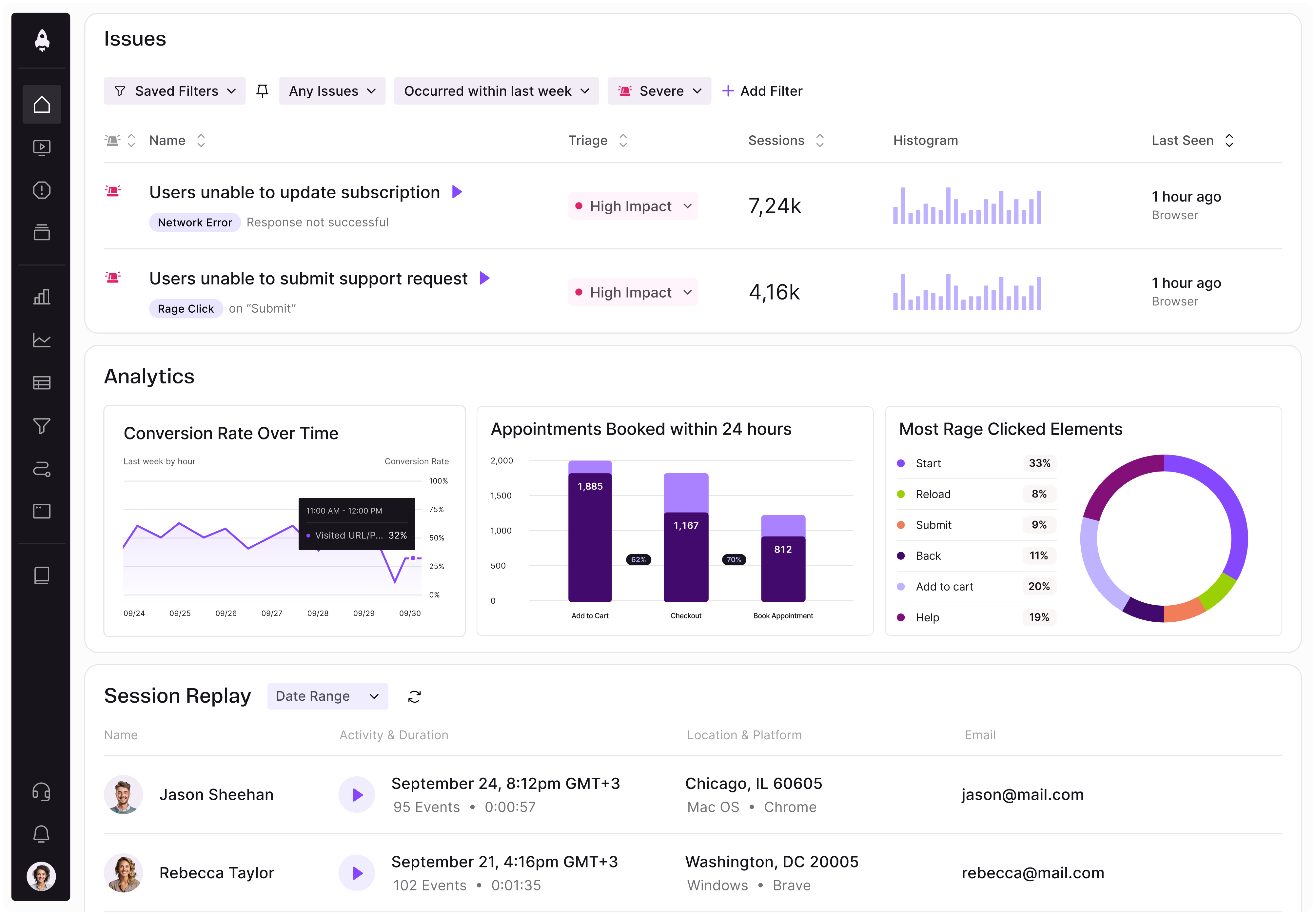
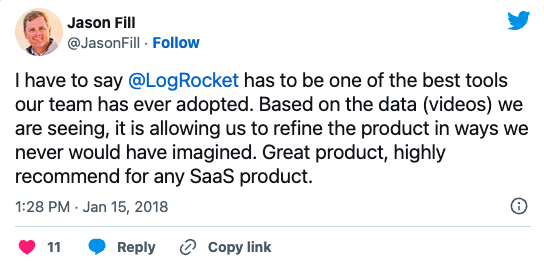
LogRocket identifies friction points in the user experience so you can make informed decisions about product and design changes that must happen to hit your goals.
With LogRocket, you can understand the scope of the issues affecting your product and prioritize the changes that need to be made. LogRocket simplifies workflows by allowing Engineering, Product, UX, and Design teams to work from the same data as you, eliminating any confusion about what needs to be done.
Get your teams on the same page — try LogRocket today.

Learn how to spot cognitive debt in AI products, preserve critical user skills, and measure outcomes beyond speed with helpful tips for PMs.
Learn how to turn regulatory requirements into clear product requirements, define acceptance criteria, and keep your compliance work current.
Spot misleading KPIs, balance targets with counter-metrics, and keep your team focused on better product outcomes instead of dashboard wins.
Keep the reasoning behind product decisions within reach. Build a clear system to track customer feedback, priorities, and project progress.


 Learn more →