PERSONALIZED FOR YOU, BY YOU.
MADE FOR FANS.
Your new home.
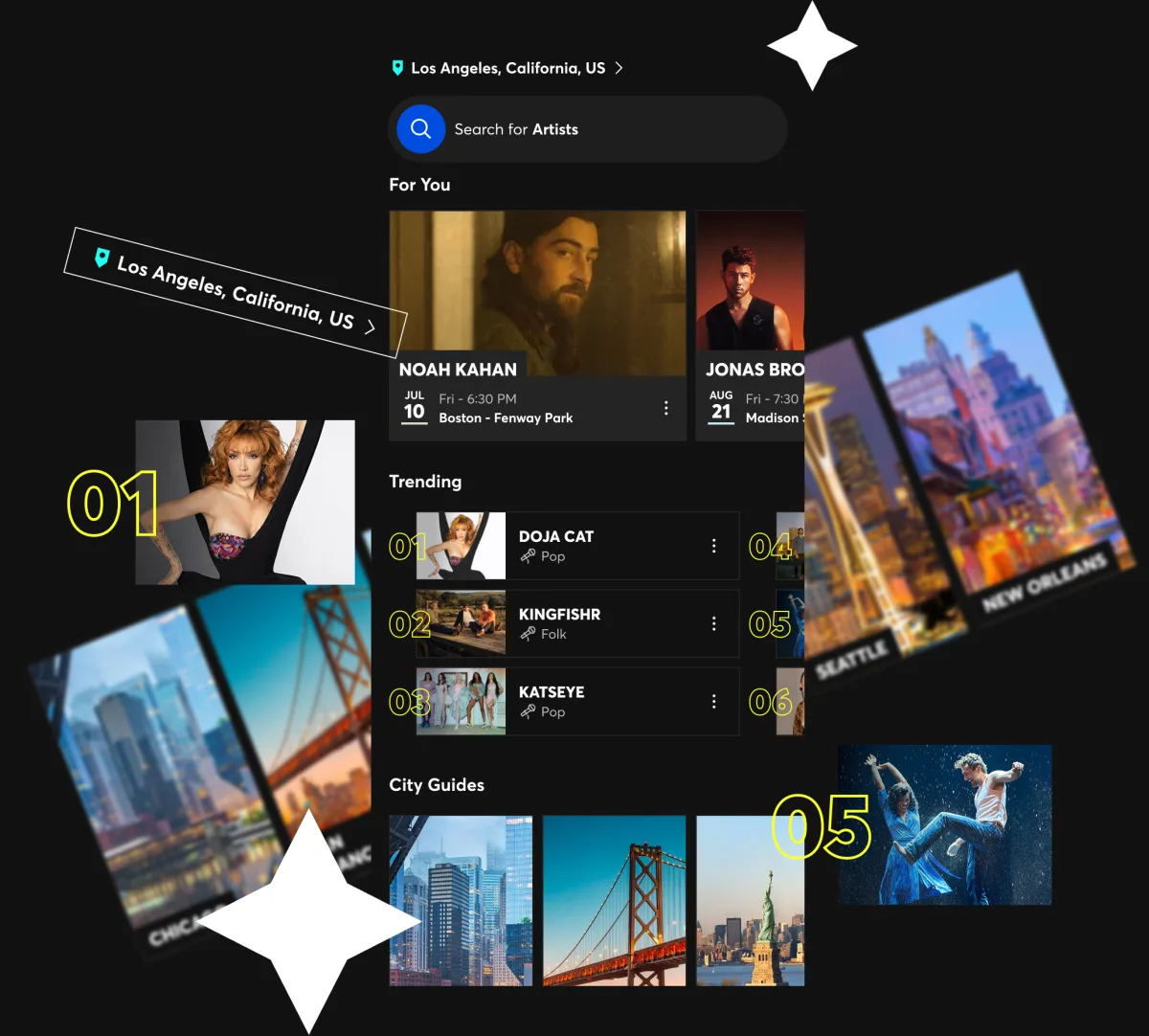
It's time we made things personal – especially when it comes to you and your interests. Now, it's never been easier to find events based on what you love and where you are.
Find last-minute tickets, trending events, just-announced shows and curated picks across music, sports, theater and entertainment – all in one place.
Heading somewhere? Switch your location and see what's happening wherever you're going.
MADE FOR YOU. MADE FOR FANS.
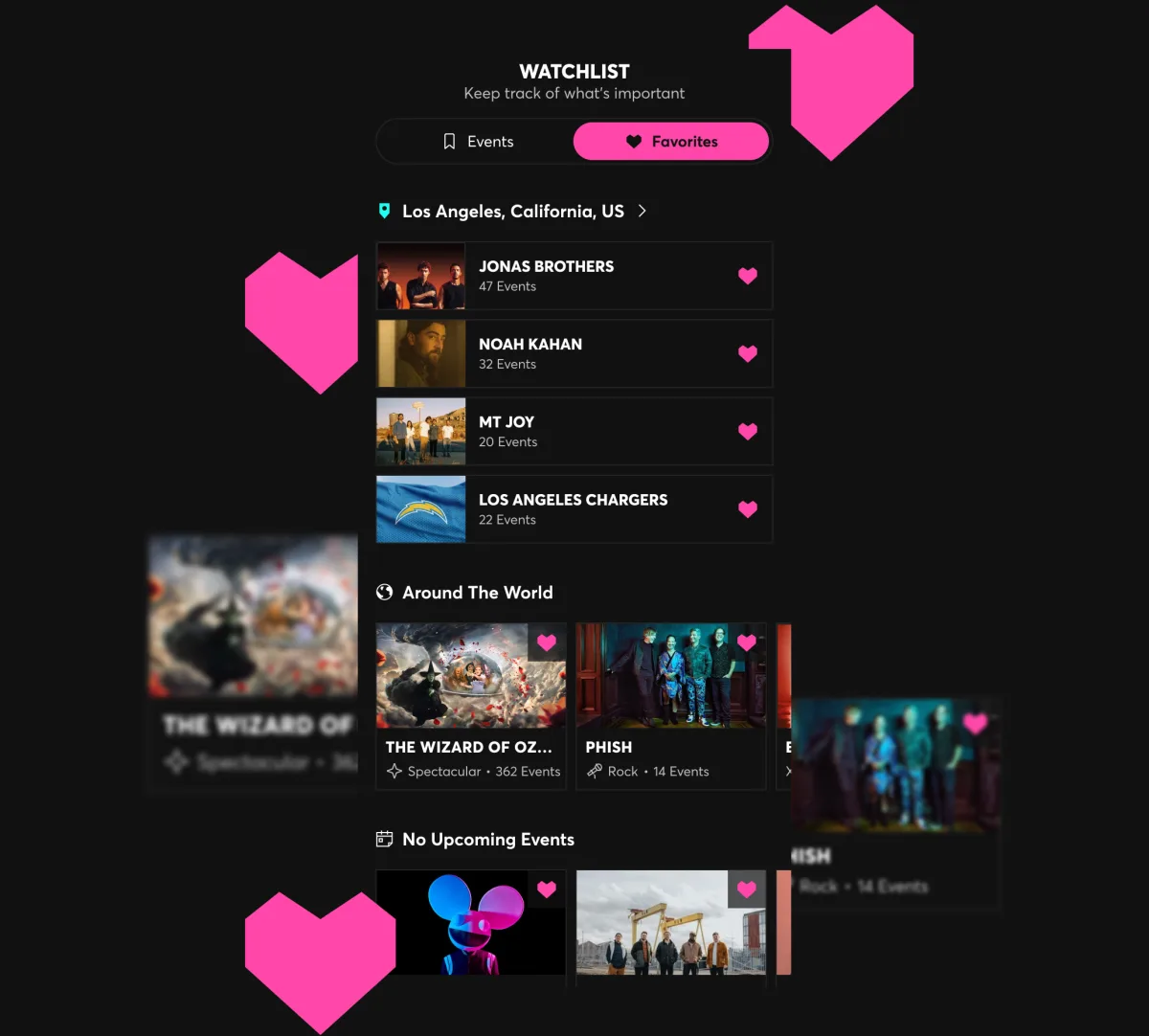
Follow WHAT you love.
We've all got our favorites. That's especially true when it comes to artists, teams, performers and venues. With Favorites, you'll get your own personalized view of the upcoming events that matter to you most.
The more you favorite, the more your app becomes tailored to you.
MADE FOR YOU. MADE FOR FANS.
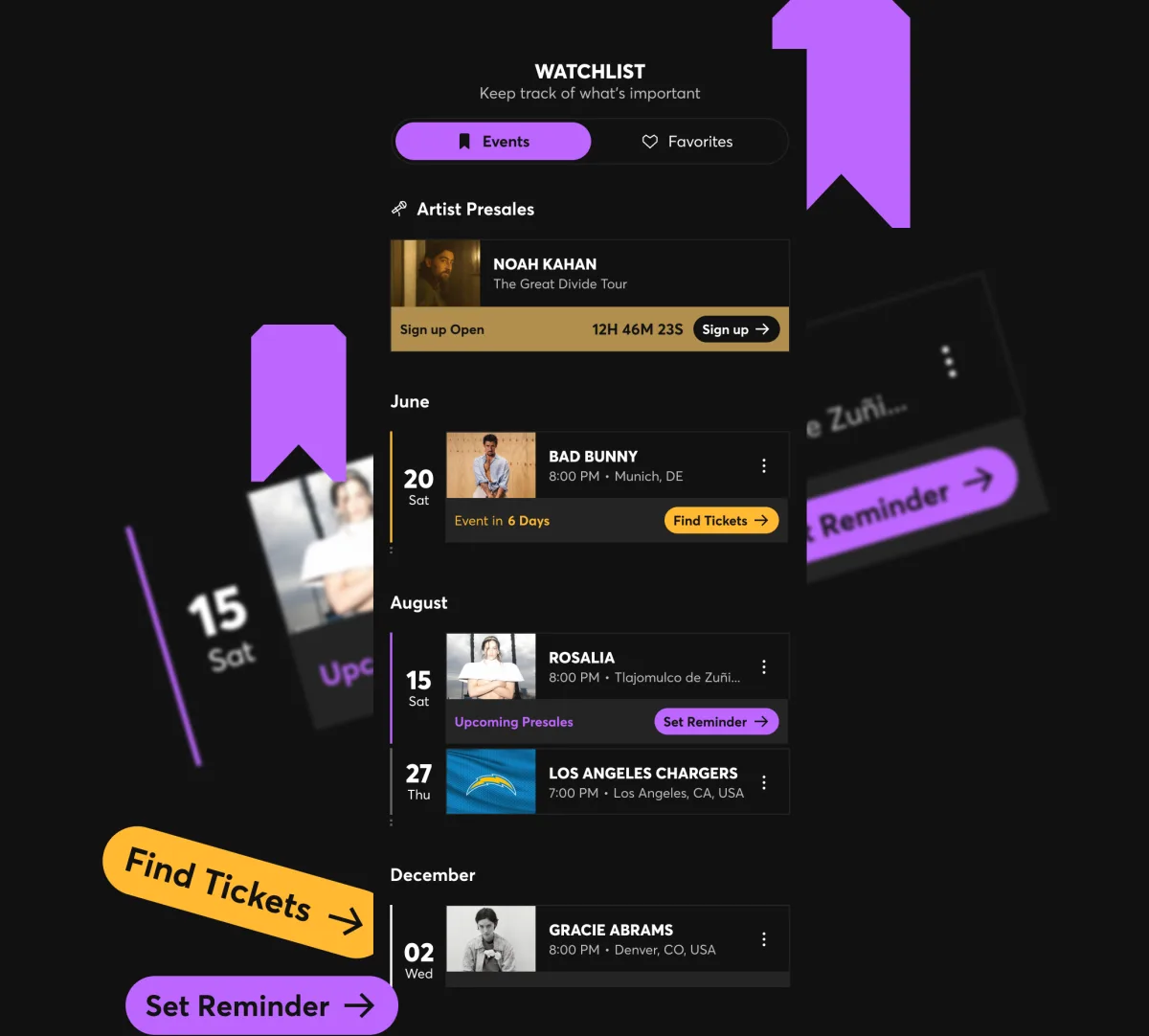
Never miss what's next.
Save the shows you're excited about, and we'll send you reminders and other important info so you don't miss out. That's the beauty of Watchlist.
You'll get alerts about tickets going on sale and when presales start, and reminders as the day gets closer. Whether you're planning ahead or just keeping track of a show you want to buy tickets for, Watchlist makes sure you're in the know.
MADE FOR YOU. MADE FOR FANS.
MANAGE YOUR TICKETS DIRECTLY IN THE APP
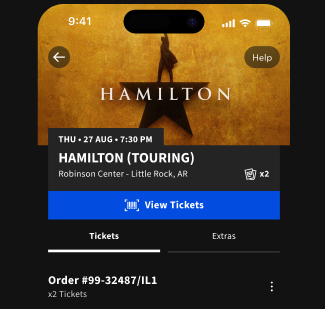
ACCESS
Access your tickets and all event details directly in the app, so you get into your event smoothly.
Find Out More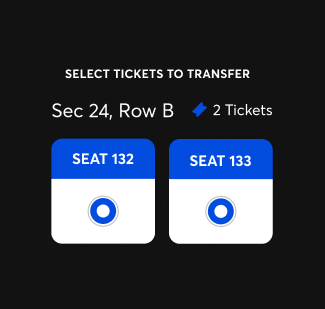
TRANSFER
Easily transfer your tickets to family or friends before the show starts, giving everyone the freedom to enter when they want.
Find Out How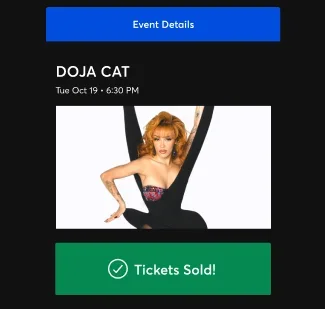
SELL
When life happens and plans change, you've got options. Safely and securely resell your tickets to fellow fans if you can't go.
Find Out More


MADE FOR YOU.
MADE FOR FANS.



FAQs
-
Download the Ticketmaster App for Apple or Android. It’s free to download, and provides a safe and secure ticket-buying experience.
What devices and operating systems does the Ticketmaster App support?
The Ticketmaster App is available to download on both Apple and Android devices. You can download the app on your Apple device running iOS 17.0 or later, or on Android devices running Android 9 or later.
If your device doesn't meet these requirements, update your operating system, then reinstall or update the app. Devices that can't be updated to a supported version won't be able to run the latest app — in that case, you can access your account and tickets through your mobile browser at Ticketmaster.com.
How is the Ticketmaster App different from the Ticketmaster website?
The Ticketmaster App has everything you’d find on the website, like personalized recommendations based on your favorite artists and teams, and full control over your tickets. The app also has a few additional features:
- Watchlist, where your favorite upcoming events are saved in one place
- Push notifications when tickets go on sale for artists you follow, so you don’t miss the chance to score tickets
- Faster entry at the venue, with your tickets ready in the app instead of a browser tab.
If you prefer the website, you’re not missing anything essential, but the app makes it easier to discover and purchase tickets to live events anywhere in the world.
-
Here’s everything you need to know about accessing your Ticketmaster account in the app.
How do I create an account or sign in to my account with the Ticketmaster App?
To sign in or create an account in the Ticketmaster App, follow these steps:
- Download the Ticketmaster App for Apple or Android
- Select Account in the lower right-hand corner, and then tap Sign In.
- Enter the email address associated with your Ticketmaster account, or select Sign In With A Passkey if you've created one.
- If you don't have an account yet, you'll be prompted to create one. Then, just follow the steps to verify your email and phone number.
Can I use the Ticketmaster App if I bought tickets on the website?
Yes, if you purchased tickets on Ticketmaster.com, and you sign in with the same account in the Ticketmaster App, your tickets will appear under My Tickets.
-
To view your tickets, download the Ticketmaster App for Apple or Android. You’ll be able to access the ticket barcodes typically within 3 days before your event.
- Sign into your Ticketmaster Account.
- Tap My Tickets.
- Select your event to view your seat locations, access, transfer or sell your tickets.
Tip: Always make sure you’re using the latest version of the app on your Android or Apple device. If you still experience issues with the app, update your device to the latest OS.
-
Here’s everything you need to know about buying tickets in the Ticketmaster App.
How can I purchase tickets in the Ticketmaster App?
To purchase tickets in the Ticketmaster App, follow these steps:
- Open the app and sign in to your Ticketmaster account
- Search for an artist, team, event or venue using the search bar at the top. Or, you can browse the recommendations on your home screen.
- Tap the event you want, then select your date.
- Choose your ticket quantity and pick your seats using the interactive map, or filter seat selections based on best available or best for your budget.
- Review your order and tap Reserve Tickets, then select your payment method and confirm your purchase.
What are accepted methods of payment when purchasing tickets through the Ticketmaster App?
To purchase tickets through the Ticketmaster App, you can use a stored payment method, add a credit card (like Visa, MasterCard, Discover, American Express, and Diners Club) or debit card with a major credit card logo, or use a payment platform like PayPal, Apple Pay, Google Pay, Venmo or Klarna. You can also purchase tickets using a Ticketmaster gift card.
However, Apple Pay, Google Pay, Diners Club and Ticketmaster Gift Cards can't be used to buy Verified Resale Tickets.
Can I purchase tickets for events happening today or tomorrow through the Ticketmaster App?
Yes, you can purchase last-minute tickets to events happening near you via the Ticketmaster App. The Ticketmaster App makes it easy to purchase tickets on-the-go, from wherever you are. Your app homepage is custom-tailored to your preferences, so you can easily and quickly discover events you’re interested in that are happening today or tomorrow.
-
If the Event Organizer has made transfer available, follow these steps:
- Sign into your Ticketmaster Account.
- Select My Tickets, then tap the event.
- Select Transfer, choose the ticket(s) you'd like to send, and either select from contacts or manually enter the recipient's details.
- We'll send an invite to your recipient to accept their tickets.
-
If the Event Organizer has made resale available, follow these steps:
- Sign into your Ticketmaster Account.
- Select My Tickets, then tap the event.
- Select Sell and enter your information.
- Review your listing, and you're all set.
Visit our help page to learn more about how and when you’ll get paid for tickets you sell in the app.
