

Scilla is an open-source reconnaissance tool developed in Go (Golang) that helps security professionals gather information about a target. It automates common information gathering tasks, making the reconnaissance phase faster and more efficient during penetration testing and security assessments.
- Freely available and maintained as an open-source project.
- Developed in Go (Golang), providing fast and efficient scanning.
- Supports DNS, subdomain, port, and directory enumeration.
- Allows the use of custom wordlists for subdomain and directory discovery.
- Generates detailed reports containing the results of reconnaissance scans.
Click to check the Installation process of Golang in your system: Golang Installation Steps on Linux
Installation of Scilla on Kali Linux
Step 1: Verify the Go Installation
- Before installing Scilla, ensure that Go (Golang) is installed on your system by checking its version.
go version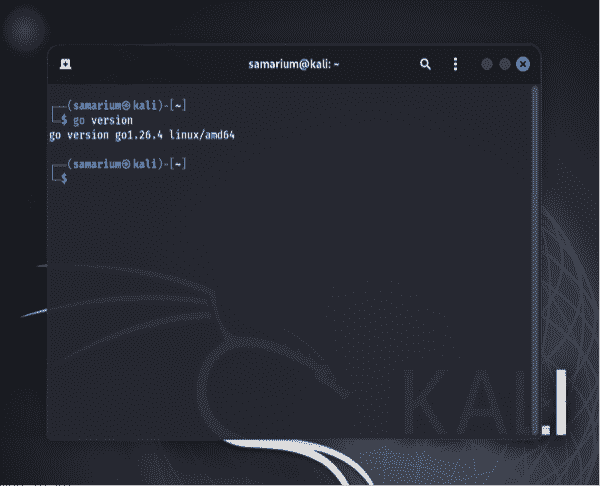
Step 2: Install Scilla
- Download and install Scilla from its GitHub repository using the following command.
go install github.com/edoardottt/scilla/cmd/scilla@latest
Step 3: Add Go Binary Directory to PATH
- If the
scillacommand is not recognized after installation, add Go's binary directory to the system PATH.
For Zsh users:
echo 'export PATH="$HOME/go/bin:$PATH"' >> ~/.zshrcsource ~/.zshrc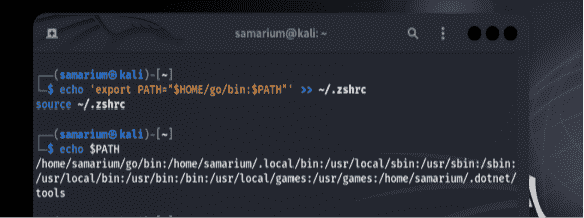
For Bash users:
echo 'export PATH="$HOME/go/bin:$PATH"' >> ~/.bashrcsource ~/.bashrcNote: This step is required only if the
scillacommand is not found after installation.
Step 4: Verify the Installation
- After the installation is complete, display the help menu to verify that Scilla has been installed successfully.
scilla --help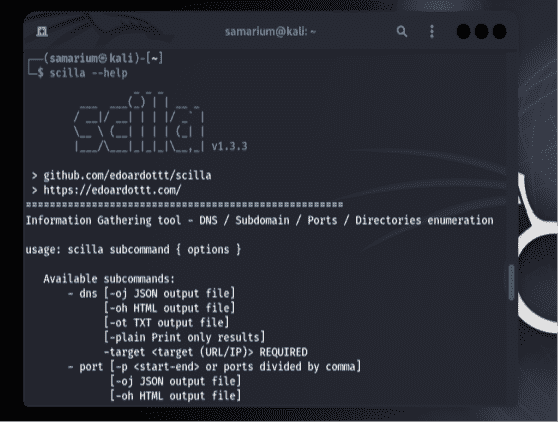
Working with Scilla
DNS Enumeration
- Use the following command to retrieve DNS information for the target domain.
scilla dns -target geeksforgeeks.org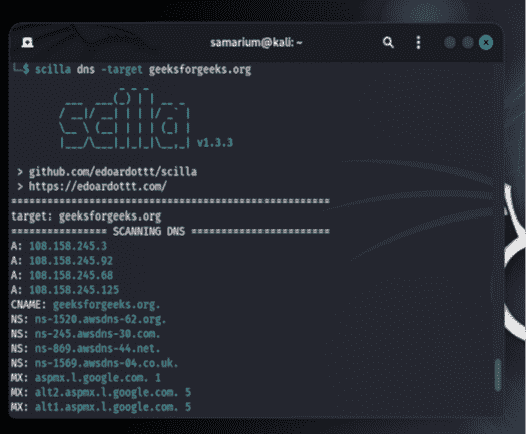
- This command performs DNS enumeration and displays DNS-related records for the specified domain.
Subdomain Enumeration
- Run the following command to discover subdomains using a wordlist.
scilla subdomain -w /usr/share/wordlists/dirb/common.txt -target geeksforgeeks.org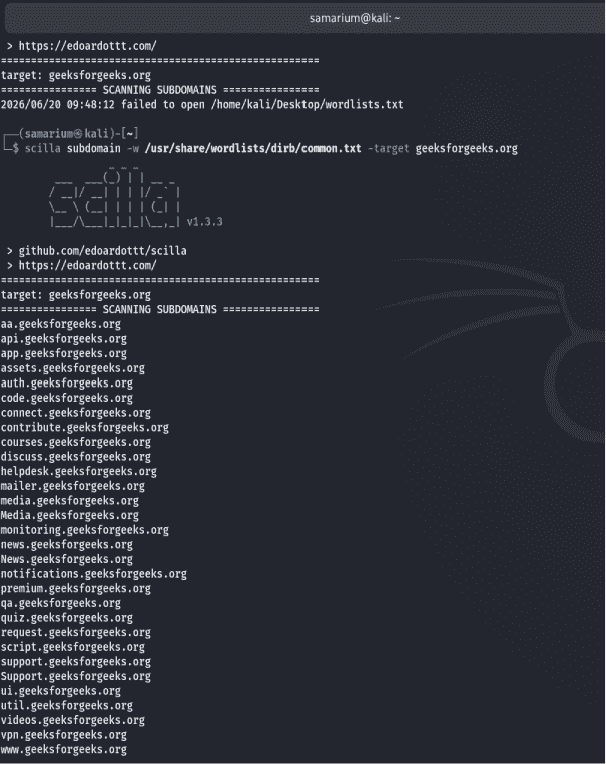
- This command performs subdomain enumeration using the provided wordlist and displays the discovered subdomains along with their HTTP status codes.
Directory Enumeration
- Use the following command to find directories on the target website.
scilla dir -w /usr/share/wordlists/dirb/common.txt -target geeksforgeeks.org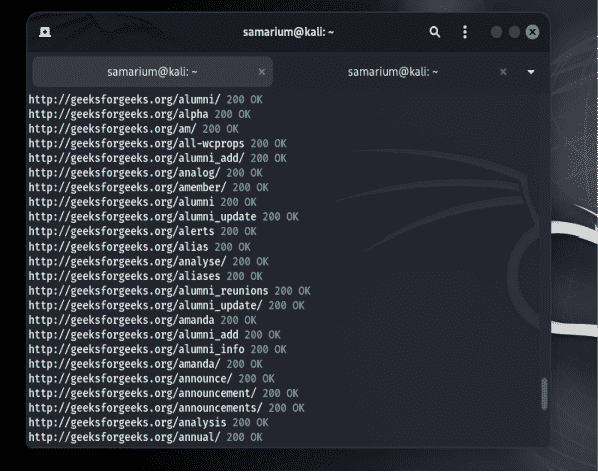
- This command checks common directory names from the wordlist and displays the directories discovered on the target domain.
Port Enumeration
- Run the following command to scan the target for open ports.
scilla port -target geeksforgeeks.org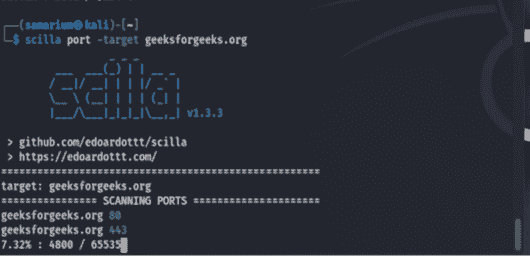
- Scilla scans the target for open ports and displays the ports that are accessible.
Report Generation
- Generate a reconnaissance report using the following command.
scilla report -p 80 -target https://www.geeksforgeeks.org/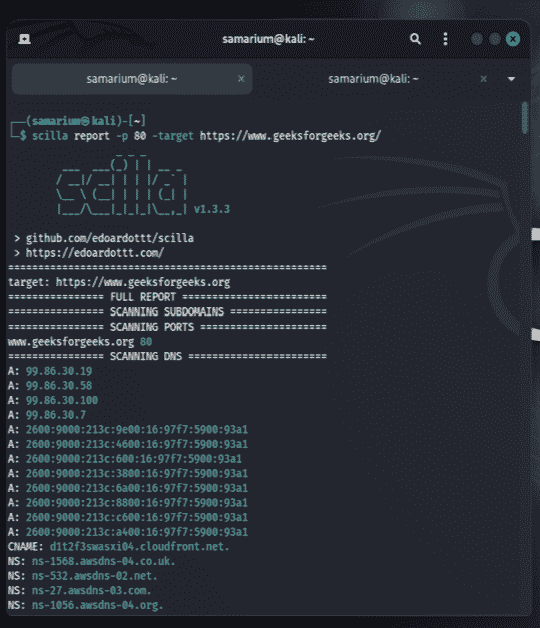
- This command generates a report containing the results of the performed reconnaissance scans, making it easier to review the collected information.
