

We’re using a free lab on TryHackMe, a hands-on cybersecurity training platform that offers virtual machines for safe ethical hacking practice. Below are the steps to solve the first lab:
Step 1: Start the Virtual Machine
- Click the "Start Machine" button. Here is the Link
- Go to the link and start the machine.
- Wait for some time till the machine starts.
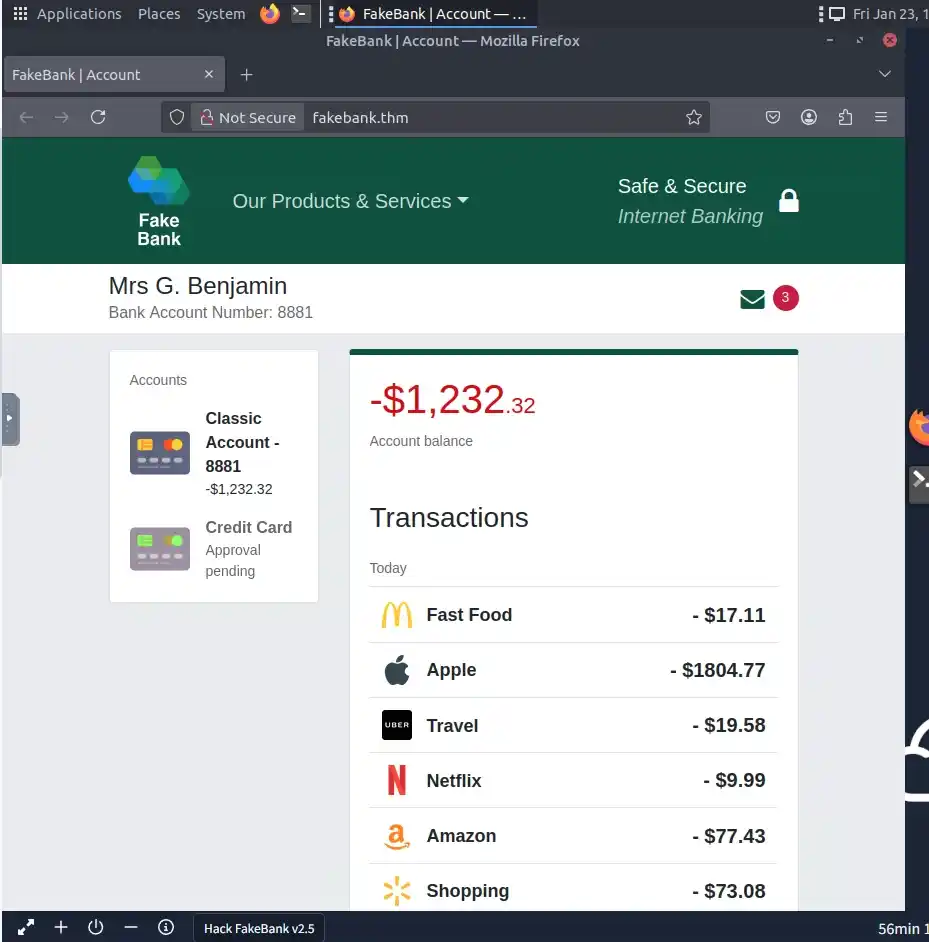
Step 2: Open the Terminal
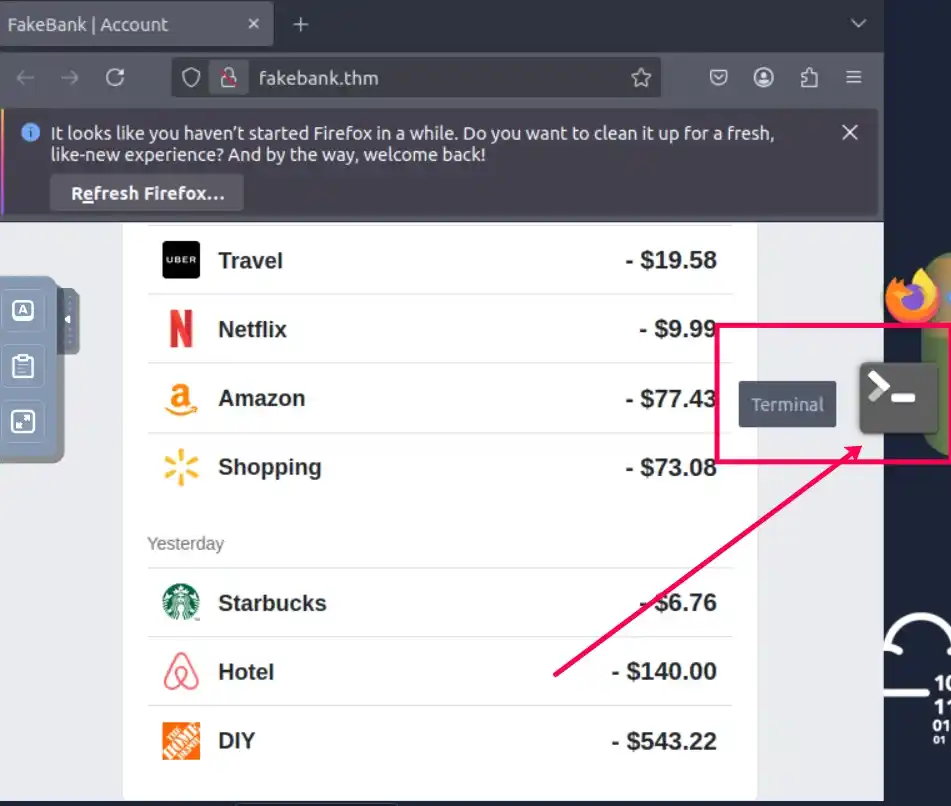
- On the left (VM screen), click the Terminal icon to open the command-line interface
Step 3: Run dirb to Find Hidden Pages
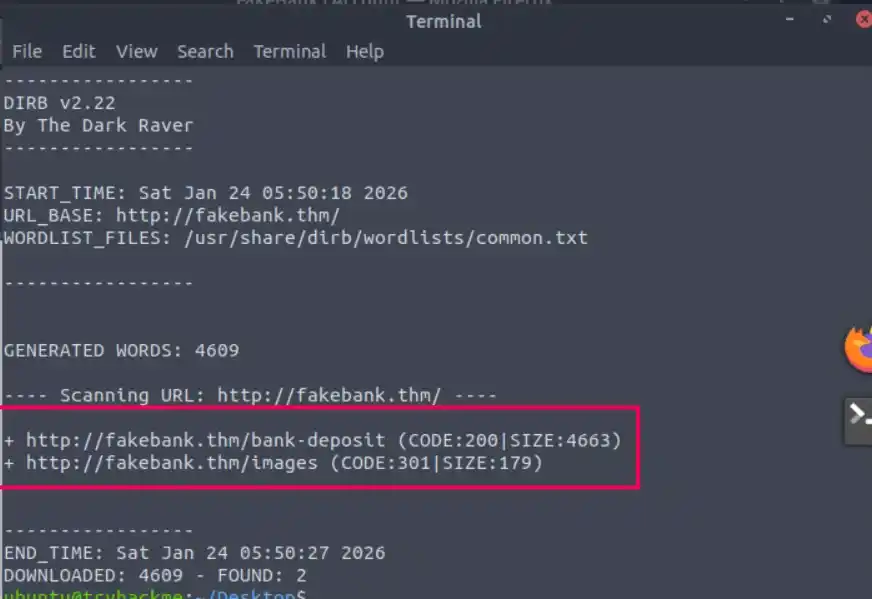
To find hidden URLs, we will use a tool called dirb. This tool uses a brute-force approach, by taking a list of potential page names and testing one by one if they exist in your website.
- Type the command:
dirb http://fakebank.thmThis will scan the site and reveal hidden paths like:
Output:
Step 4: Visit the Hidden Pages in Browser
Use the browser in the VM to open the discovered pages:
- http://fakebank.thm/images: No useful info.
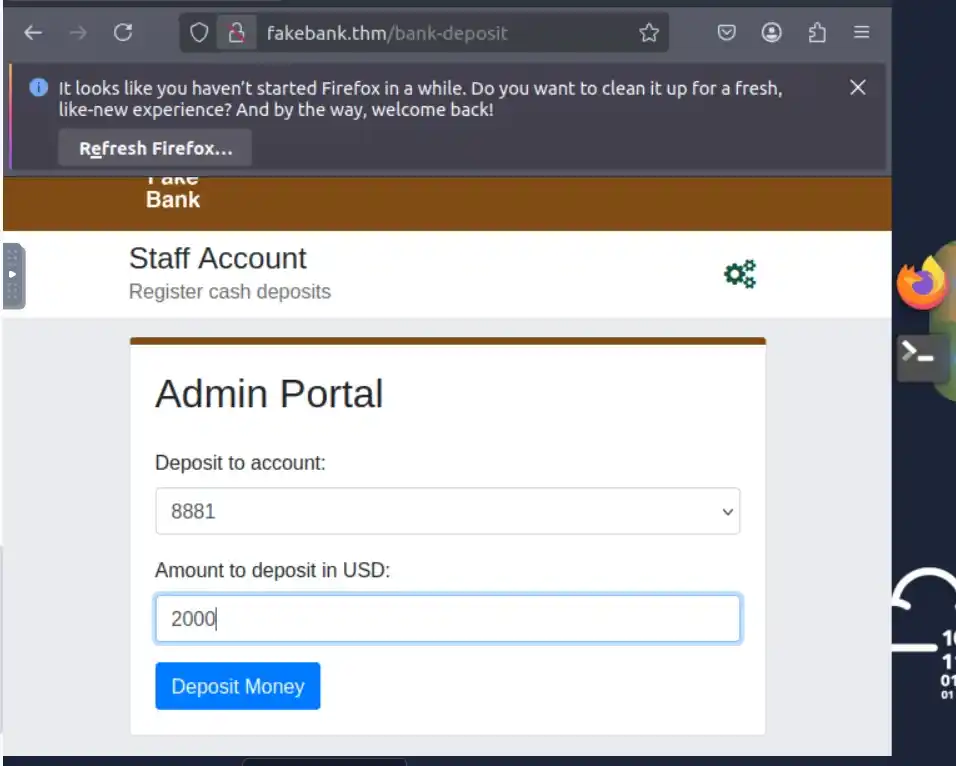
- http://fakebank.thm/bank-deposit: Admin Portal Page for money transfer.
Step 5: Perform the Bank Transfer
On the /bank-transfer page:
- Deposit to Account: 8881
- Amount to Deposit: $2000
- Click "Deposit Money"
Step 6: Verify Deposit
You’ll receive a message like: “Success, Deposit complete”
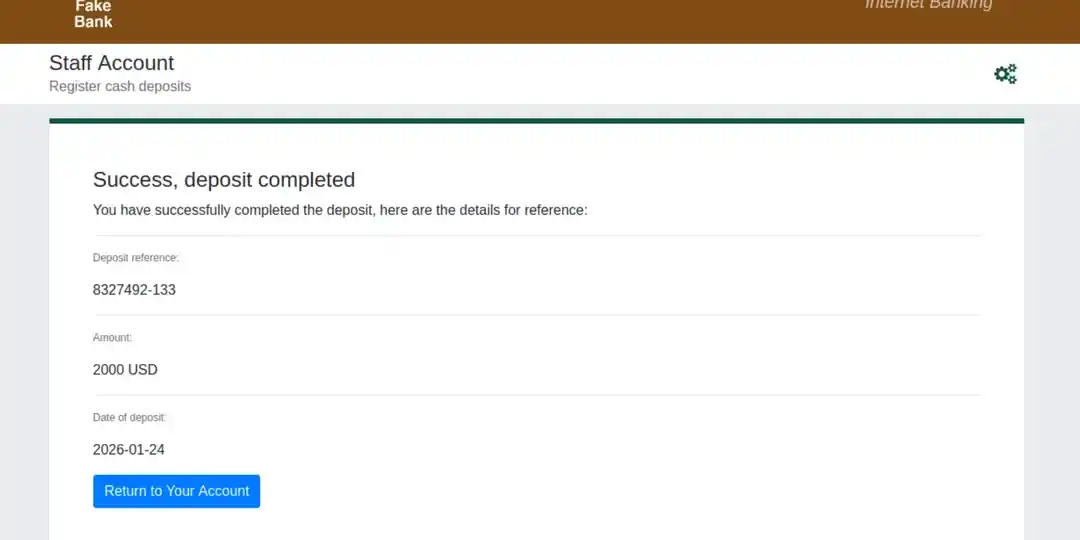
- Click “Return to Your Account”
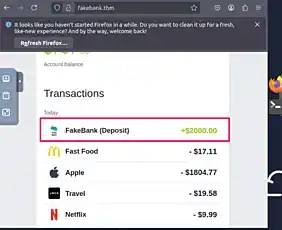
- On your account page, look above your balance for the flag.
This is a typical technique used in web penetration testing brute-forcing directories to find admin or sensitive pages. Always perform such tasks with permission in legal environments
