
Techdows

Windows how-to guides, fixes and software downloads

  • Home
  • Settings and hardware

    • Printers
    • Sound and microphone
    • Wi-Fi and network
    • Bluetooth
    • Display and monitors
    • Drivers
    • Keyboard shortcuts and symbols

    Using Windows

    • File Explorer
    • Storage and disk space
    • Taskbar, Start and desktop
    • Apps and default programs
    • Accounts and sign-in
    • Copilot in Windows
    • Command Prompt and PowerShell

    Updates and fixes

    • Windows Update
    • Windows 11 26H2
    • Error codes and BSOD
    • Boot, BIOS and recovery
    • Security and Defender
    • Task Manager and performance
    • DLL and runtime errors

    Popular fixes

    • Get help in Windows 11
    • Connect a wireless printer
    • Re-pair Bluetooth earbuds for stereo sound
    • Cancel a stuck print job
    • Change default programs

    All Windows guides →

  • Browse by type

    • Web browsers
    • Office and productivity apps
    • PC games and launchers
    • Phone and media apps
    • Developer tools
    • Creative apps
    • CAD software
    • System utilities and drivers

    Popular downloads

    • GTA V for PC
    • YouTube app for PC
    • Google Meet for PC
    • Cisco Packet Tracer
    • TikTok for PC

    Windows tools

    • PC Health Check app
    • HEVC Video Extension
    • DirectX 12
    • Cinebench R23

    All download guides →

  • Browser guides

    • Microsoft Edge
    • Google Chrome
    • Firefox
    • Web browsers for PC

    Microsoft Edge

    • Fix WebView2 using too much memory
    • Internet Explorer mode in Edge
    • Manage Edge favorites
    • Set or remove Edge as default

    Chrome and Firefox

    • Make Chrome the default browser
    • Restore closed tabs
    • Change the default web browser

    All browser guides →

  • Office guides

    • Outlook
    • Excel
    • Word and PowerPoint
    • OneDrive
    • Install Microsoft 365

    Meetings and other tools

    • Teams, Zoom and Google Meet
    • Google Docs and Sheets
    • PDF tools

    Office apps

    • Office product key
    • Office Deployment Tool
    • What is OneDrive?
    • Turn off OneDrive in Windows 11

    Outlook and Teams

    • Outlook inbox view changed
    • Schedule an email in Outlook
    • Outlook dark mode
    • Teams breakout rooms

    All Office and productivity guides →

  • PHP security

    • PHP2Shell patch download
    • PHP critical RCE security update
    • CVE-2026-109618 fix
    • CVE-2026-109619 explained
    • Mitigations if you can't update

    Update PHP

    • Update PHP to the latest version
    • Check your PHP version
    • Update PHP on Ubuntu and Debian
    • Restart PHP-FPM

    Hosting and local servers

    • Update PHP in XAMPP
    • Change PHP version in cPanel
    • Update PHP in Laragon and WampServer
    • Update PHP Docker images
    • WordPress PHP version check

    PHP downloads

    • PHP 8.5.12 download
    • PHP 8.4.27 download
    • PHP 8.3.36 and 8.2.35 download
    • Download PHP for Windows

    PHP2Shell by platform

    • PHP 8.3 fix on Ubuntu 24.04
    • PHP 8.1 fix on Ubuntu 22.04
    • PHP 8.2 and 8.4 fix on Debian
    • Update PHP on IIS
    • Cloudflare PHP2Shell WAF rule

    All PHP guides →

  • Sections

    • Gaming
    • Apple
    • Android
    • Apps and services
    • Developer and IT

    Apple

    • iPhone tips and fixes
    • Reset and restore iPhone
    • iPad
    • Mac and macOS
    • Apple Account and iCloud
    • Apple devices on Windows

    Apps, Android and gaming

    • Gmail and Google account
    • YouTube
    • Social media accounts
    • Streaming TV
    • Android and Samsung Galaxy
    • PC gaming and Xbox
    • Roblox and Minecraft on PC

    Developer and IT

    • WSL and developer setup
    • Virtual machines
    • Group Policy and Intune
    • Windows Server
    • Website error codes
  • News
Home›Windows

Windows

1,050 articles

Windows 11 and Windows 10 how-to guides, fixes and explainers, grouped by topic. Settings and hardware: printers, sound and microphone, Wi-Fi and network settings, Bluetooth, display and monitor settings, drivers, keyboard shortcuts and symbols and screenshots. Using Windows: File Explorer, storage and disk space, taskbar, Start and desktop, apps and default programs, accounts and sign-in, Copilot, Remote Desktop, media players and codecs, opening file types and Command Prompt and PowerShell. Updates and problems: Windows Update, Windows 11 26H2, Task Manager and performance, boot, BIOS and recovery, security and Defender, error codes and BSOD, DLL and runtime errors and Windows processes.

How to
Exit full screen in Windows 11 - dual monitors on a desk

How to exit full screen in Windows 11

November 5, 2026 by Philip Celasco Leave a Comment
Exit full screen in Windows 11 - dual monitors on a desk

Exit full screen in Windows 11 with F11 or Esc. Exit keys for Edge, Chrome, YouTube, games, Store apps and Windows Terminal, plus fixes when you are stuck.


Posted in: How to, Windows
How to
BitLocker recovery key - padlock for drive encryption

How to find BitLocker recovery key on Windows 11

November 5, 2026 by Philip Celasco Leave a Comment
BitLocker recovery key - padlock for drive encryption

Find your BitLocker recovery key on Windows 11 at aka.ms/myrecoverykey, a work account, USB drive, printout or PowerShell, then back it up and fix key ID errors.
Posted in: How to, Windows
How to
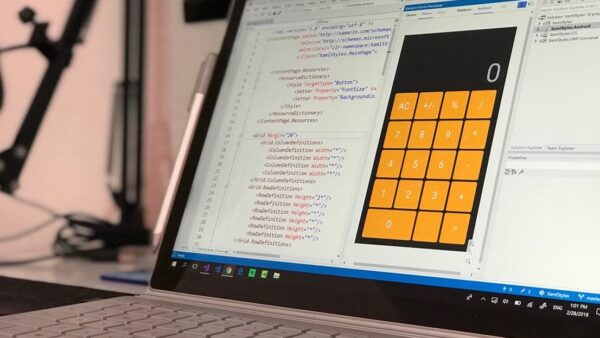
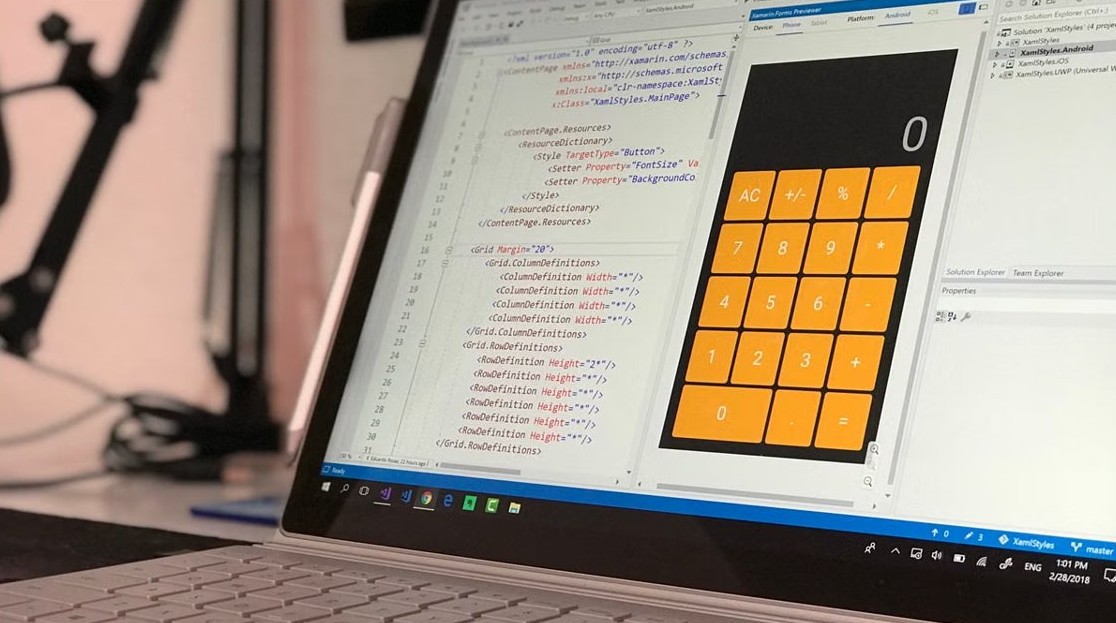
Edit Windows Registry with Reg.exe - code on a laptop screen

How to edit Windows Registry using Reg.exe in Windows 11/10

November 5, 2026 by Philip Celasco Leave a Comment
Edit Windows Registry with Reg.exe - code on a laptop screen

Edit the Windows Registry with Reg.exe in Windows 11/10: reg add, query, delete, export and import syntax, backups, remote edits and registry policy settings.


Posted in: How to, Windows
How to
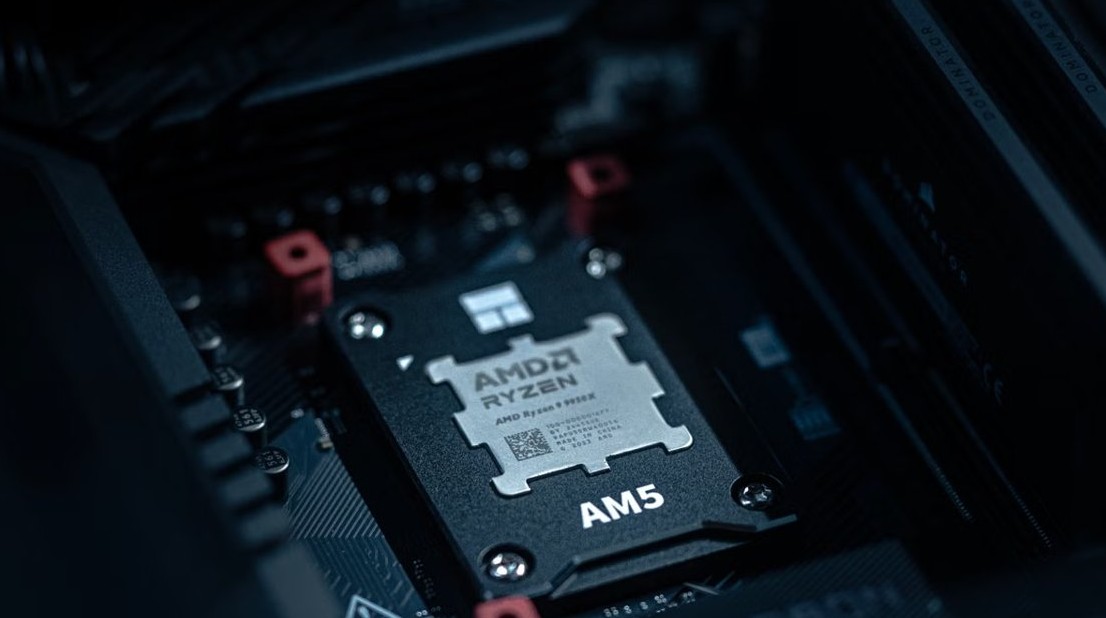
Host Process for Windows Tasks - system code on a computer screen

What is Host Process for Windows Tasks or Service Host in Windows 11

November 5, 2026 by Philip Celasco Leave a Comment
Host Process for Windows Tasks - system code on a computer screen

Host Process for Windows Tasks (taskhostw.exe) and Service Host (svchost.exe) are core Windows 11 processes. See what they run and fix high CPU or mic use.

Posted in: How to, Windows
How to
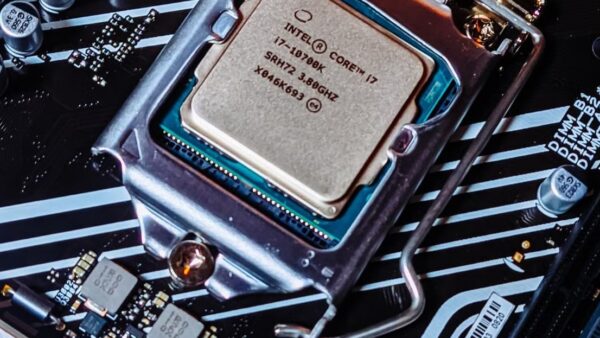
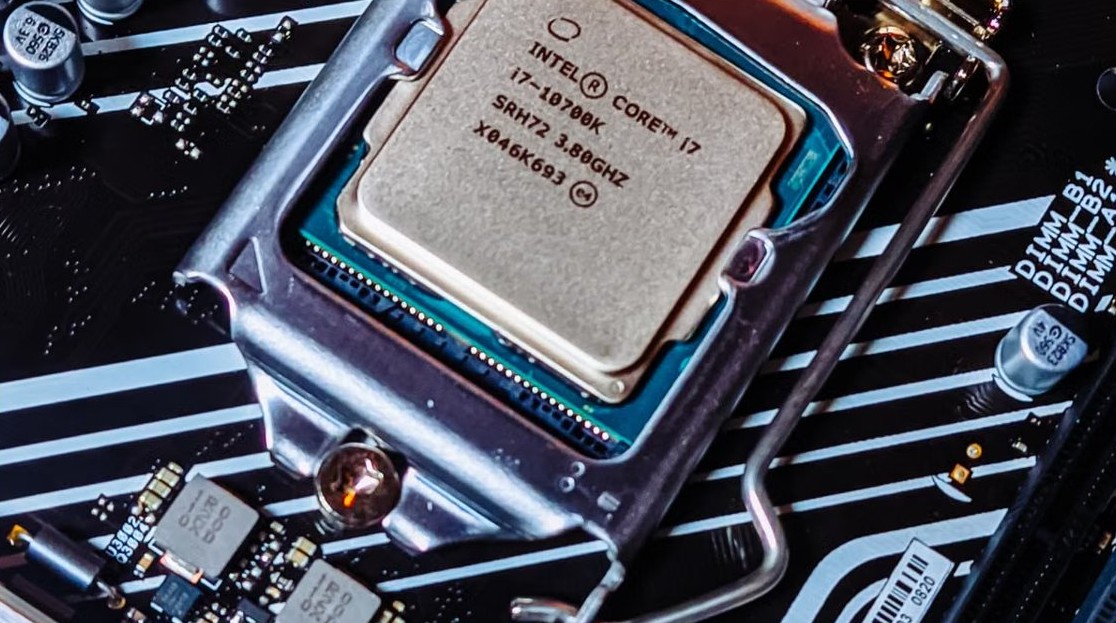
System Interrupts high CPU usage in Windows 10 - AMD Ryzen processor on a motherboard

How to fix system interrupts high CPU usage in Windows 10

November 5, 2026 by Philip Celasco Leave a Comment
System Interrupts high CPU usage in Windows 10 - AMD Ryzen processor on a motherboard

Fix system interrupts high CPU usage in Windows 10 and 11: restart, update drivers, turn off Fast Startup and Magic Packet wake, and find the faulty device.
Posted in: How to, Windows
How to
WMI Provider Host high CPU usage - processor on a motherboard

WMI Provider Host high CPU usage in Windows 11/10

November 5, 2026 by Philip Celasco Leave a Comment
WMI Provider Host high CPU usage - processor on a motherboard

Fix WMI Provider Host (WmiPrvSE.exe) high CPU usage in Windows 11/10: restart the WMI service, find the app sending the queries, and stop it for good.


Posted in: How to, Windows
How to
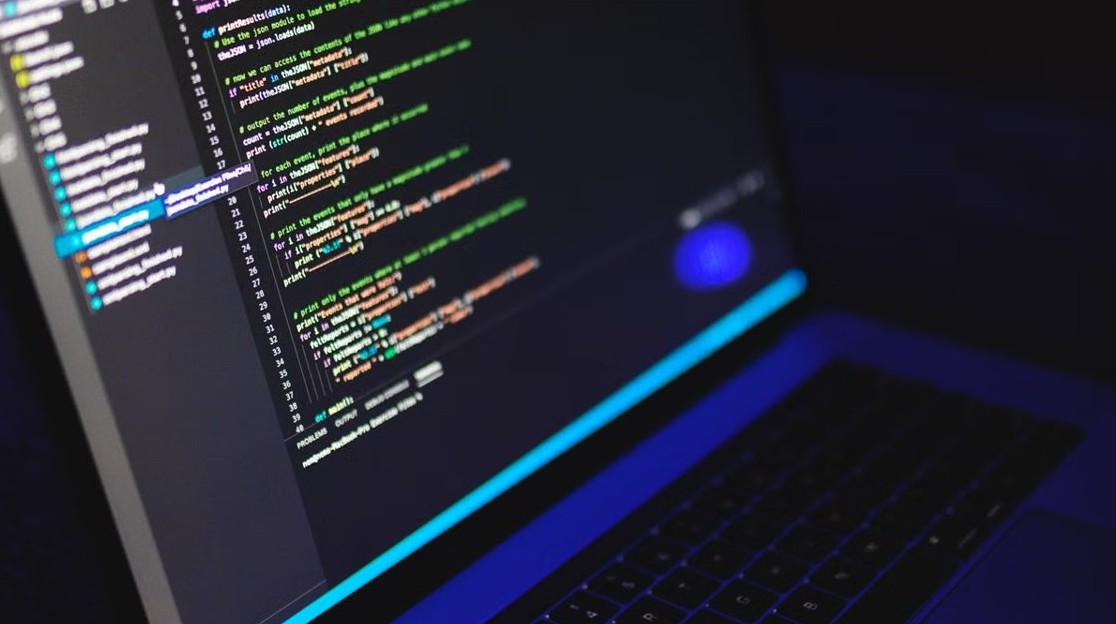
Run HTML code in Notepad - HTML code on a monitor

How to run HTML code in Notepad for Windows 11/10

November 5, 2026 by Philip Celasco Leave a Comment
Run HTML code in Notepad - HTML code on a monitor

Run HTML code from Notepad on Windows 11/10: type the code, save it as index.html with UTF-8 encoding, then open the file in Edge, Chrome or any web browser.
Posted in: How to, Windows
How to
Run Windows Terminal as administrator - code on a laptop screen

How to always run Windows Terminal as administrator on Windows 10

November 5, 2026 by Philip Celasco Leave a Comment
Run Windows Terminal as administrator - code on a laptop screen

Always run Windows Terminal as administrator on Windows 10 with the elevate setting or an admin desktop shortcut. Per-profile option, admin check and undo steps.

Posted in: How to, Windows
How to
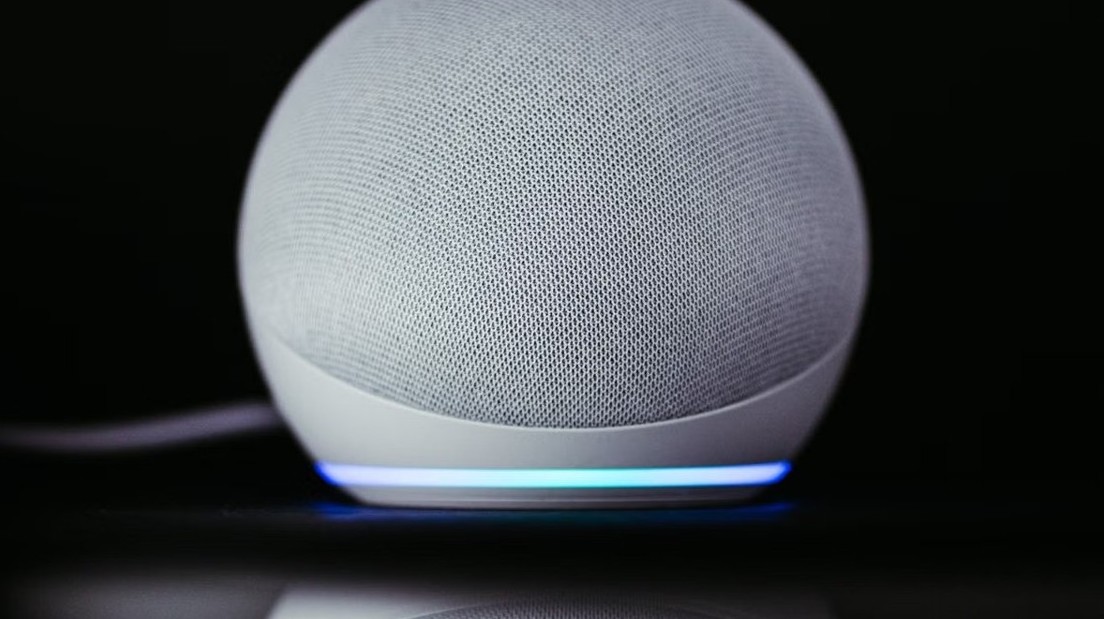
Connect Alexa to WiFi - Echo Dot smart speaker

How to connect Alexa to WiFi (step-by-step guide!)

November 5, 2026 by Philip Celasco Leave a Comment
Connect Alexa to WiFi - Echo Dot smart speaker

Connect Alexa to WiFi from the Alexa app: Devices, your Echo, Device Settings, Change or remove a Wi-Fi network. Echo Show steps, reset and fixes included.
Posted in: How to, Windows
How to
Apps not working in Windows 11/10 - laptop on a desk

Troubleshooting apps that aren’t working in Windows 11/10

November 5, 2026 by Philip Celasco Leave a Comment
Apps not working in Windows 11/10 - laptop on a desk

Troubleshooting apps that aren’t working in Windows 11/10: restart, update, repair or reset the app, run SFC, clean boot and reinstall, in the order that works.

Posted in: How to, Windows
How to
Set up Windows Hello on a local account - webcam on a laptop display

How to set up Windows Hello on a local account in Windows 11

November 5, 2026 by Philip Celasco Leave a Comment
Set up Windows Hello on a local account - webcam on a laptop display

Set up Windows Hello on a local account in Windows 11 with a PIN, fingerprint or face, keep a way back in if you forget the PIN, and see what a local account loses.
Posted in: How to, Windows
How to
Windows Installer patch MSP files - laptop on a desk

What are Windows Installer patch (.MSP) files? Can you remove them?

November 5, 2026 by Philip Celasco Leave a Comment
Windows Installer patch MSP files - laptop on a desk

Windows Installer patch (.MSP) files update MSI apps and sit in C:\Windows\Installer. Why deleting them breaks updates, and how to remove a patch safely.

Posted in: How to, Windows
« Previous 1 2 3 … 88 Next »

More from Techdows

Website keeps asking to enable cookies - privacy settings concept
Website keeps asking me to enable cookies but they are enabled? How to fix it
How to · 5 hours ago
Is your Mac too old to update - vintage iMac G3 on display
Is your Mac too old to update in 2026: ultimate guide
How to · 5 hours ago
AirDrop not working on iPhone - two iPhones on a MacBook
AirDrop not working after iOS 26 upgrade on iPhone? How to fix it
How to · 5 hours ago
Cannot verify server identity error on iPhone - silver iPhone on a white surface
Cannot verify server identity error on iPhone: how to fix it
How to · 4 hours ago
Put a PDF into Google Docs - typing on a laptop surrounded by documents
How to put a PDF into Google Docs: step-by-step guide
How to · 4 hours ago
Set CPU affinity for a program in Windows - AMD Ryzen CPU in its socket
How to permanently set CPU affinity for a program in Windows 11 or 10
How to · 3 hours ago
Export podcast as MP3 on Mac - MacBook Pro with a microphone and audio recorder
How to export a podcast episode as an MP3 file on Mac
How to · 3 hours ago
Compress a video in Windows 11 - video editing on a gaming laptop and monitor
How to compress a video in Windows 11
How to · 3 hours ago

© 2009–2026 Techdows · About · Contact · Privacy Policy

Copyright © 2026 Techdows.

Techdows WordPress Theme by Techdows