Improvement
Issue types and fields are available for personal accounts
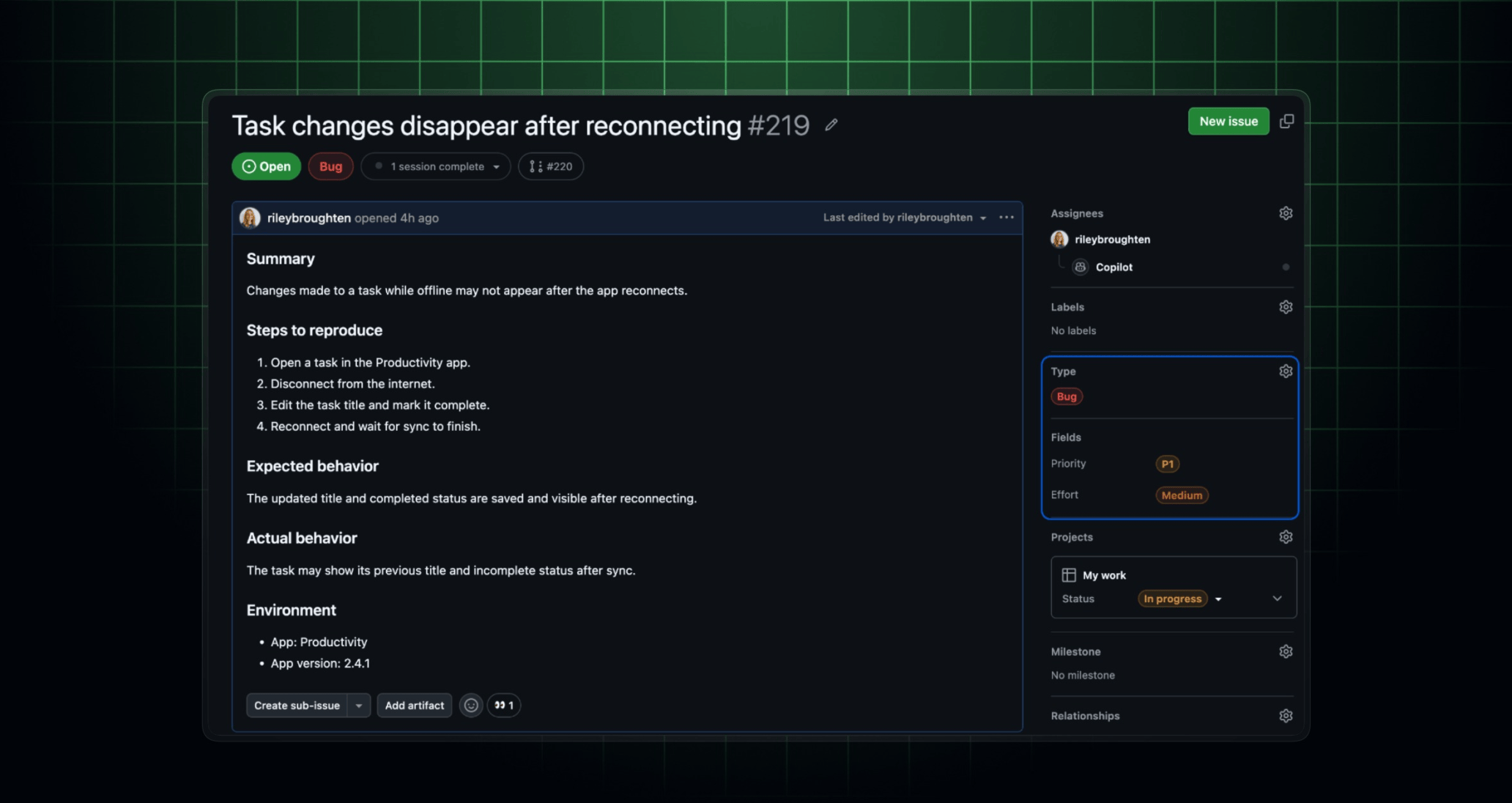
Issue types and issue fields are now generally available on repositories owned by personal accounts. This brings the same planning capabilities to individual developers and open source maintainers to standardize your workflows and organize issues across repositories.
Get started with issue types and issue fields
- Customize issue types: You can customize issue types from your personal account settings on the Issue types page under “Planning”. The defaults are Bug, Task, and Feature. You can customize them and create up to 25 issue types.
- Customize issue fields: You can customize issue fields from your personal account settings on the Issue fields page under “Planning”. The default issue fields are Priority, Effort, Start date, and Target date. You can customize them and create up to 25 issue fields, with support for text, number, date, single-select, and multi-select fields. You can also pin fields to issue types or make them available on issues without a type.
- Apply them to issues: You can set the issue type and fields when creating an issue or viewing an existing issue. You can also use them in projects to create custom views and perform bulk updates.
- Use the API to automate: You can use the REST and GraphQL APIs and webhooks to programmatically manage issue types and fields.
Learn more about managing issue types and managing issue fields.
Create labels and milestones from an issue
You can now create labels and milestones directly from an issue, without navigating to the repository’s labels or milestones pages. If a label or milestone doesn’t match your search criteria, you’ll be prompted to create one.
Join the discussion within GitHub Community.
